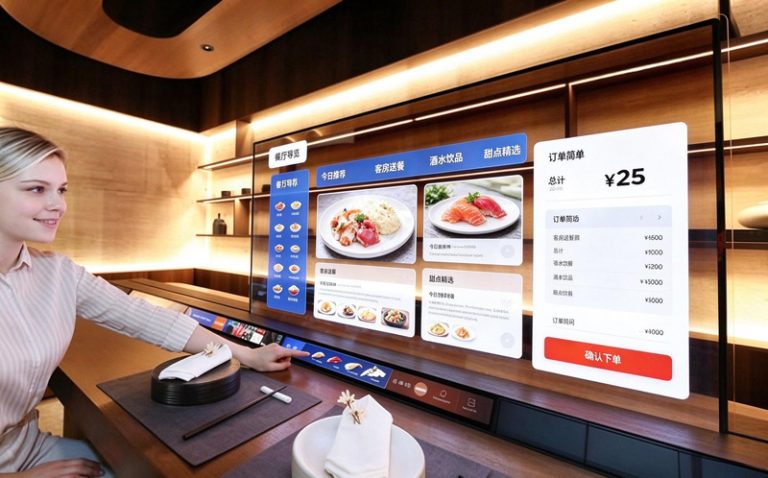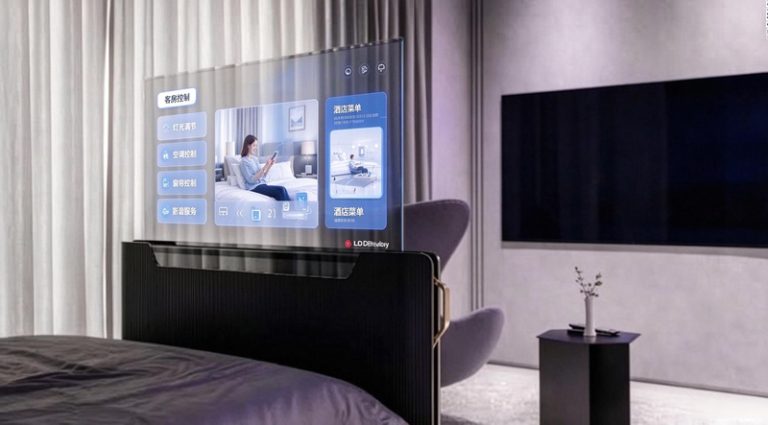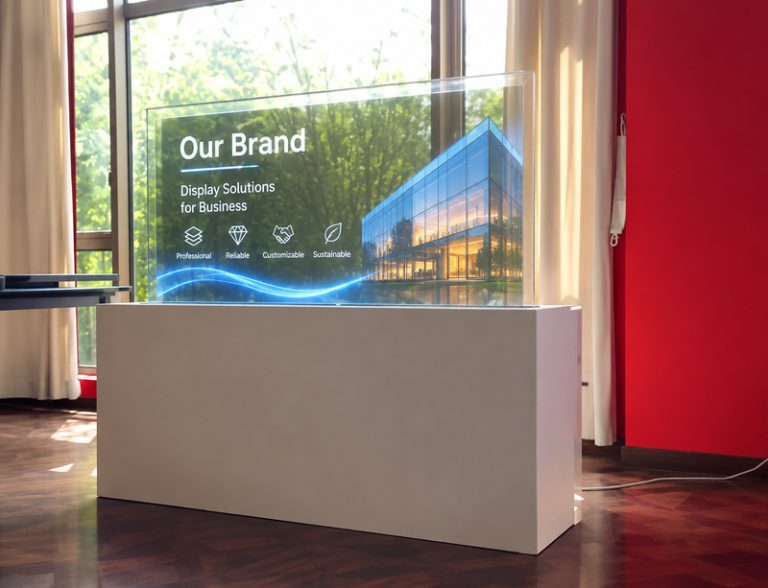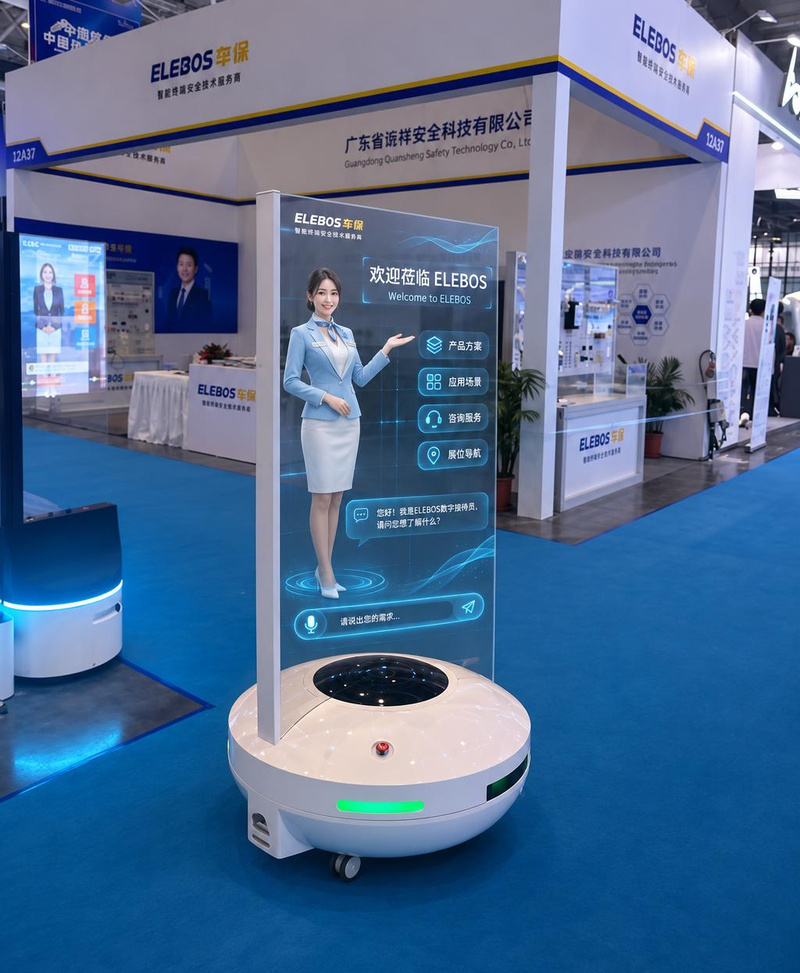

When a group arrives at a corporate showroom, some visitors look for the reception desk while others head toward the exhibits. A display at reception can show visitors where to check in. In the product area, a screen can draw their attention to the equipment in front of them. When planning transparent displays for showrooms, start with what visitors need to know at each stop, then decide what they should be able to see through the screen.
Place Transparent Displays for Showrooms Along the Visitor Route
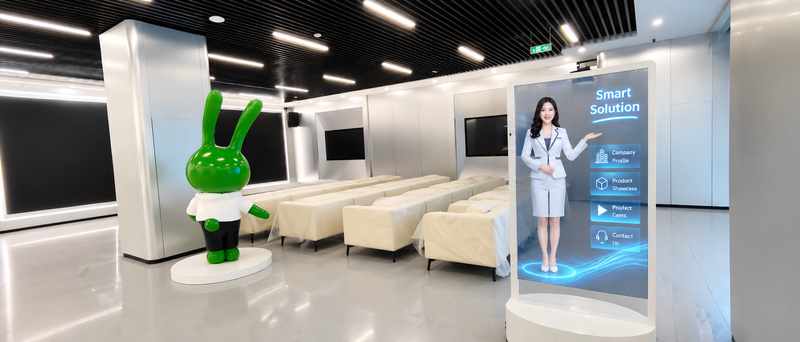
Reception — Show visitors where to start. A transparent OLED beside the reception desk can show a welcome message and check-in directions while keeping the desk or showroom entrance visible behind it. Put the most useful direction where visitors can see it as they enter. If people frequently walk behind the screen, read the text from the doorway and see whether it would be clearer against a more consistent background to one side.
Route junctions — Give visitors the next stop. When visitors reach a junction between two exhibit areas, they need to know which way to go. The display can show the exhibit area name and an arrow while leaving a view of the display the arrow points toward. During a trial, walk over from the preceding exhibit and check whether the arrow is clear before you reach the junction. If a group stopping to read would take up the passage, move the display farther back along the approach so visitors see the directions earlier.
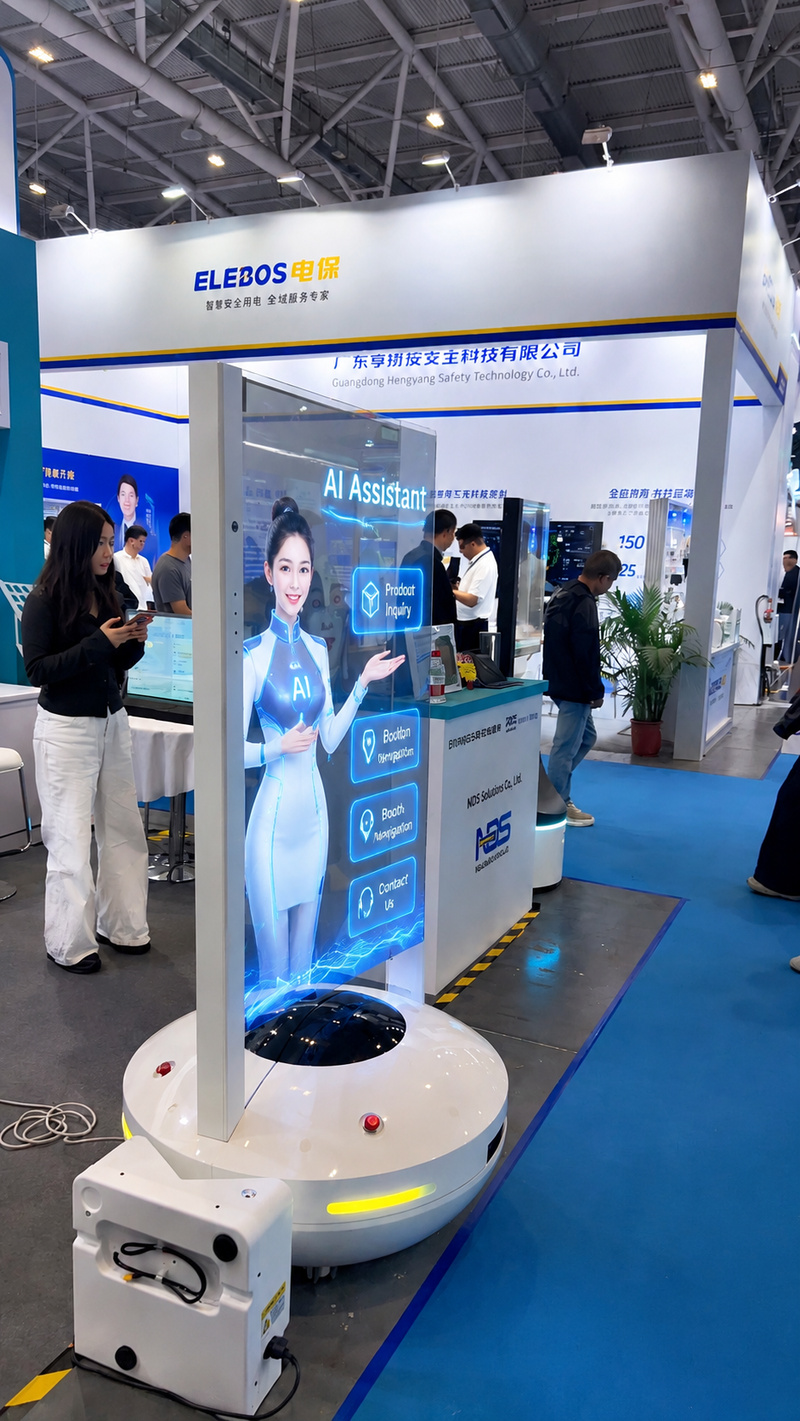
Product stations — Point to the equipment in front of the group. When showing a piece of industrial equipment, the screen can place a feature name beside it and direct visitors to a port or component. The guide can switch content as each feature is discussed. During a practice tour, stand where the group will gather. Check whether people at the front can see the equipment, whether those at the back can read the text, and where the guide can stand to point out the component.
Evaluate Interaction Where Visitors Need to Make a Choice
In a self-guided area, visitors could select a product series or read about a particular feature. If touch is needed, confirm during the quote stage whether the proposed model supports it and whether a person using the screen would block the exhibit from view. At a guided stop, staff can switch the content. Walk the route and note where visitors need to stop and interact and where a quick glance is enough.
Frequently Asked Questions
Can one display handle both reception and showroom directions?
Yes. If visitors check in and begin the tour at the same spot, put directions to the first exhibit area beside the welcome message.
Can a transparent display sit beside a walkway?
Try the proposed position and check whether people can read the message in time and where they would stand if they stop. Content that takes longer to read can go beside the exhibit.
What should we test first at a product station?
Play a feature description the guide will actually use. Run through the demonstration and check from the group’s viewing position whether visitors can match the description to the right component.
ZXT LCD designs and manufactures transparent OLED, flexible curved OLED, and transparent MicroLED displays for high-end retail, museums, and corporate showrooms. We support custom engineering projects. Share your application, target display size, ambient lighting conditions, and quantity, and our engineering team will get back to you as soon as possible. seethruoled.com