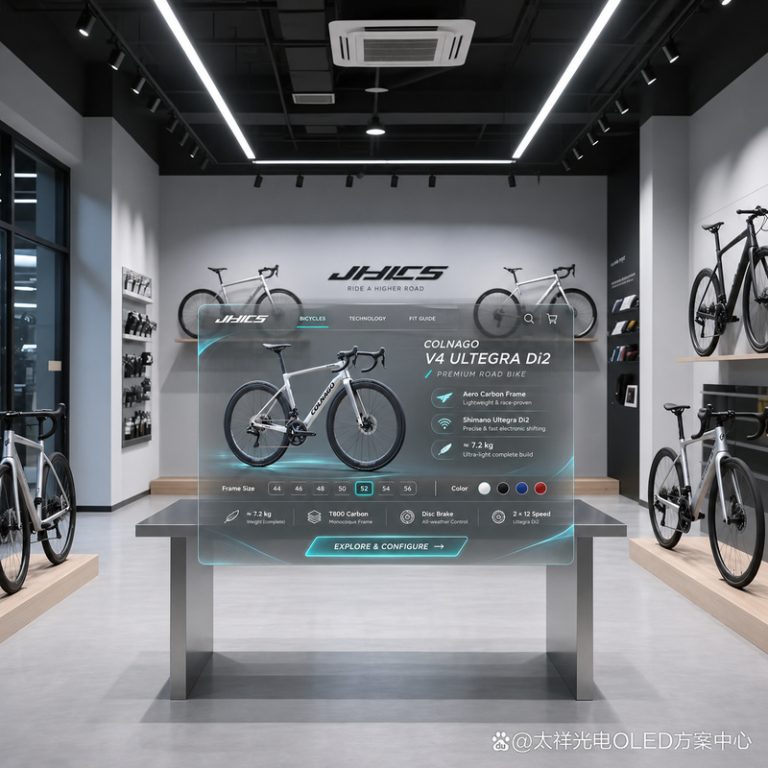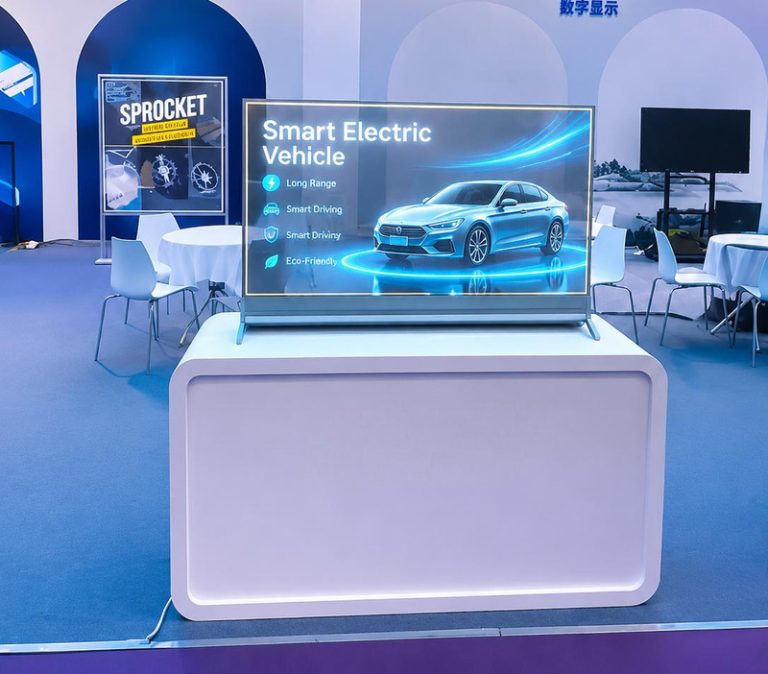

When comparing two transparent OLED spec sheets, buyers often start by marking the transparency, brightness, and resolution figures. In a sample test, those figures come down to two practical questions. Can viewers see the product clearly through the screen? Can they also read the text in front of it? Use both questions when reviewing the specifications and testing the display on site.
What to Check When Comparing Transparent Display Specifications
For transparency, check what was measured. Does the figure apply to the display module or to the complete unit with its cover glass? If the display case will add another layer of glass, include the planned glass in the sample test. Use the actual product or an object with a similar finish. Stand where customers usually stop and check whether they can still make out the bottle’s outline, label, and light-colored details.
Read the brightness figure alongside the test conditions. A spec sheet may list separate values for a fully lit screen and for a screen with only part of the image lit. A few lines of text in a storefront window and a full-screen light-colored poster place different demands on the display. Ask the supplier what image and display configuration were used for the measurement, then test the content you plan to show. When comparing two samples, use the same content and lighting and view them from the same position.
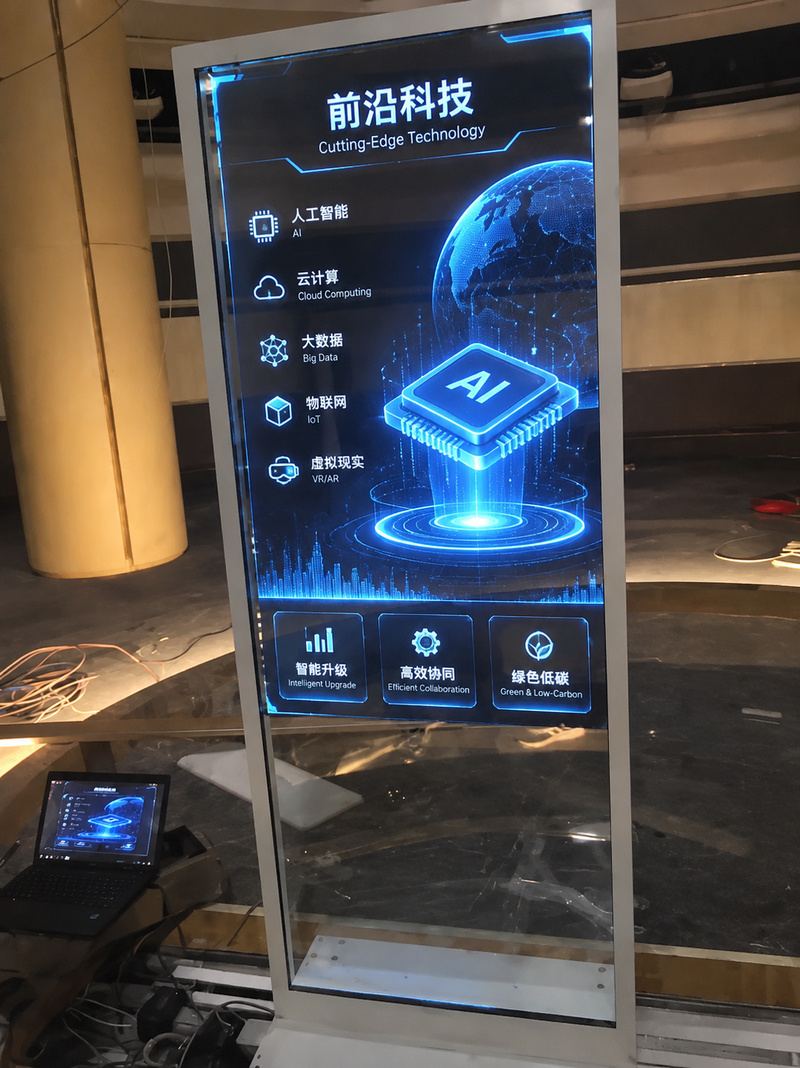
For resolution, test the smallest line of text. After checking the screen’s native resolution and the dimensions of the exported content, bring the actual text you plan to display, such as an exhibit number, an ingredient note beside a bottle, or a product label. From where visitors normally stop, see whether they need to step closer to read it. If small text is hard to read, try changing its size and placement on the same sample. Check the result before deciding whether to reconsider the display specifications.
Record each observation in one sentence. For example, “The bottle label is clear from the front, but from the side, the on-screen text overlaps the light-colored packaging.” Note the content, viewing position, and lighting so the team can repeat the test after changing the sample or layout.
Frequently Asked Questions
Does higher transparency make on-screen text easier to read?
Transparency mainly affects how clearly viewers can see the object behind the screen. Text readability also depends on the background behind it, reflections, and viewing distance.
Can I compare brightness figures from two spec sheets directly?
First check the test image, how much of the screen was lit, and whether cover glass was in place. Figures measured under the same conditions are easier to compare.
What should we check if there’s only time for one sample test?
Use the planned lighting and stand at the main viewing position. Check the most important detail on the object behind the screen and the smallest line of text you plan to display.
ZXT LCD designs and manufactures transparent OLED, flexible curved OLED, and transparent MicroLED displays for high-end retail, museums, and corporate showrooms. We support custom engineering projects. Share your application, target display size, ambient lighting conditions, and quantity, and our engineering team will get back to you as soon as possible. seethruoled.com