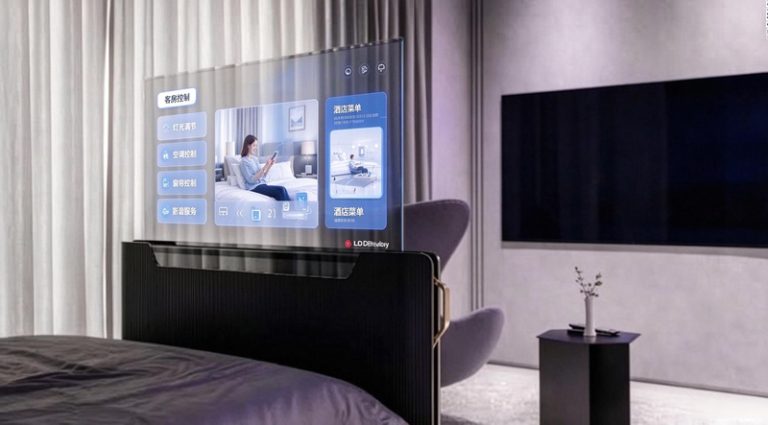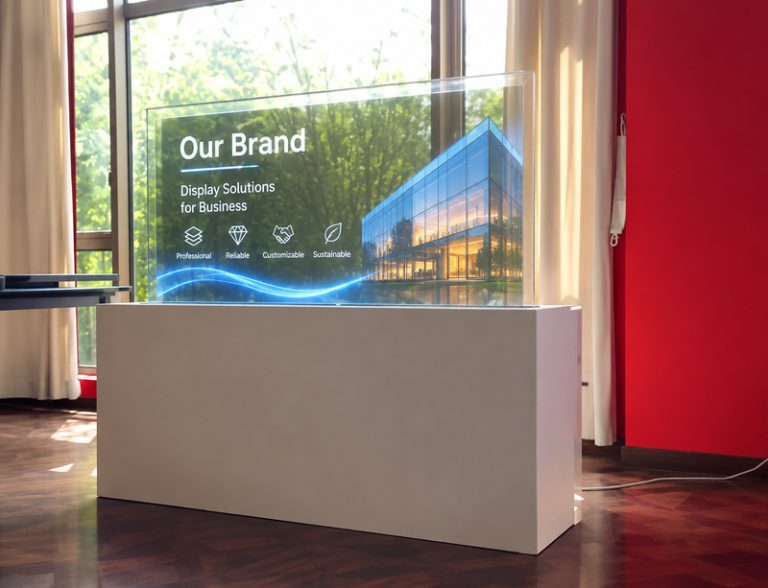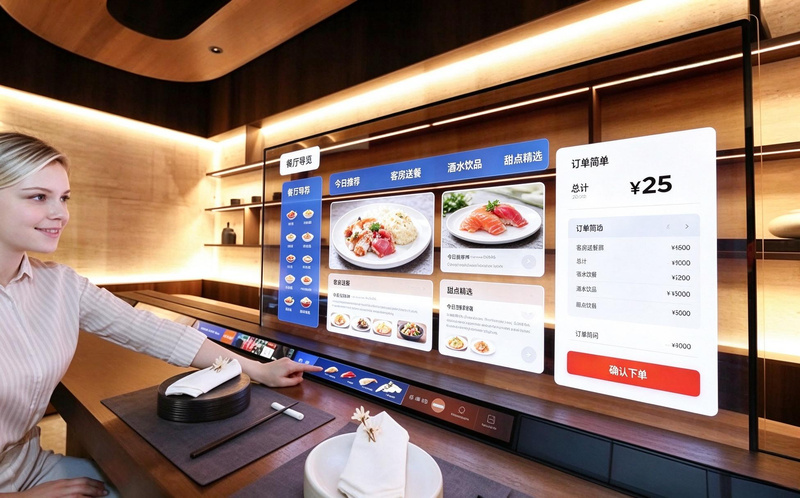

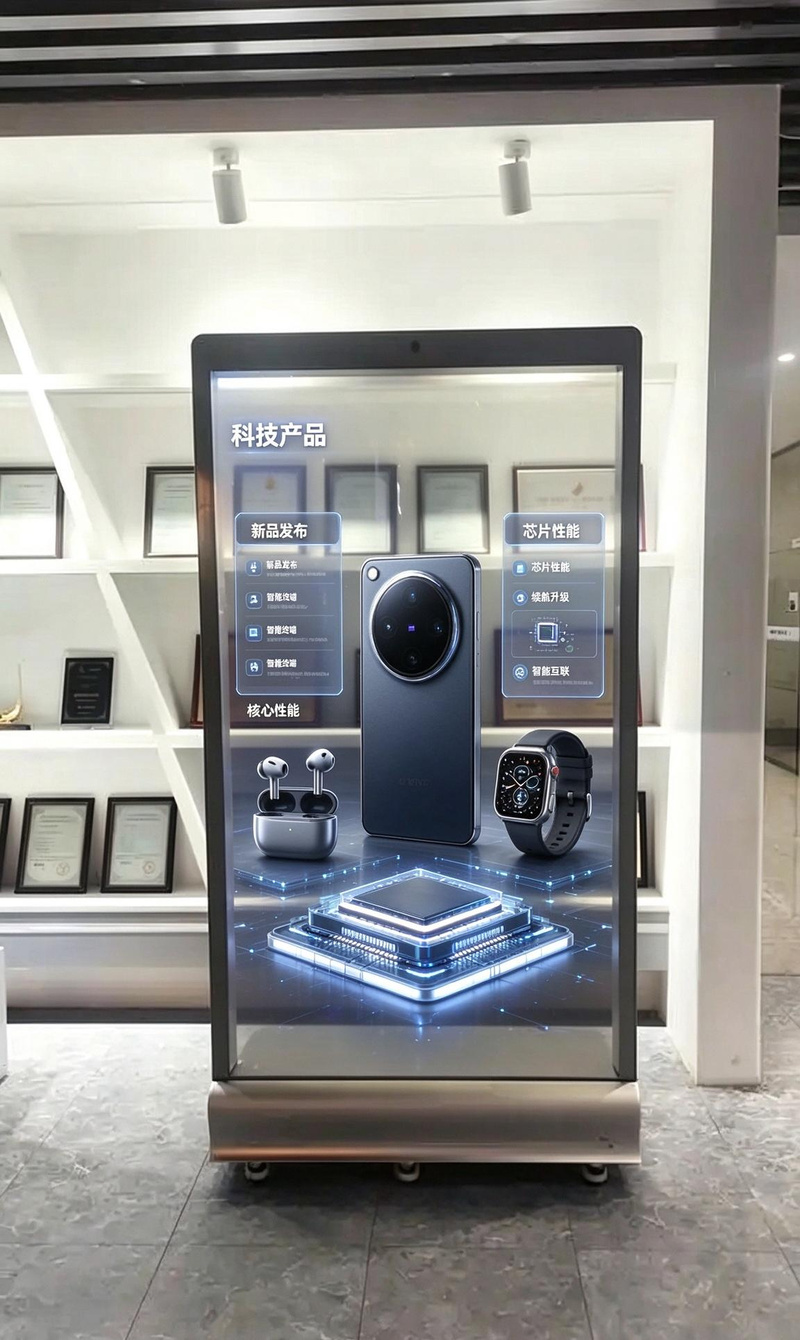
At a fragrance counter, shoppers often notice the bottle first. Then they want to know what it smells like and whether they can try it. Transparent displays for retail counters can place a short note about the fragrance beside the bottle. Once a shopper shows interest, a sales associate can hand them a tester strip. The screen provides a brief introduction, and shoppers can sample, try on, or compare products at the counter.
Match Transparent Displays for Retail Counters to the Shopper’s Next Step
Fragrance counters — Give shoppers a starting point for sampling. In a row of bottles, use the screen to show the fragrance family or collection name for the featured product. Shoppers can match the description to the bottle at a glance. When the associate is ready to introduce another fragrance, switch to the corresponding content. Leave room on the counter for tester strips and access to tester bottles.
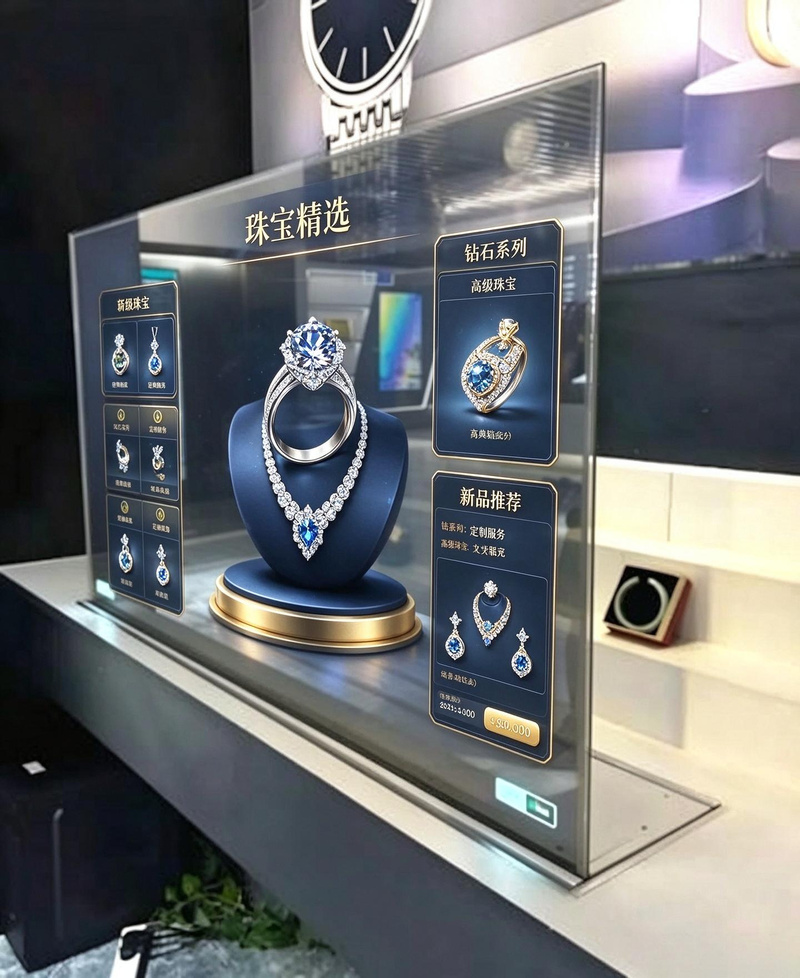
Jewelry counters — Draw attention to details worth a closer look. Shoppers may want to see how a stone is set, the outline of a pendant, or the finish on the metal. A short note beside the piece can point them to the relevant detail. During a test, lean over the case as a shopper would and check whether bright graphics or reflections obscure the jewelry. When customers want to compare pieces up close, the associate can take them out and continue the conversation.
Watch counters — Help shoppers identify the watch they want to see. If a collection includes several watches, rotate through simple details about each featured piece, such as dial color or strap material. Check from straight ahead and from the side to make sure the description lines up with the same watch. Review the position of the text whenever the watches are rearranged.
Leave Room for Staff to Handle the Merchandise
Before choosing a screen position, ask an associate to walk through a typical demonstration. Note which side shoppers approach from, where staff pick up testers, and where the conversation takes place. Seeing those movements helps the team choose a position for the screen. If shoppers will switch between product details themselves, confirm during the quote stage whether the proposed model supports the intended interaction. Use a sample to check whether someone operating the display would block the view of nearby products.
Frequently Asked Questions
Can one screen introduce several products on the same counter?
Yes. Present them one at a time in the order they appear on the counter. Check that shoppers can match the information on each page to the corresponding product before moving on.
Should the on-screen content be as bright as possible?
Test it under normal store lighting. If large bright areas draw attention first, reduce their size and check whether the product outline and text are both easy to see.
What can we show after a promotion ends?
Use the current collection name, material details, or a prompt to try a product. Whenever the merchandise changes, check that the screen still matches what is on display.
ZXT LCD designs and manufactures transparent OLED, flexible curved OLED, and transparent MicroLED displays for high-end retail, museums, and corporate showrooms. We support custom engineering projects. Share your application, target display size, ambient lighting conditions, and quantity, and our engineering team will get back to you as soon as possible. seethruoled.com