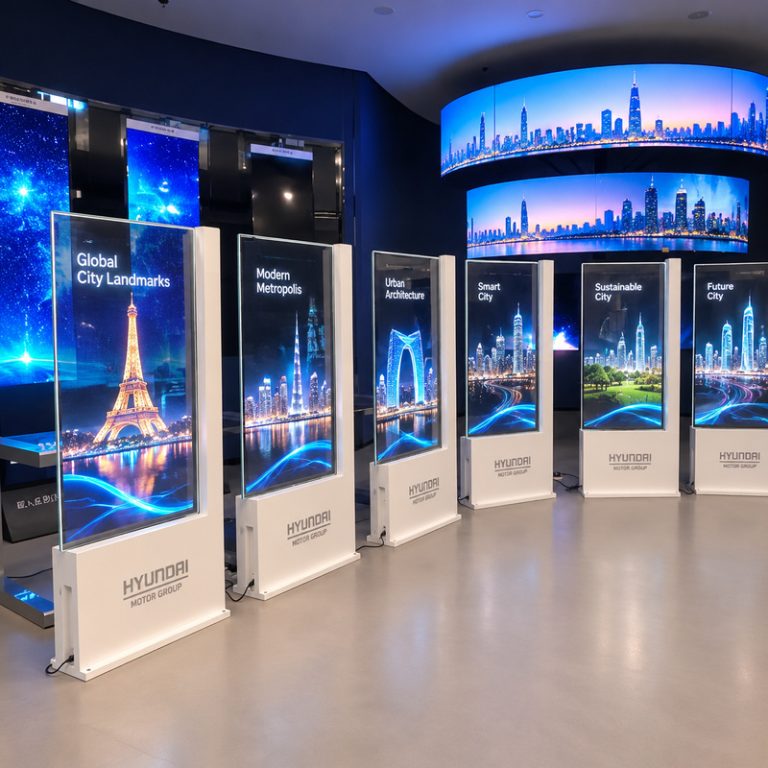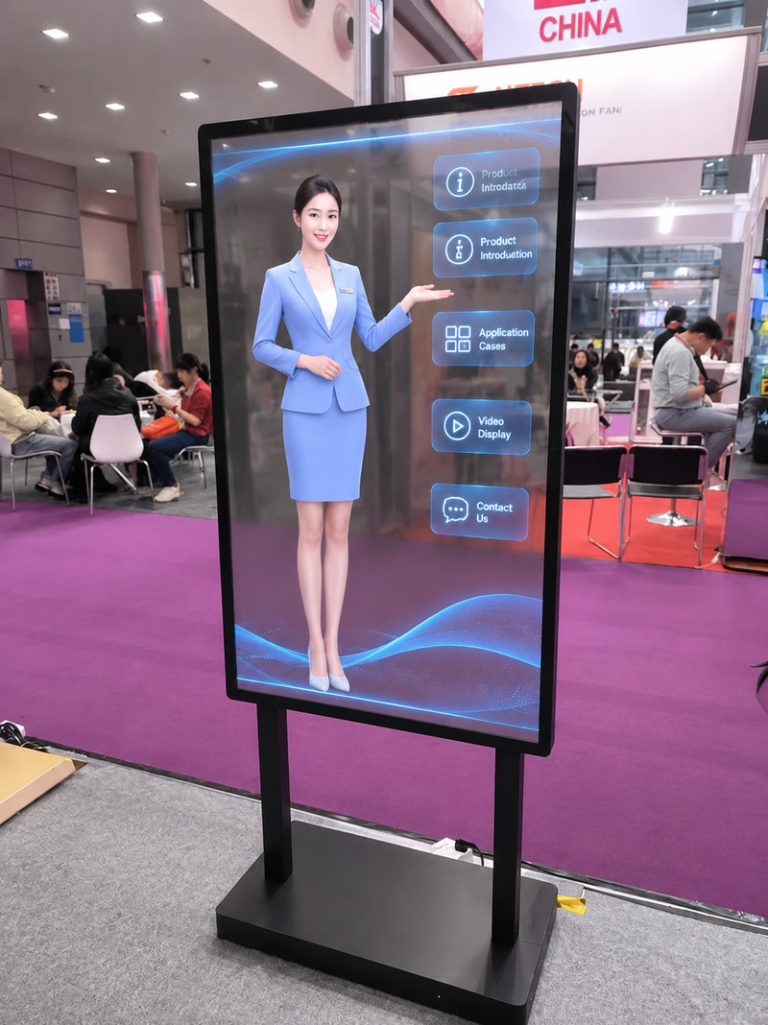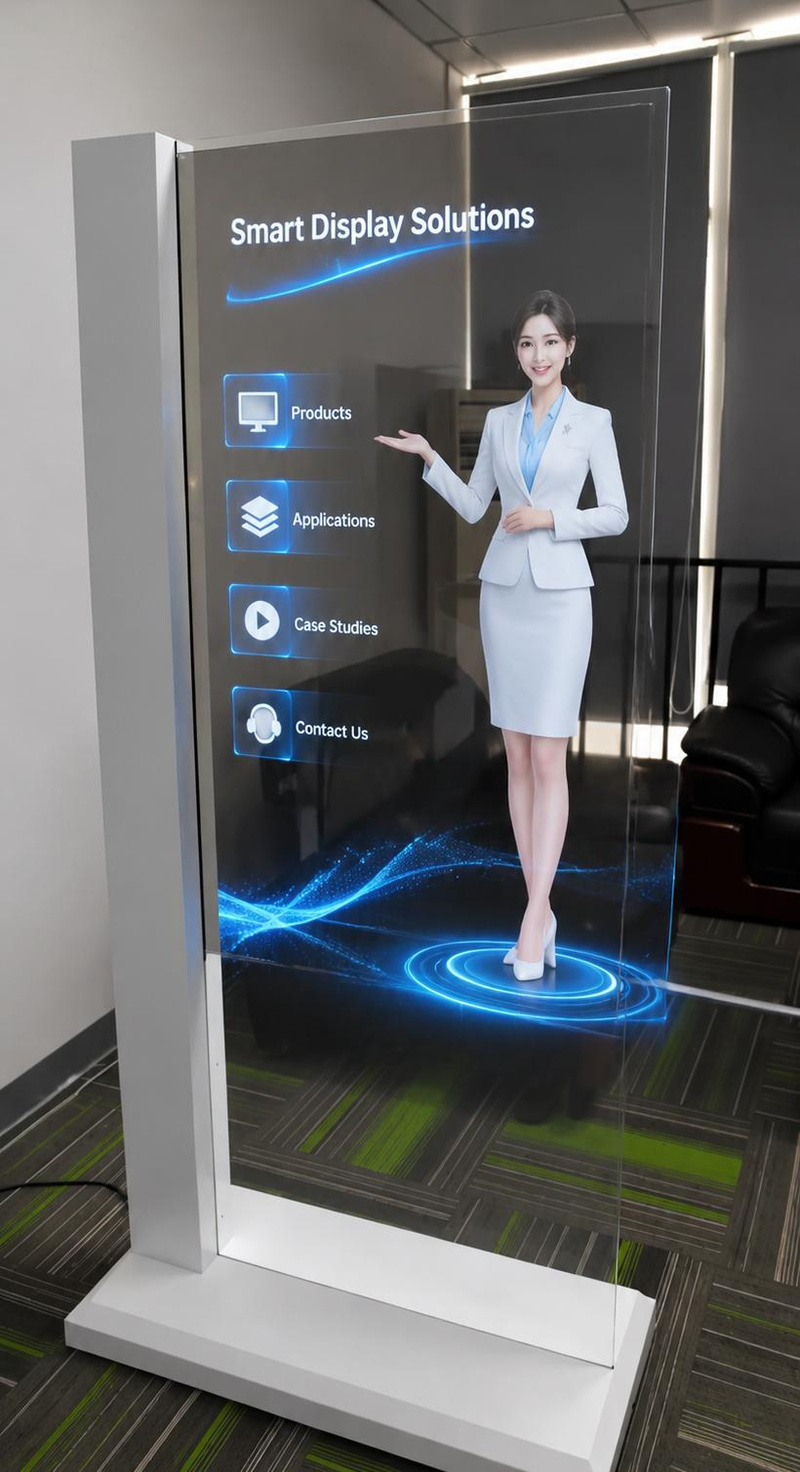

A transparent OLED display arrives and plays a video as soon as it powers on. What else should the buyer check? Text that reads clearly in a dim room may look washed out under normal store lighting. An exhibit that is clear from the front may be obscured by a reflection when viewed from the side. Transparent display acceptance testing can take place in two rounds. Check the delivery and basic display performance at unboxing, then verify the installed display under the agreed site conditions.
Round One of Transparent Display Acceptance Testing: Unboxing and Basic Display Checks
Check the unit identifier, quantity, and accessories. Inspect the glass, frame, and areas around the connectors for visible damage. If you find an issue, photograph the packaging, unit identifier, and affected area so the issue can be traced to the right unit.
In a dim room, play the agreed black, grayscale, and solid-color test images. Use the black image to look for unexpected bright points and the grayscale or solid-color images to check for visible patches, lines, or uneven brightness. If you see what looks like image retention, record where it appears, which test image reveals it, and whether it fades over time. Retest using the agreed images, viewing conditions, and acceptance criteria. If the project requires aging test records, check which unit or batch they cover.
Round Two: Play the Planned Content at the Installation Site
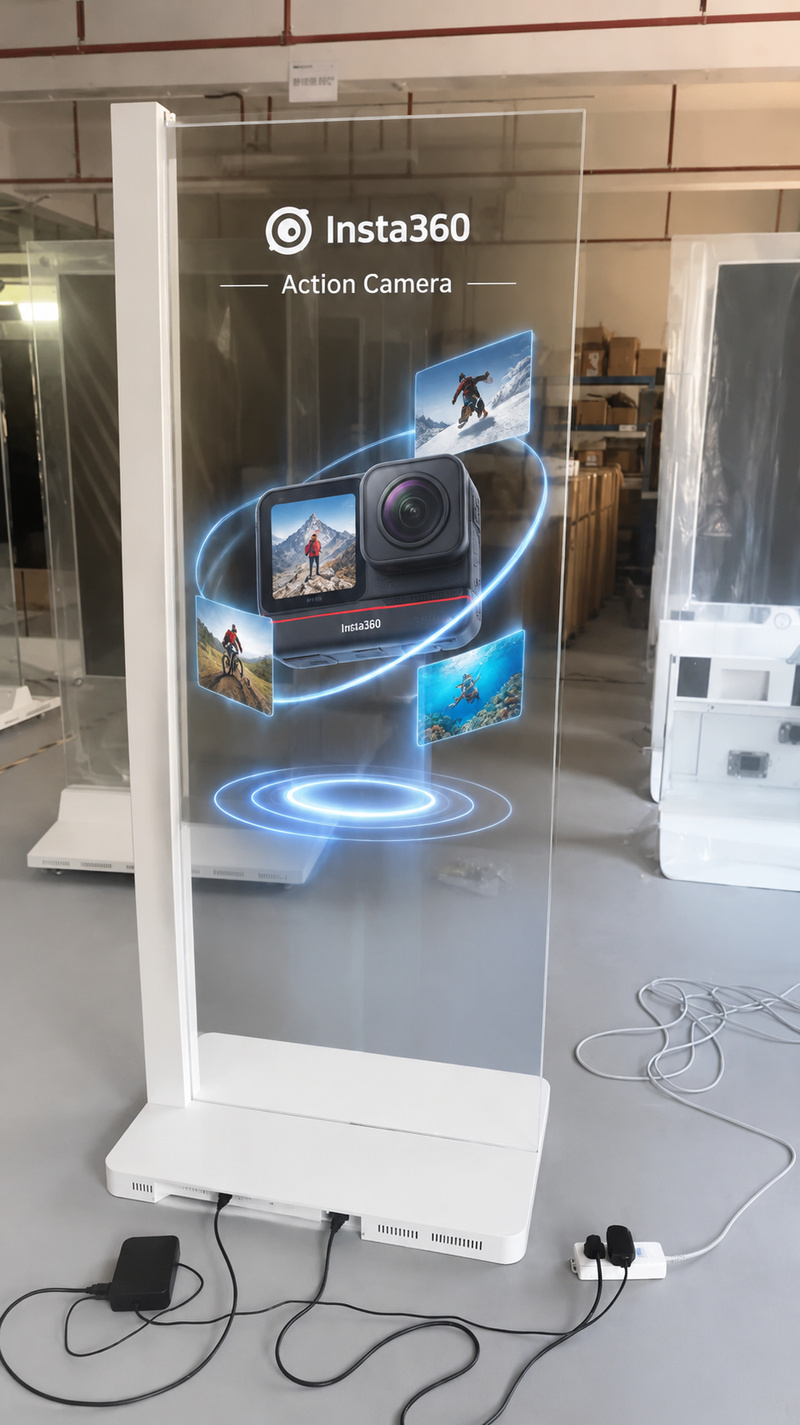
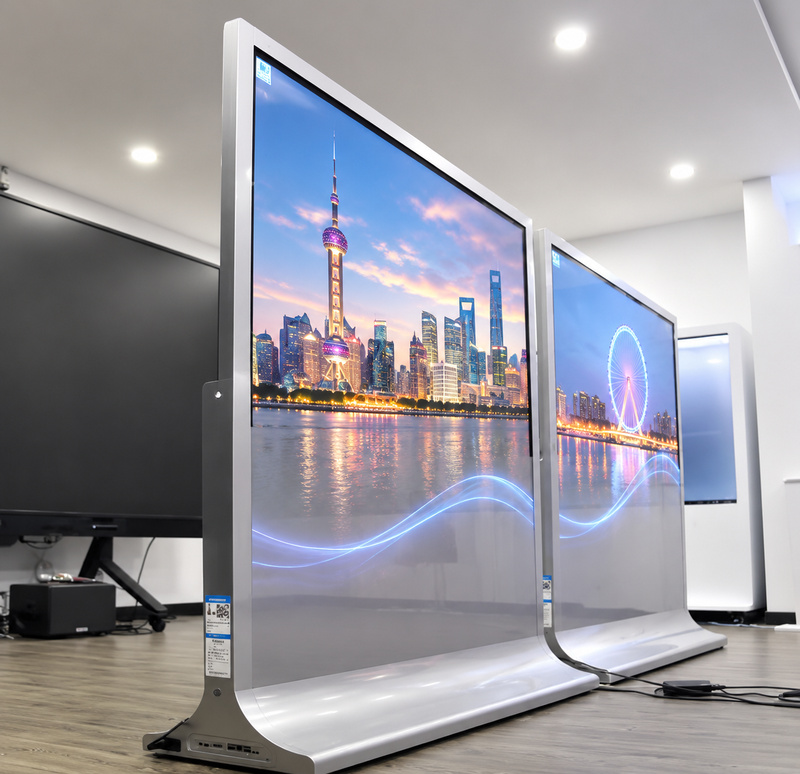
Put the exhibit in its planned position, turn on the normal retail or exhibition lighting, and play the content intended for launch. Check the view from straight ahead and from the main side angle. Look for the most important detail behind the screen, the smallest line of on-screen text, and any reflections that cross either area. If text is difficult to read, compare viewing positions and lighting with the same content, then record the conditions under which the issue appears.
If the order includes touch, use the actual interface to make a selection, return, and try several actions in succession. If network functions are included, verify the connection and those functions using the project configuration. Record the unit identifier, content version, viewing positions, and lighting on the acceptance form. Confirm receipt of the manuals, the warranty coverage, and the after-sales contact. For any item that needs correction, record who will address it and the conditions for retesting.
Frequently Asked Questions
Can we inspect the display before it is installed?
Yes. Check the exterior, accessories, and basic display performance first. Mark items that depend on final lighting, exhibit placement, or the site network for on-site verification.
Does one bright point mean the display fails inspection?
Reproduce it with the agreed test image and record its location. Apply the defect criteria in the purchase documents or those agreed by both parties.
Do we still need on-site testing if we have factory aging test records?
Factory records cover factory test conditions. On-site testing verifies exhibit visibility, text readability, and the features specified in the order after installation.
ZXT LCD designs and manufactures transparent OLED, flexible curved OLED, and transparent MicroLED displays for high-end retail, museums, and corporate showrooms. We support custom engineering projects. Share your application, target display size, ambient lighting conditions, and quantity, and our engineering team will get back to you as soon as possible. seethruoled.com