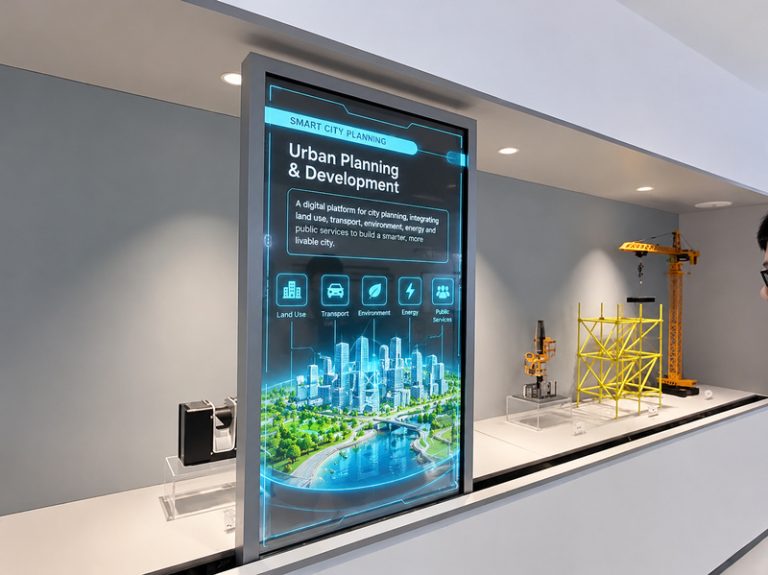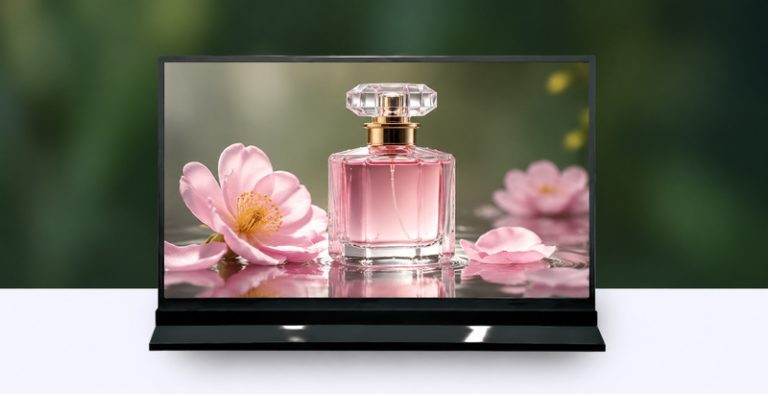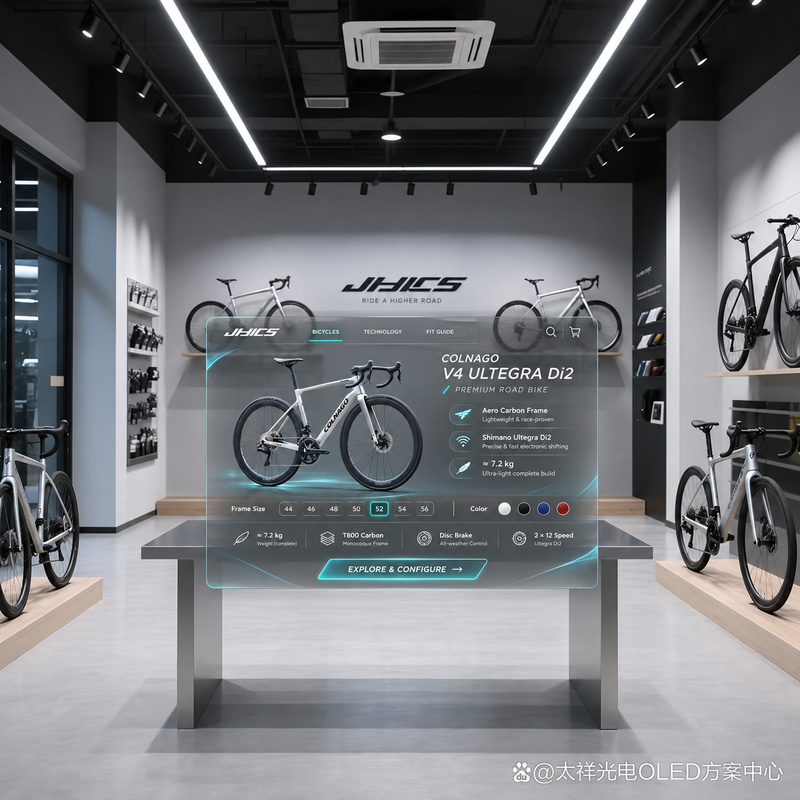

At a jewelry counter, a shopper sees two similar pendants and wants to know how their materials differ. If they can select a pendant, the display only needs to show a short material description before the sales associate brings out the piece. This is a useful task for evaluating touch interaction on transparent displays. The shopper knows what they want to do, and the team can see whether the control is easy to find and the information is easy to read after a selection.
Test Touch Interaction on Transparent Displays From Start to Finish
Ask someone who has never used the sample to stand where a shopper would and complete a task. Have them select the pendant on the left, read the description, and return to the product list. See whether they find the control right away, whether reaching for it blocks someone else’s view, and whether they can tell the screen registered their tap. If the button appears over a bright reflection on the jewelry, move it outside the product’s outline and try again. Check what the next shopper sees after the task is complete.
Include the Glass, Fingerprints, and Accidental Touches in the Trial
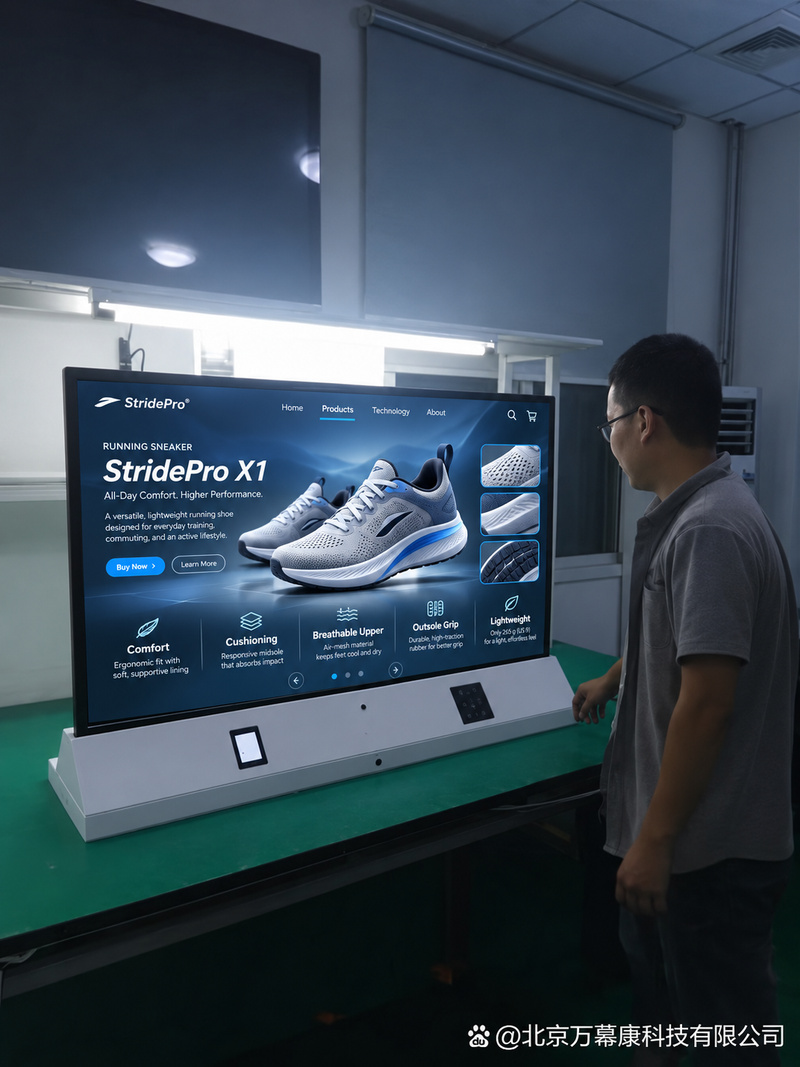
If shoppers will touch the outer glass of the case, explain how the glass and screen will be installed and ask the supplier whether the proposed touch configuration will work with that arrangement. On a sample that closely matches the final structure, have several people use the screen in succession. Then check from the main viewing position whether fingerprints affect readability. Try what happens when a shopper touches the glass while pointing at a piece of jewelry. Ask staff to run through their usual cleaning routine and confirm suitable cleaning methods with the supplier.

Evaluate Gesture Controls With People Passing Nearby
If visitors view the exhibit through glass and cannot easily reach the screen, ask whether the supplier offers a gesture option that suits the project. Include other shoppers and people walking past in the trial. Ask where gestures can be detected, which movements are supported, and how unintended inputs are handled when several people enter the area. If visitors only need to see a short notice, try an automatic loop first. If they need to select a style or language or open more details, test whether interaction makes that task easier.
Frequently Asked Questions
Do all transparent OLED displays support touch?
Touch support depends on the model and project configuration. ZXT LCD’s 55-inch mobile digital human OLED robot has 10-point capacitive touch. For a counter or display case, confirm the proposed unit and glass arrangement separately.
What if shoppers tap a button and think nothing happened?
Change the button color or show a clear selection indicator as soon as the tap is registered, then display the details. During the trial, see whether people tap repeatedly while waiting.
How should the display work at busy and quiet times?
Start with a simple home screen. People walking past should be able to see what is on display at a glance, and those who stop should be able to find where to interact.
ZXT LCD designs and manufactures transparent OLED, flexible curved OLED, and transparent MicroLED displays for high-end retail, museums, and corporate showrooms. We support custom engineering projects. Share your application, target display size, ambient lighting conditions, and quantity, and our engineering team will get back to you as soon as possible. seethruoled.com