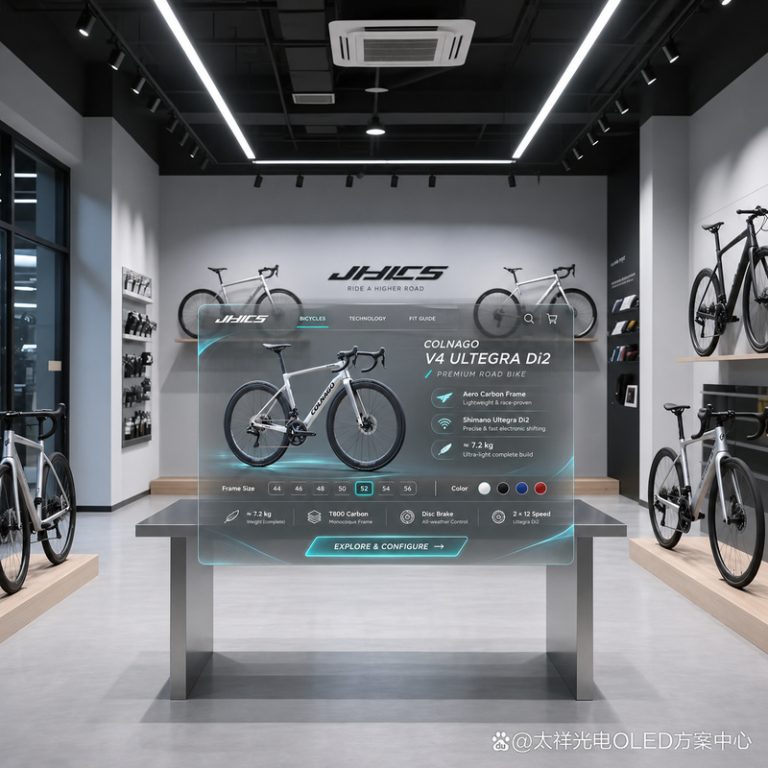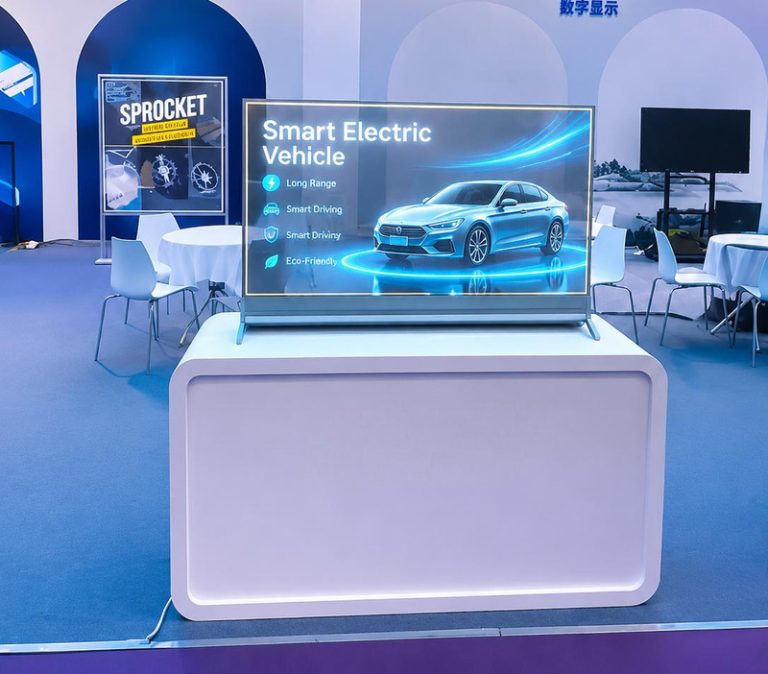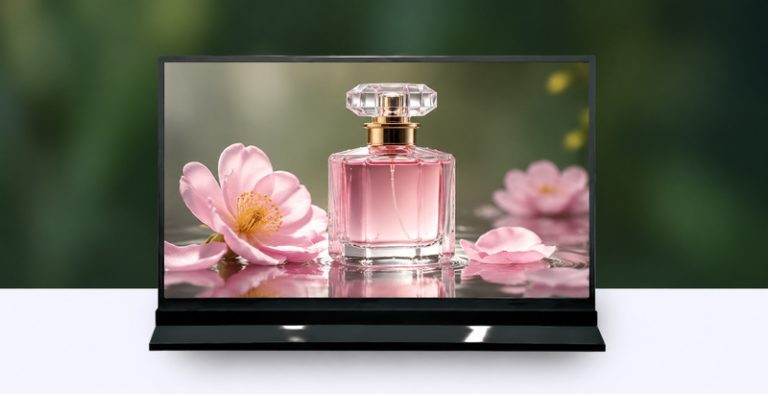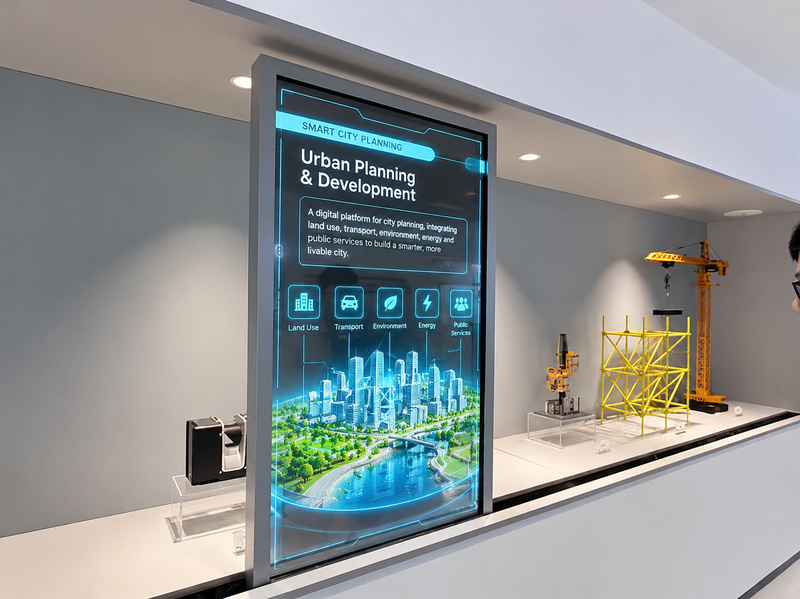

The watch inside the display case is easy to see, but the text on the screen looks washed out. Start by standing where customers usually stop. If a bright patch shifts as you move, look for a reflection from a light fixture or the glass. If the same text looks faded from several angles, check whether a brightly lit object or back panel sits directly behind it.
How to Adjust Ambient Lighting for Transparent Displays
Display cases — Aim the light at the product. Light the watch face or bottle from the side while keeping direct light off the area behind the on-screen text. Black areas on a transparent OLED screen let the objects and background behind the screen show through, so a bright back panel can make nearby text harder to read. If the case has an outer glass panel, close the door and check for reflections from both the case lighting and nearby fixtures.
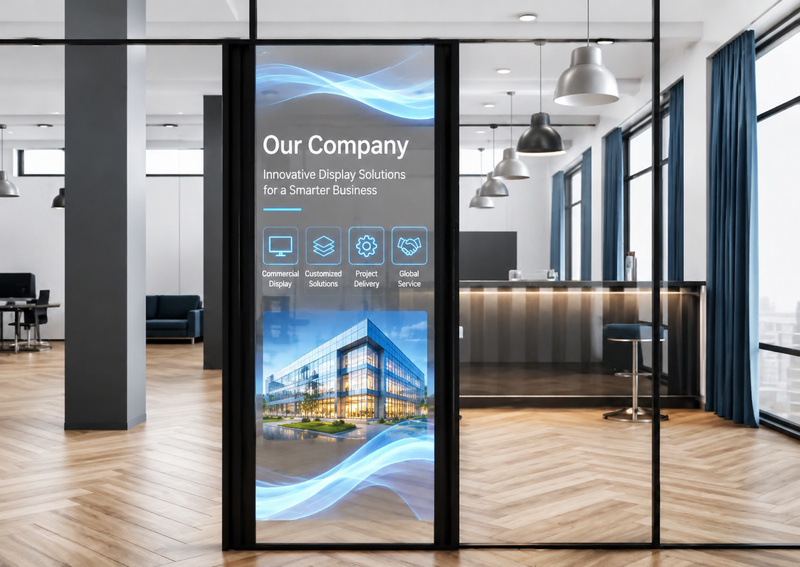
Storefront windows — Check the view from the sidewalk by day and by night. During the day, the sky and street may reflect in the window. After dark, lighting inside the store may become more visible in the glass. Play the same content and check it from where customers approach and where they stop. If a reflection covers the headline, try shifting or angling the screen before deciding where to place the text.

Showrooms — Follow the visitor route. A headline that reads clearly from straight ahead may overlap a bright part of a scale model when viewed from the entrance. Play the actual content under normal showroom lighting and walk from the entrance to the point where visitors usually stop for an explanation. Check whether they can read the main message when the screen first comes into view. If something is hard to read, change one thing at a time, such as the light position, screen angle, or text placement, then return to the same spot to compare.
Frequently Asked Questions
Will turning up the screen brightness help in a bright space?
Extra brightness may do little if a reflection from a fixture or the street covers the text. Try adjusting the screen angle or moving the light first, then compare the results.
Does a transparent display need a dark back panel?
You can use a darker area directly behind the text and leave the rest of the view open so customers can see the objects behind the screen.
What content should we use for an on-site test?
Bring the content you plan to show. Check the smallest text, any headline that stays on screen, and the main graphics. These give you a better sense of how the display will look in use than a single test image.
ZXT LCD designs and manufactures transparent OLED, flexible curved OLED, and transparent MicroLED displays for high-end retail, museums, and corporate showrooms. We support custom engineering projects. Share your application, target display size, ambient lighting conditions, and quantity, and our engineering team will get back to you as soon as possible. seethruoled.com