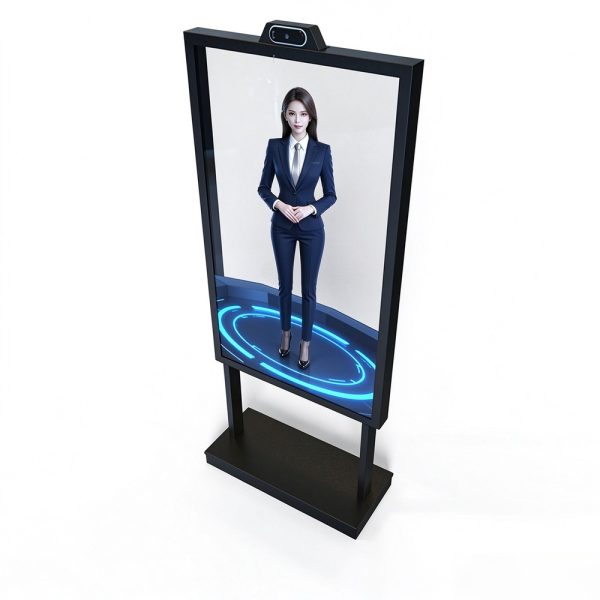
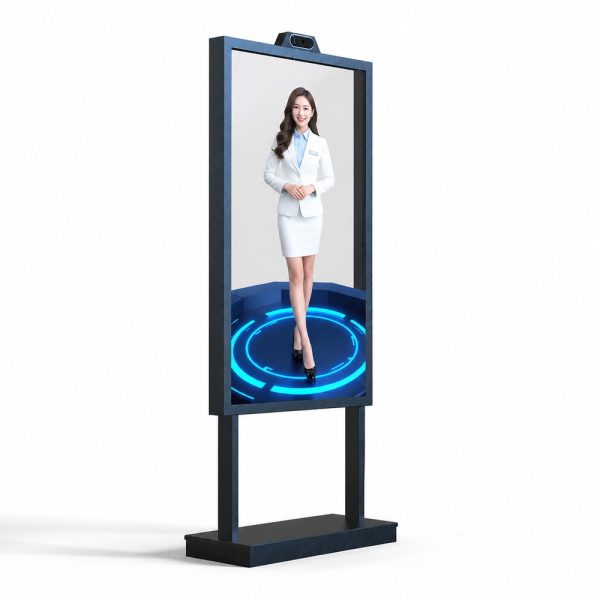
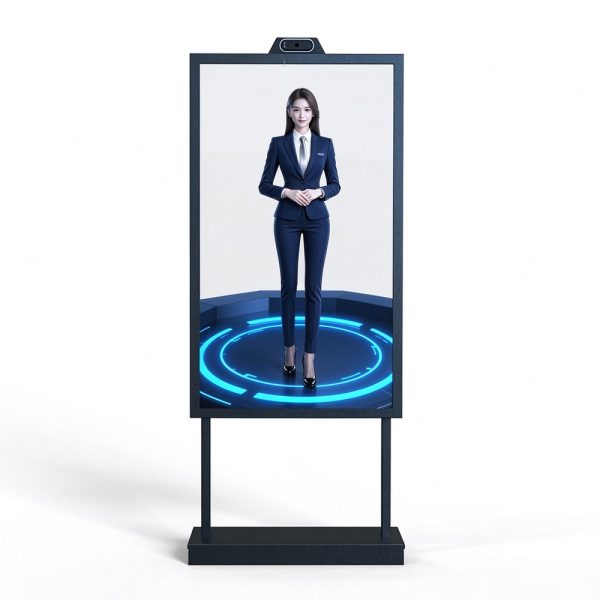
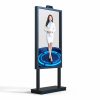
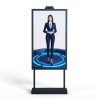
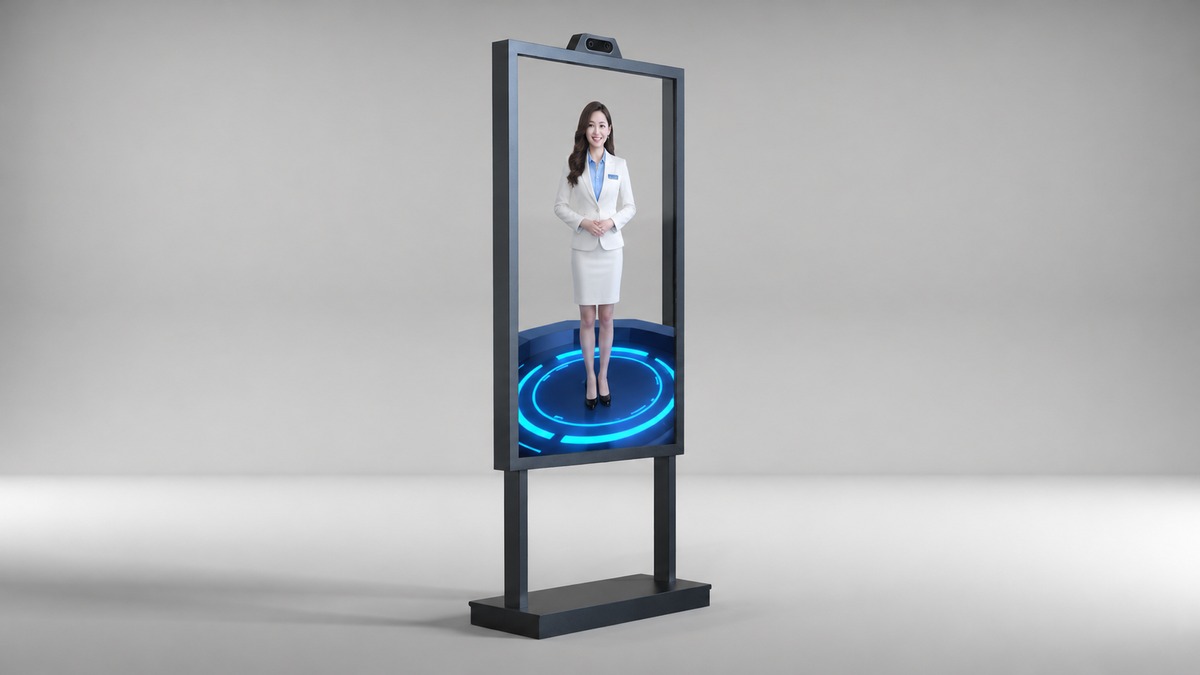
A founder introducing an idea, a designer explaining a collection, or a virtual presenter telling a product story can give information a recognizable voice. This 55-inch twin-post transparent OLED display places portrait content within a complete black frame, creating a dedicated setting for character-led presentations.
The OLED Transparent Display Showcase can support brand profiles, company-history features, and product-launch content. The presenter establishes the narrative, while photographs, captions, and animations provide the detail.
Give the Presenter One Worthwhile Message
A character-led presentation can begin with a focused question: why was the product designed, what need does it address, or which detail deserves attention?
A designer might introduce the concept before the sequence moves into sketches, materials, and finished details. The presenter can then return for a short conclusion. Each appearance has a purpose, leaving room for supporting visuals.
Prepared video can deliver this format. Responding to visitor questions in real time requires a separately specified digital human platform, knowledge resources, audio equipment, and software services.
A Complete Frame Defines the Portrait
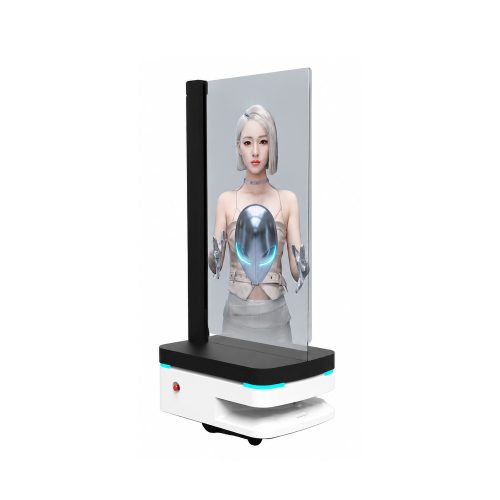
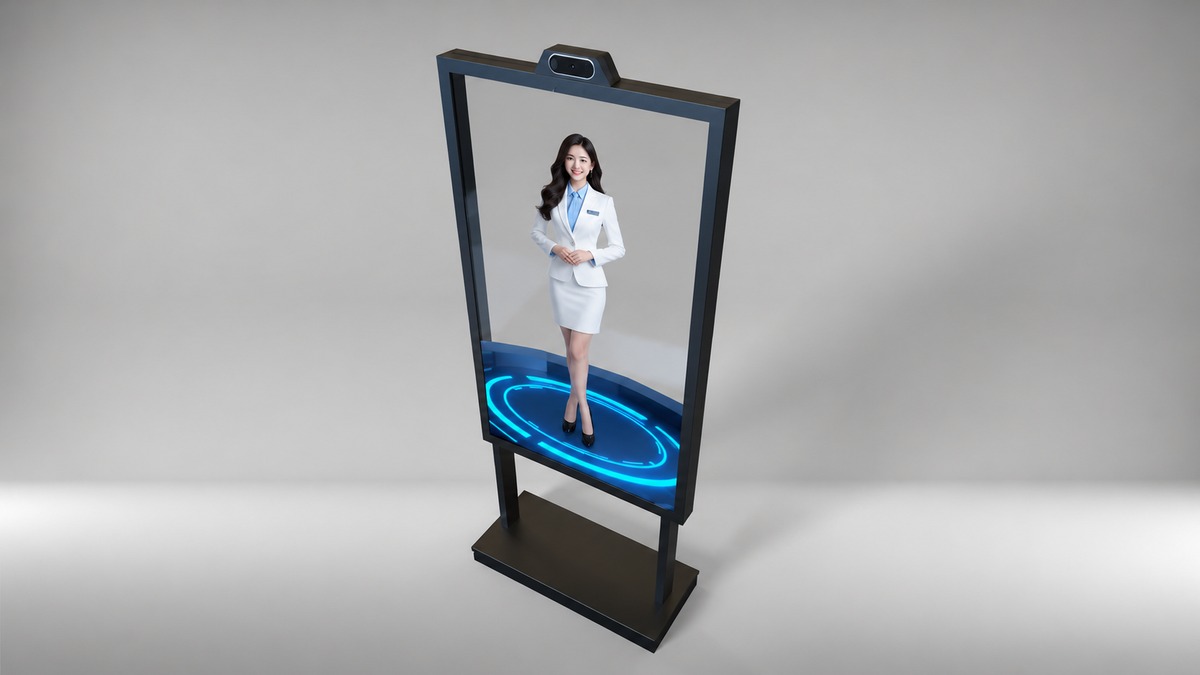
The rendering shows a black border around the panel, two posts extending to a rectangular base, and an open area beneath the image. A camera-shaped module sits centrally above the frame.
Compared with a side-column enclosure, this design emphasizes a complete visual boundary. Presenter footage, captions, and headings can follow that boundary to create a recognizable portrait presentation.
The open lower structure preserves a view of the surroundings. Final height, base dimensions, and viewing distance should guide placement; the rendering does not establish life-size character presentation.
Produce Clothing, Gestures, and Captions Together
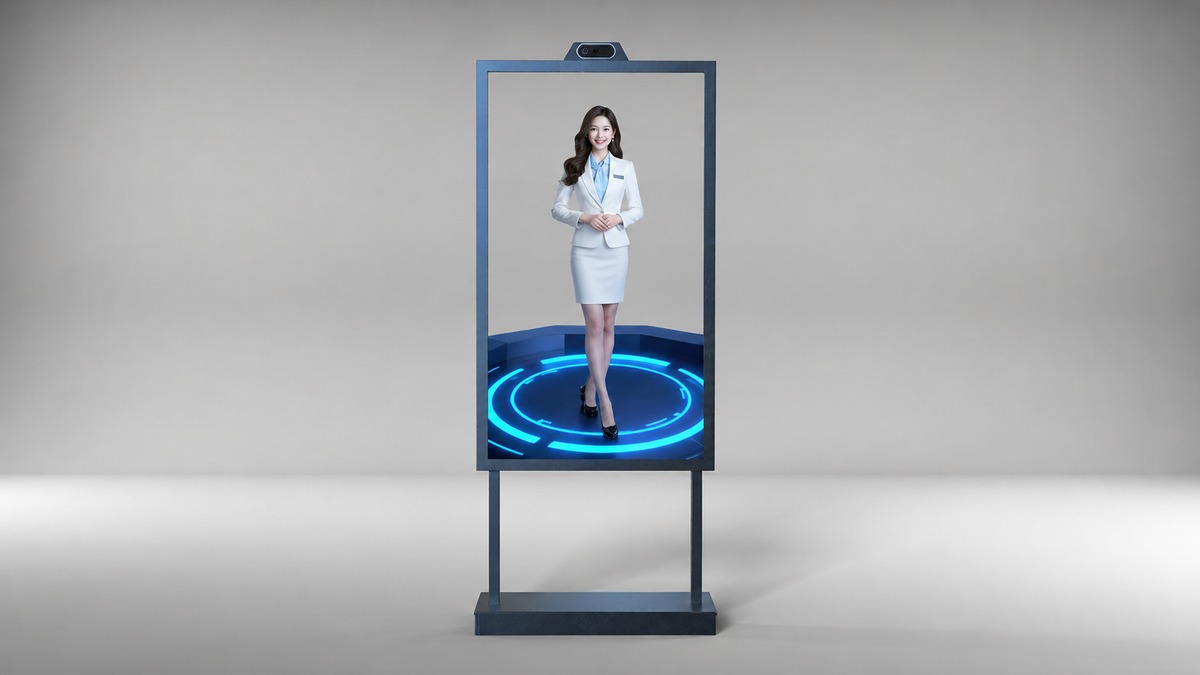
Portrait footage benefits from coordinated production. Clothing should remain distinguishable from the intended background, gestures should support the explanation, and the presenter’s position should leave space for captions or graphics.
Subtitles can appear in short sections. During detailed explanations, close-ups or diagrams can take over the image instead of competing with the character.
Test representative material against the intended surroundings. Reserved space, character edges, and lighting affect the result, while active image dimensions and transparency characteristics require confirmed equipment documentation.
Verify the Role of the Upper Module
The upper component resembles a camera, but resolution, field of view, interfaces, and inclusion are unconfirmed. Its appearance does not establish facial recognition, visitor detection, or gesture recognition.
For AV system integrators for transparent OLED, video playback, image input, audio capture, sound output, and application control should each be checked separately. Every function needs corresponding hardware, connections, and software.
Where a client already uses a digital presenter or media platform, its system requirements can guide computing and connectivity choices. The supplied renderings do not specify an integrated computer or connection list.
Validate One Presenter and One Topic
A representative sequence can include an opening, supporting visuals, and captions. Assess facial detail, audio coverage, text readability, and natural visitor positions in the intended space.
Character rights, voice permissions, language versions, and responsibility for updates should also be defined during production.
Share a sample script and proposed location to coordinate the equipment and playback package around a focused brand story.