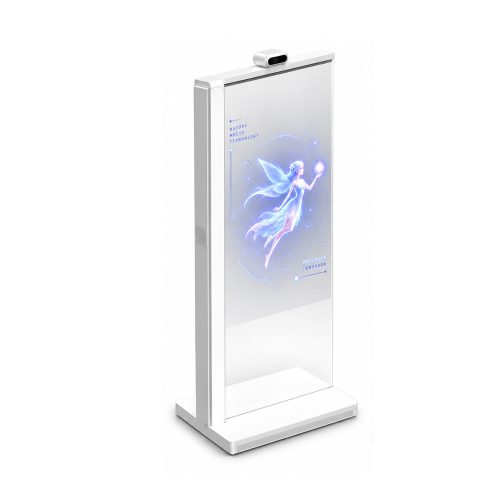
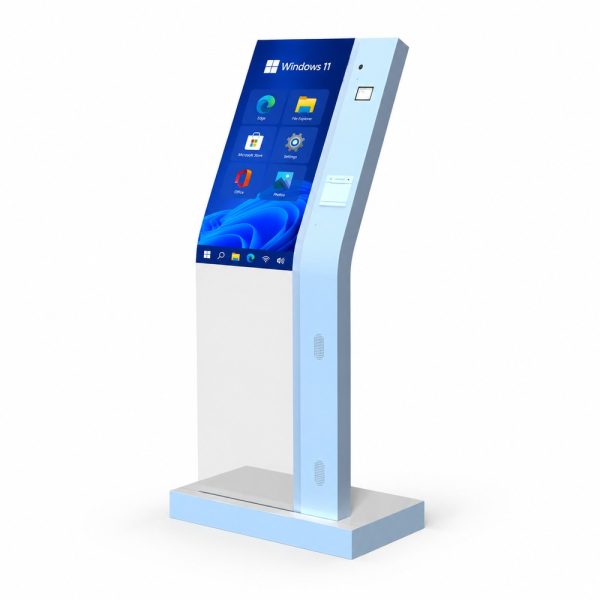
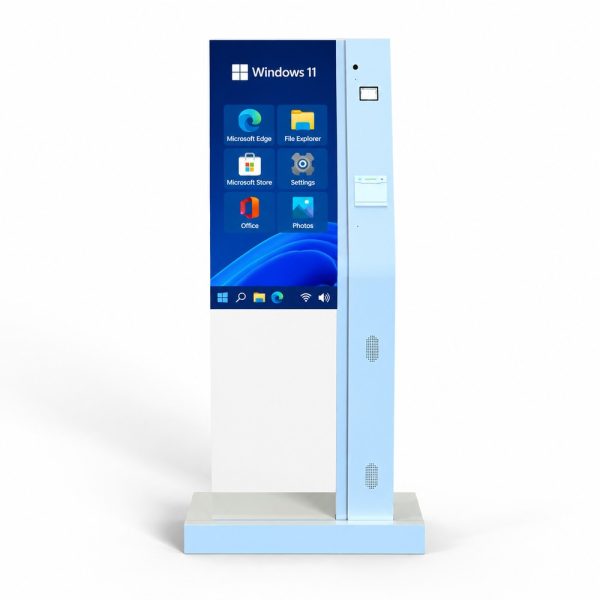

A successful self-service experience depends on users understanding each step, from choosing a service to reviewing submitted information. This 30-inch transparent smart terminal combines a portrait display area with a side equipment column, providing a structure for planning interfaces, input methods, and service modules.
It can serve as a presentation and operating point for service information, forms, or procedural guidance. Its role should follow a defined workflow and confirmed configuration, giving the equipment a clear task.
Build the Home Screen Around a Complete Task
Users approaching the terminal need to understand what they can accomplish. A small set of clear choices can introduce service instructions, available processes, or a form.
Once a task begins, each page should request only the information needed at that stage and show progress clearly. A review page helps users check important details before completion. Visible back, cancel, and finish controls support confident navigation.
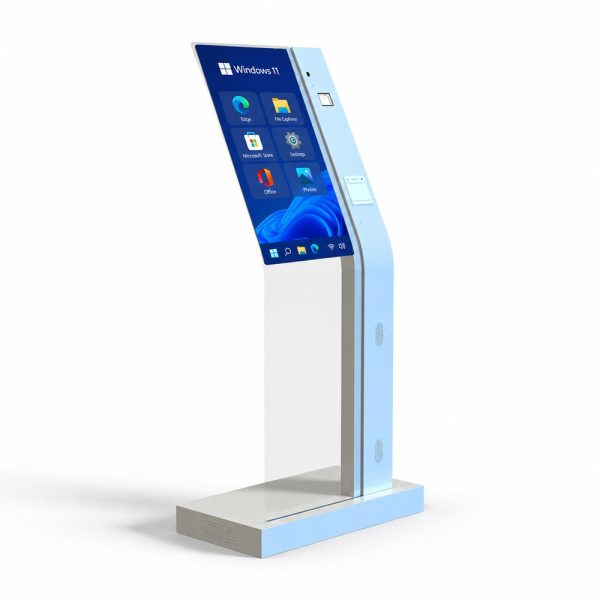
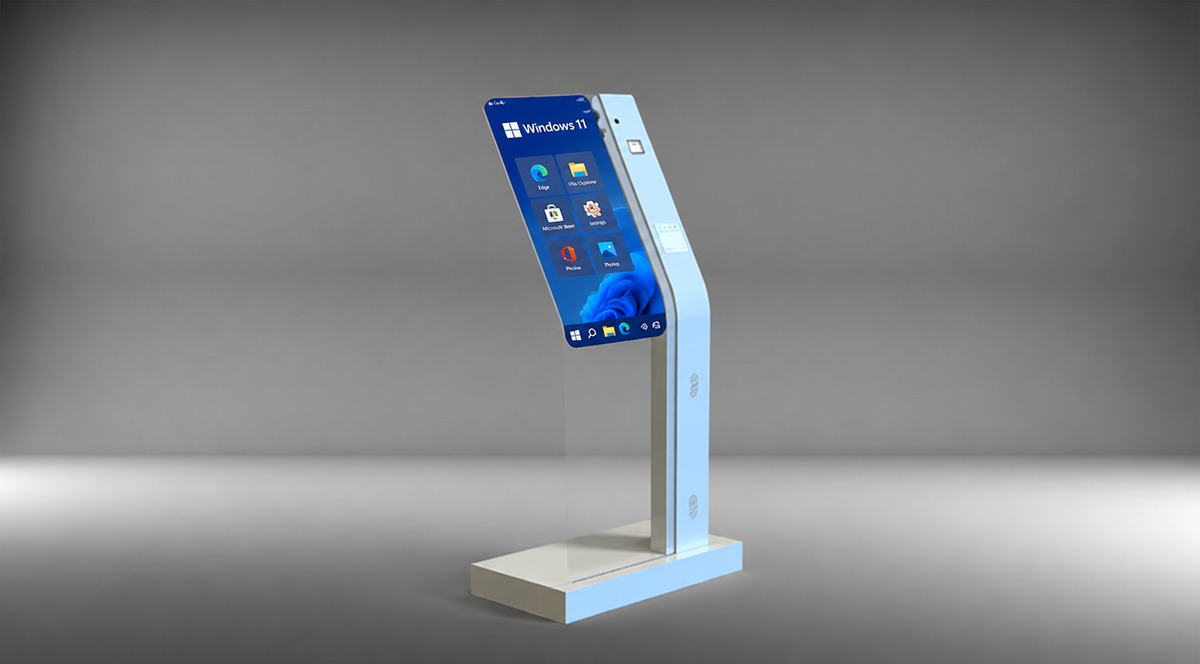
These behaviors require application software. The win-style screen in the rendering is illustrative; it does not confirm an included operating system, office package, or service application.
Separate Visual Guidance from Equipment Positions
The product image places the main display in the upper-left section, alongside a light-blue column extending toward the base. The column shows a circular opening, a small rectangular area, a projecting module, and two lower oval openings.
This arrangement provides a reference for functional zoning. The screen can explain the current step, while positions on the column can be considered during equipment design. Their actual functions require drawings and a component list. Appearance alone does not establish scanning, card reading, printing, or payment capability.
For a kiosk manufacturer transparent display project, begin with the required modules, then check installation space, interfaces, and operating positions. A defined workflow makes those decisions more concrete.
Balance Transparent Presentation with Readable Service Information
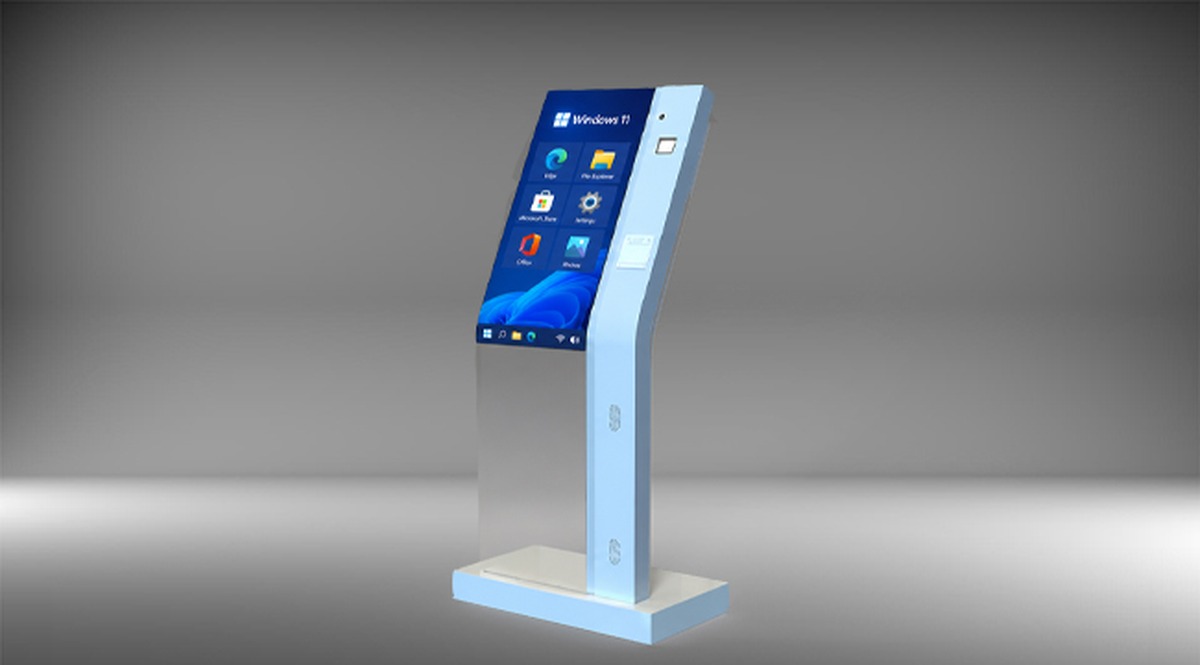
Transparent imagery can introduce the service or present concise brand content. During a transaction, text, forms, and instructions need to remain easy to read.
Names, reference numbers, and other details requiring accurate review deserve stable, clearly organized areas. Where personal information is involved, assess installation orientation, surrounding sightlines, and application behavior to understand its visibility to others.
Confirm the active image area separately from the complete transparent structure. The lower blank section shown in the rendering should not be assumed to display content. Interfaces must follow verified screen dimensions.
Define What Remote Management Needs to Cover
Remote management for T-OLED signage can refer to several different tasks. Replacing promotional videos, updating service pages, upgrading an application, and checking equipment status may require different tools.
Establish who maintains the installation, how it connects to the network, and who responds to faults. Remote operation, scheduled playback, and monitoring must be verified against the selected system and software.
A public-use application can also specify session reset, removal of entered information, and a clear exit process so the next visitor starts from the correct screen.
Let the Workflow Determine the Configuration
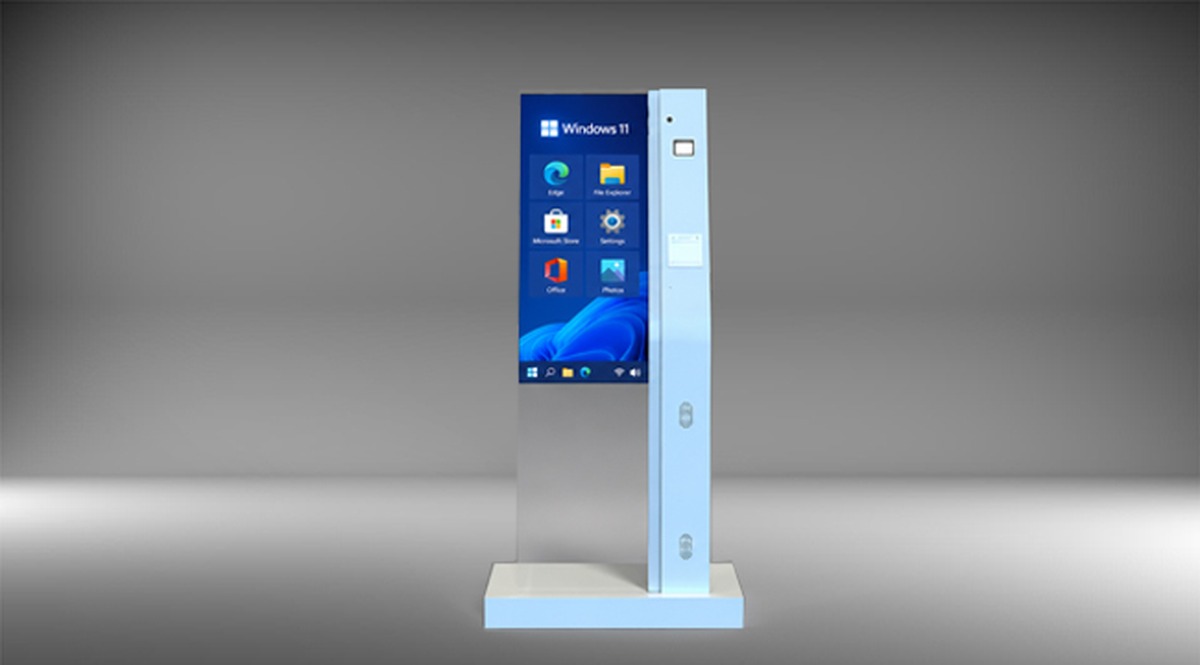
Presentation playback and interactive applications have different computing, input, and connectivity requirements. Identity checks, document output, or other service modules introduce additional compatibility and integration questions.
The supplied material does not include a processor, resolution, touch specification, connection list, or module schedule. These require confirmation before procurement; the integrated appearance does not establish what is included.
Share one complete service task, the intended user steps, and the existing software environment. These provide a practical foundation for coordinating the interface and equipment around a usable self-service process.