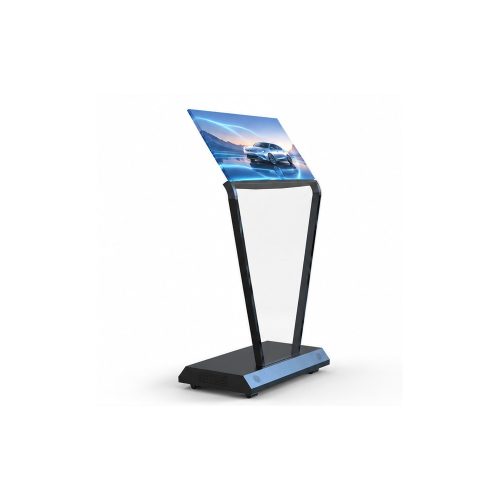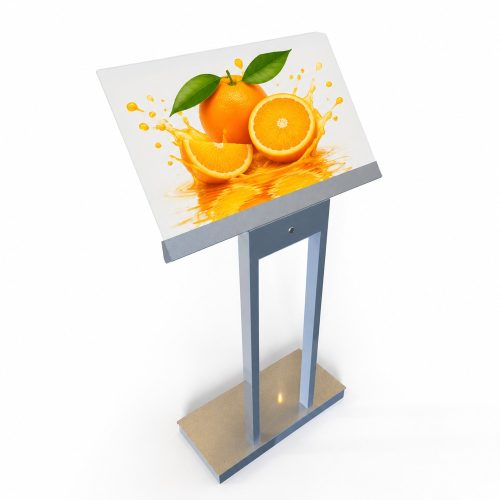
One visitor wants to understand an exhibit’s design. Another is interested in its manufacturing process. Someone else needs a brief explanation of what it does. This 55-inch transparent OLED terminal can combine digital presenters, touch menus, and compatible voice applications to offer different entry points into the same subject.
The OLED Showcase Display can be positioned near a featured exhibit, brand-history presentation, or product experience area. It can deliver a prepared explanation or, with suitable software, let visitors choose a topic before exploring further. A brief visit reveals the essentials, while a longer interaction opens up more detail.
Turn Exhibit Information into Selectable Chapters
Product documentation often covers background, construction, manufacturing, and use. Dividing that material into independent topics gives each selection a clear purpose.
An industrial exhibit, for example, might offer “Design Intent,” “Internal Structure,” and “Applications.” Selecting the structure chapter opens an explanatory animation; choosing applications introduces relevant examples. A digital presenter can connect these sections with a short introduction before giving the image area over to product details.
These workflows require purpose-made content and application software. The equipment provides display and input hardware; exhibit knowledge, animations, and question-handling logic should be prepared for the project.
A White Enclosure Gives the Presentation a Defined Frame
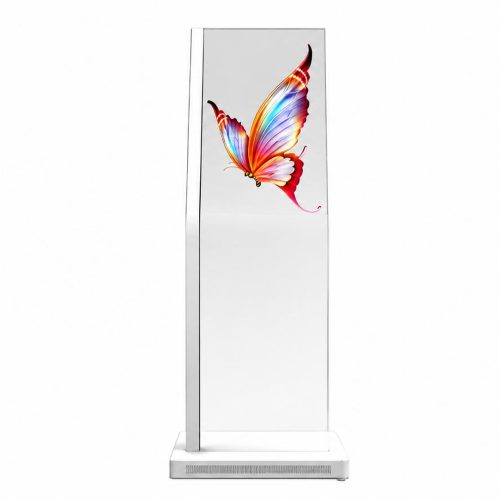
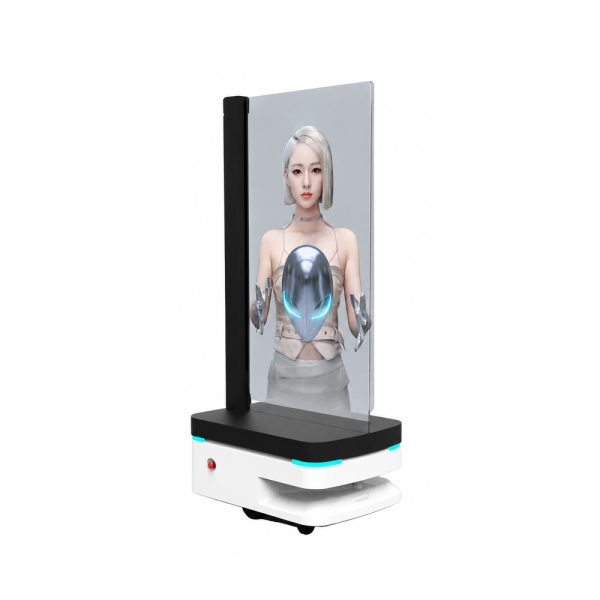
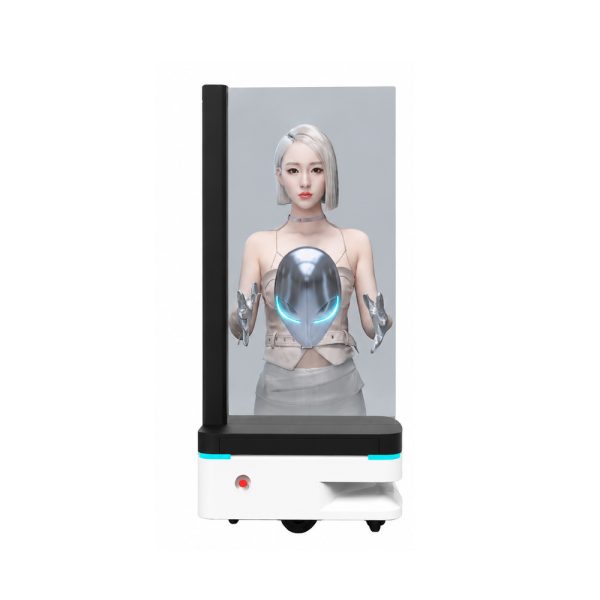
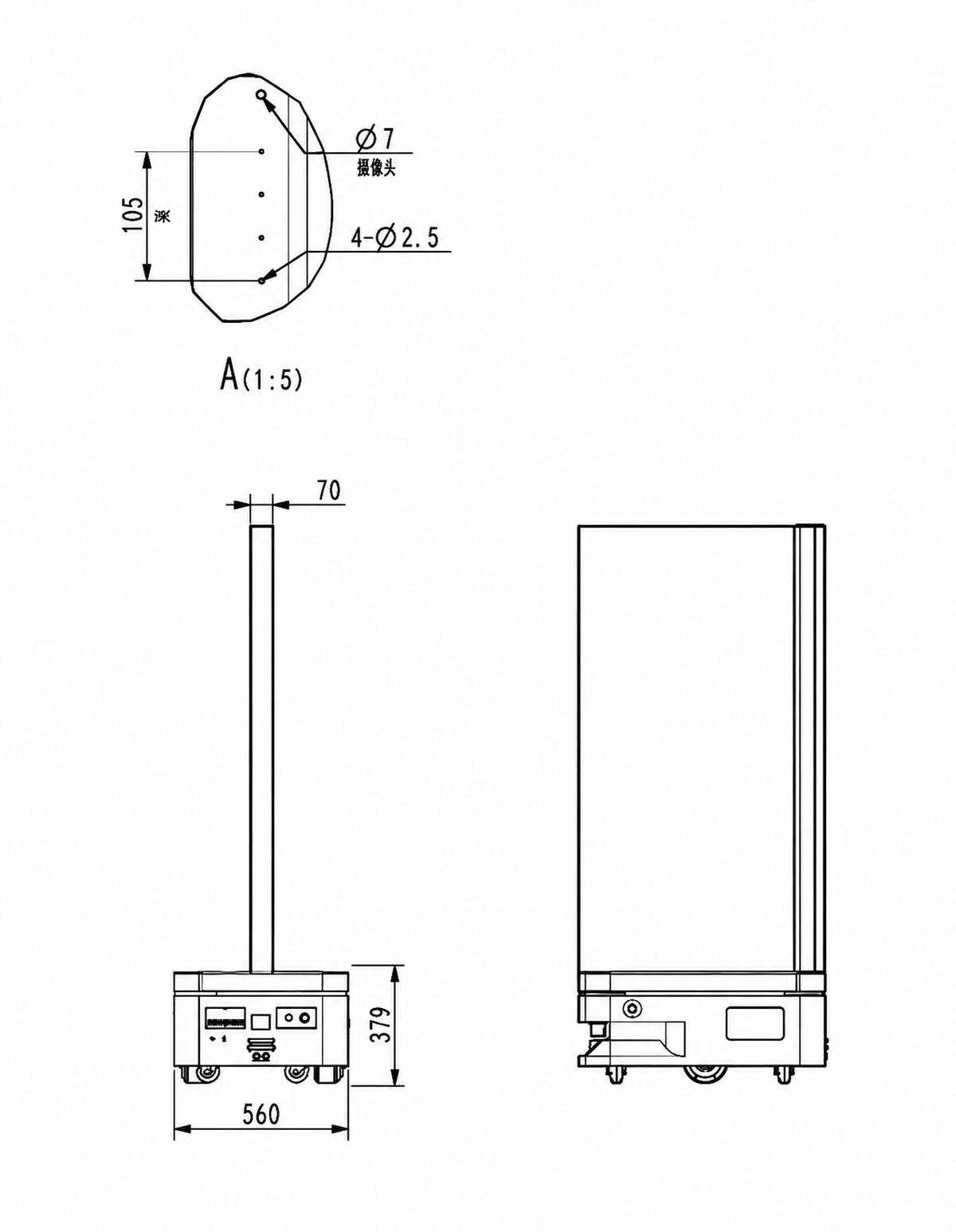
The supplied product image shows a white frame surrounding the screen, a camera opening at the top, and a solid lower enclosure extending toward the floor. Rounded upper corners and a flat front create a unified outline.
A presenter can occupy the main image area, with topic controls positioned within comfortable reach. During a detailed explanation, the character can become smaller or disappear temporarily, leaving space for diagrams, historical photographs, or animations.
The transparent OLED appearance should be assessed with the complete assembly, displayed content, and intended surroundings. The delivered equipment and representative media provide a more reliable basis for judging the see-through effect than a promotional image alone.
Use Touch for Direction and Voice for Follow-Up
Touch menus provide predictable routes through the content. Visitors can see what each selection offers and browse without speaking.
The camera, microphone, and speakers provide hardware for compatible audiovisual applications. Suitable software can support a workflow involving spoken questions and presenter responses. The camera supplies image input; whether it performs recognition, and what it recognizes, requires separate specification.
Live questions also need an approved knowledge base and response rules. Answers should draw on verified exhibit material, with a staff contact option for questions beyond the defined scope.
Specify the Application Before Choosing the Computer
A practical interactive transparent OLED software guide should begin with the required tasks: playing video, responding to touch, processing speech, or connecting to an existing content platform.
The specification lists 10-point capacitive touch, optional PC or Android configurations, and camera and microphone choices. Processing requirements, interfaces, and operating-system compatibility should guide selection. Gesture recognition, expression recognition, and live digital human services require appropriate software; a camera alone does not establish those capabilities.
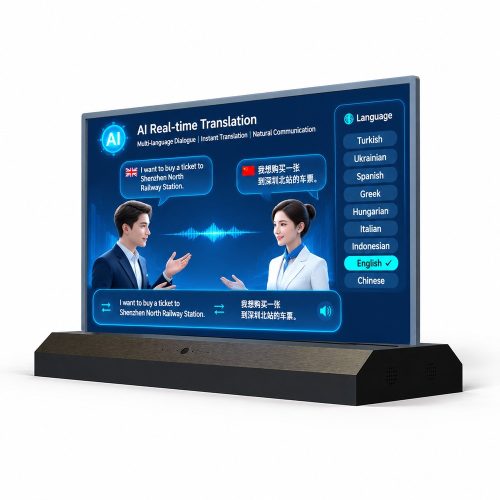
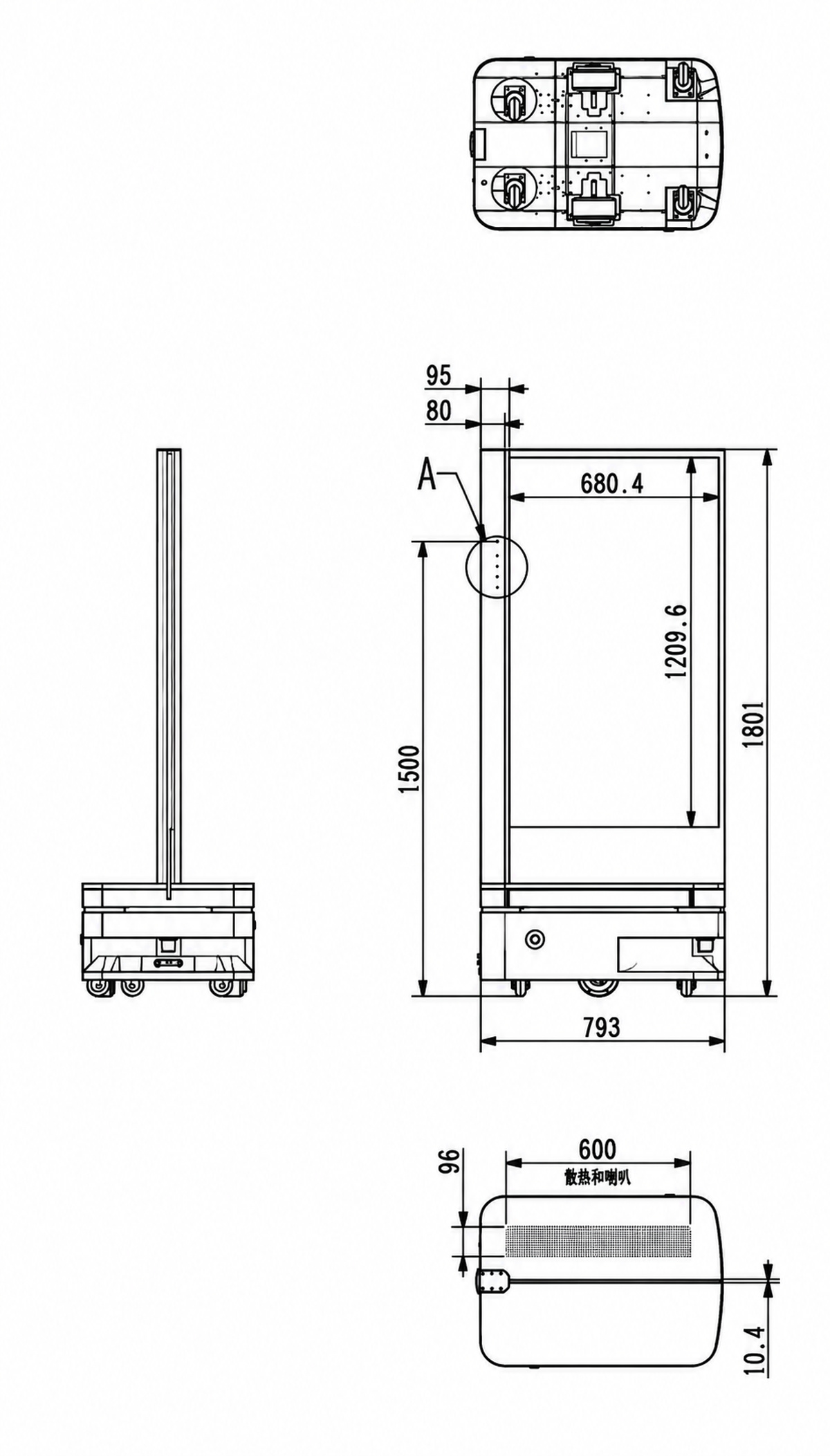
The 55-inch panel has a native resolution of 1920 × 1080. Portrait content should use concise prompts and reserve space for captions, diagrams, and navigation. Multilingual projects also need confirmed software support, translated material, and suitable voice resources.
Prepare the exhibit documentation, proposed chapters, and common visitor questions. These form a useful foundation for defining the terminal’s content structure and software configuration around a focused interpretive experience.