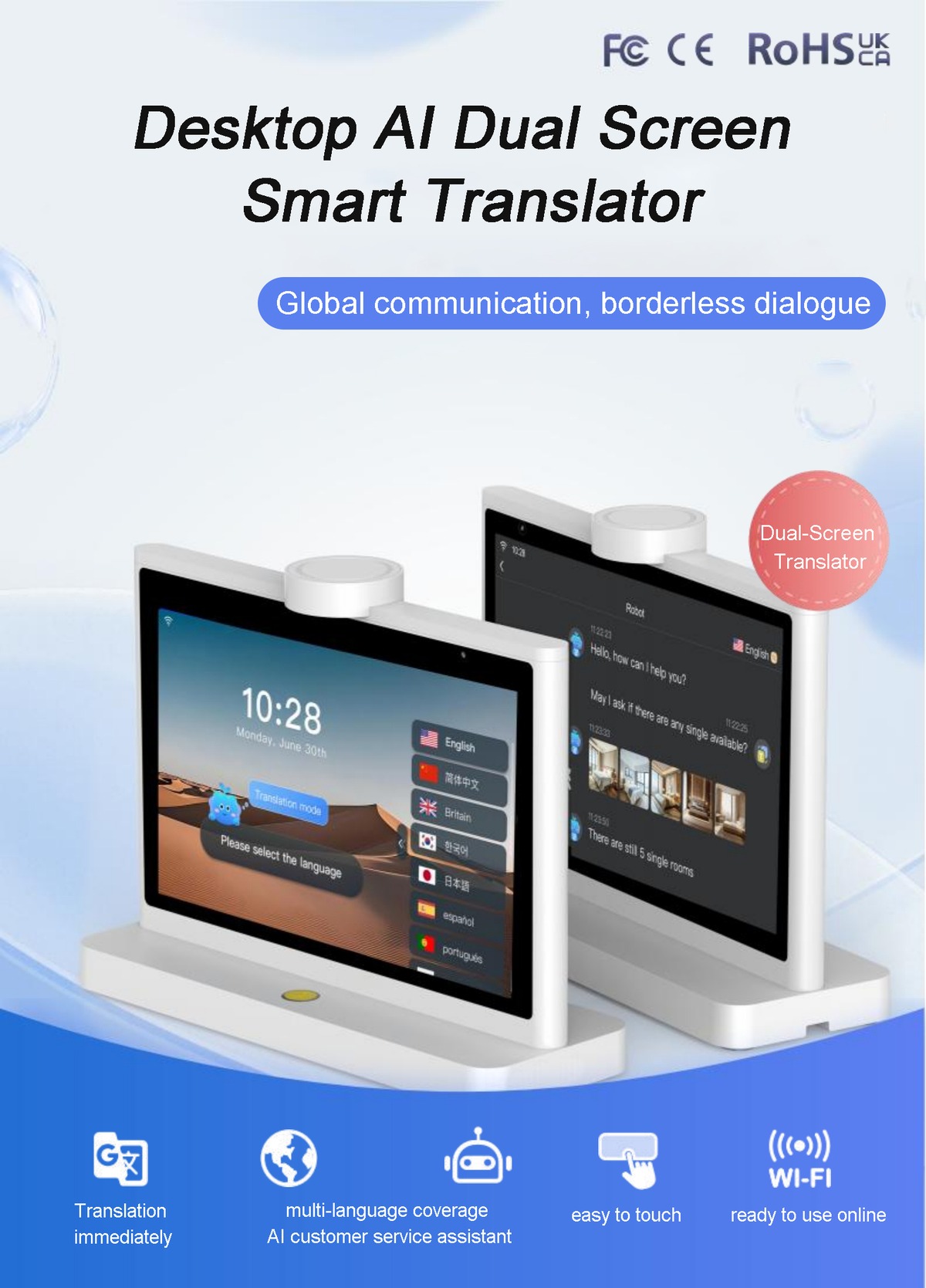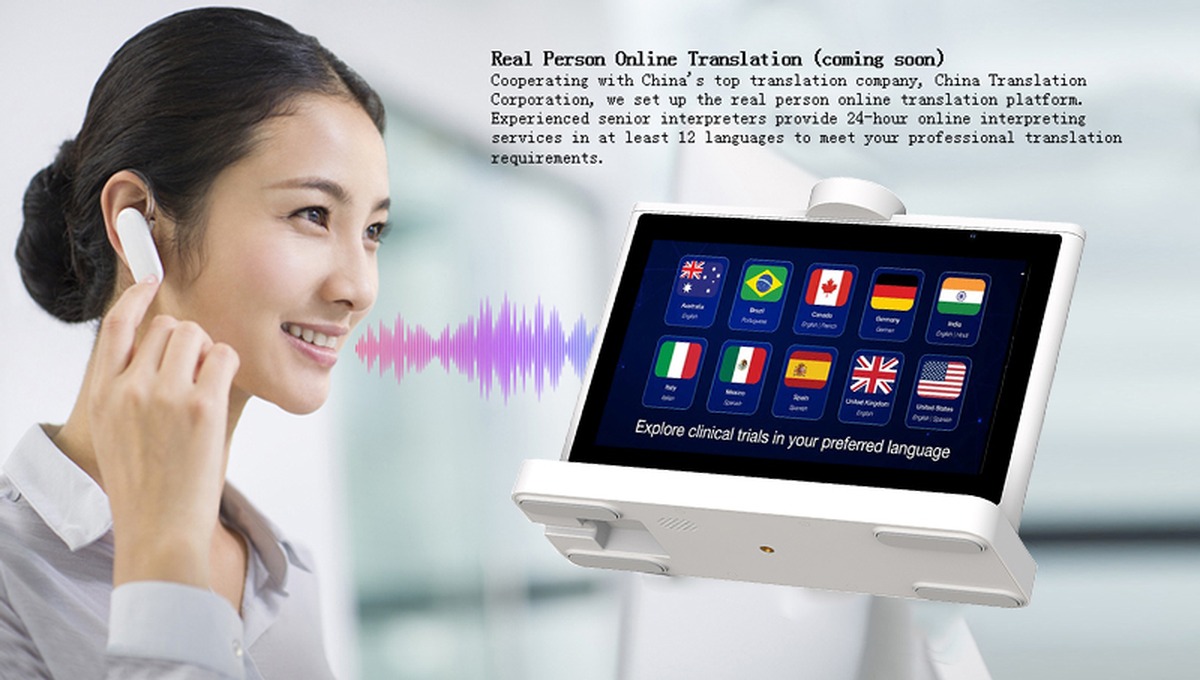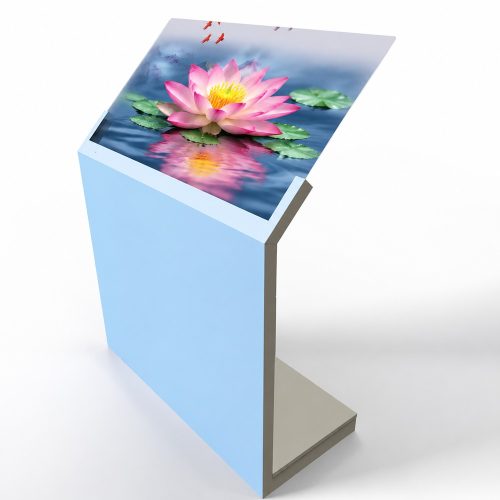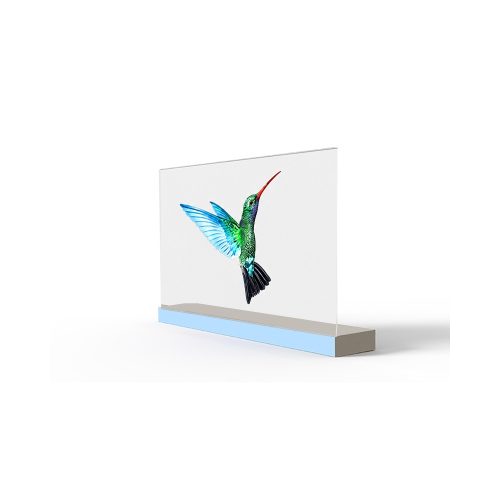
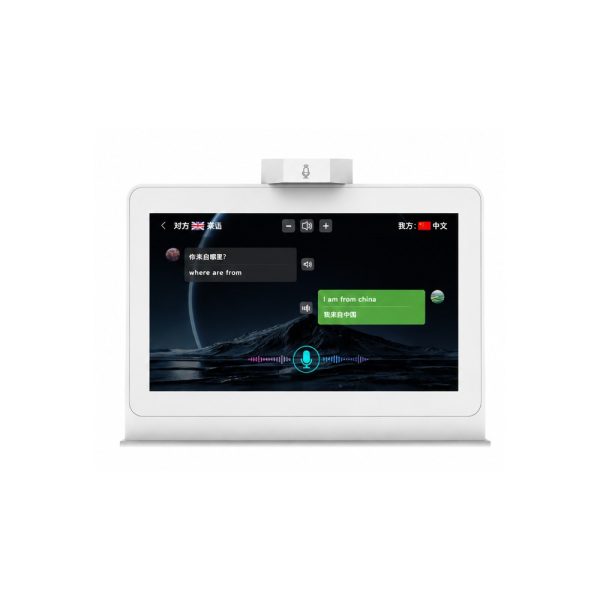
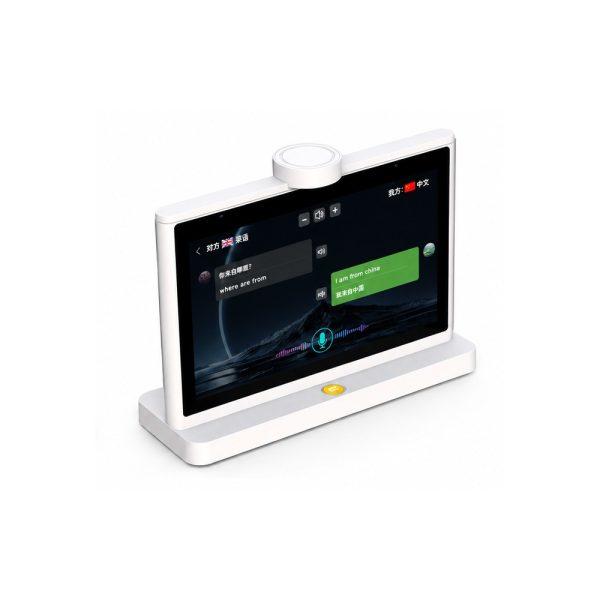
Two people can sit across a table and still need several attempts to clarify a sentence. This 10.1-inch desktop translation terminal uses transparent OLED (T-OLED) displays to present conversation content close to the exchange, giving language choices, source text, and translations a defined viewing area.
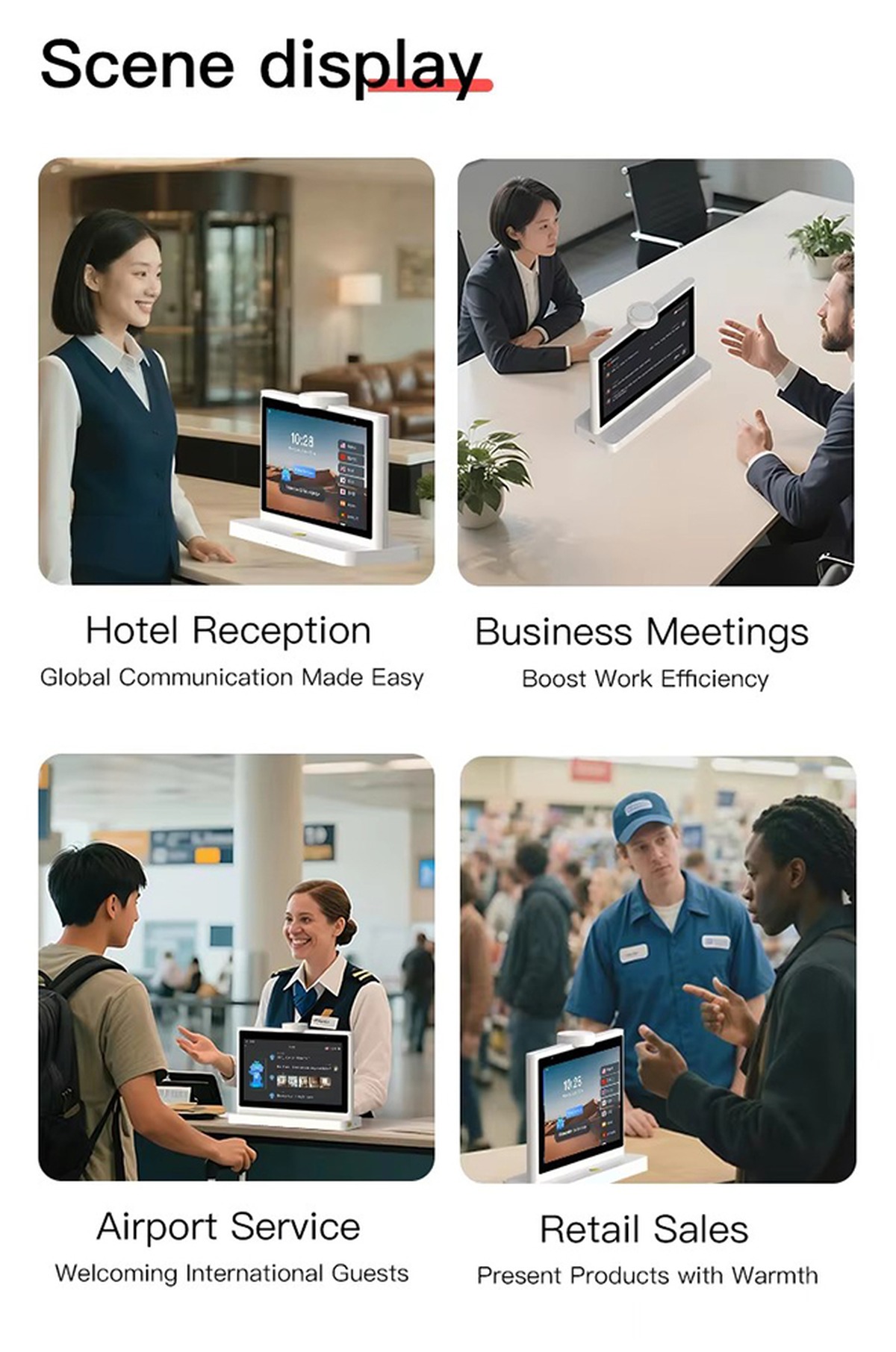
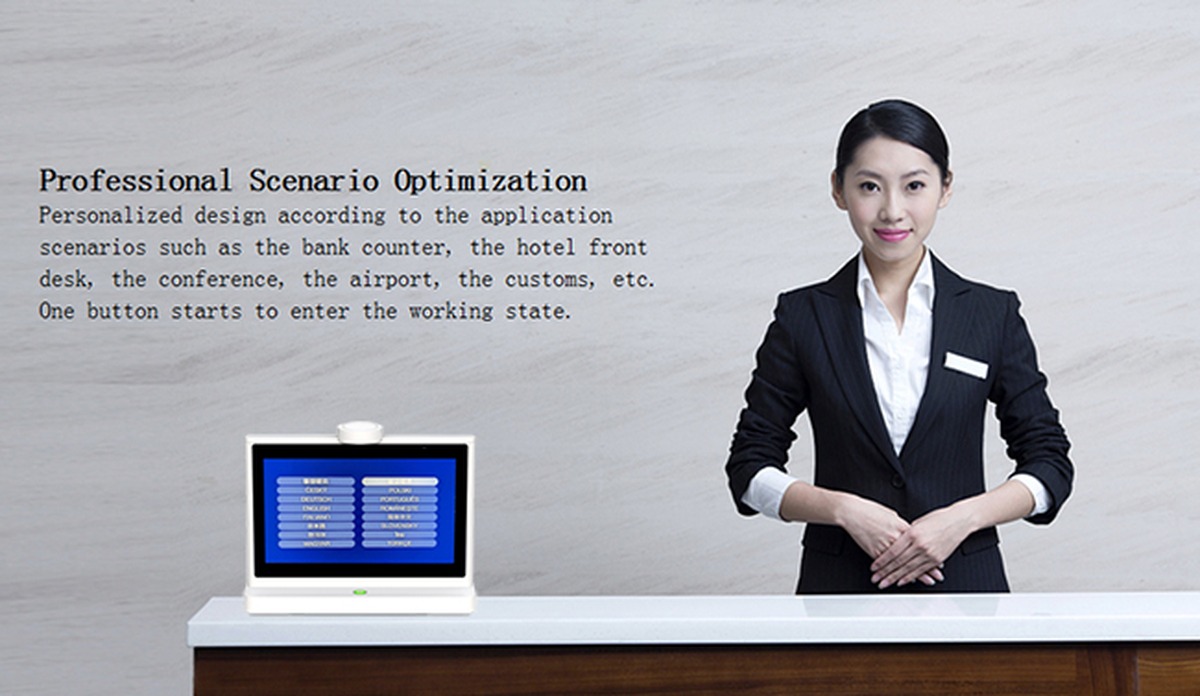
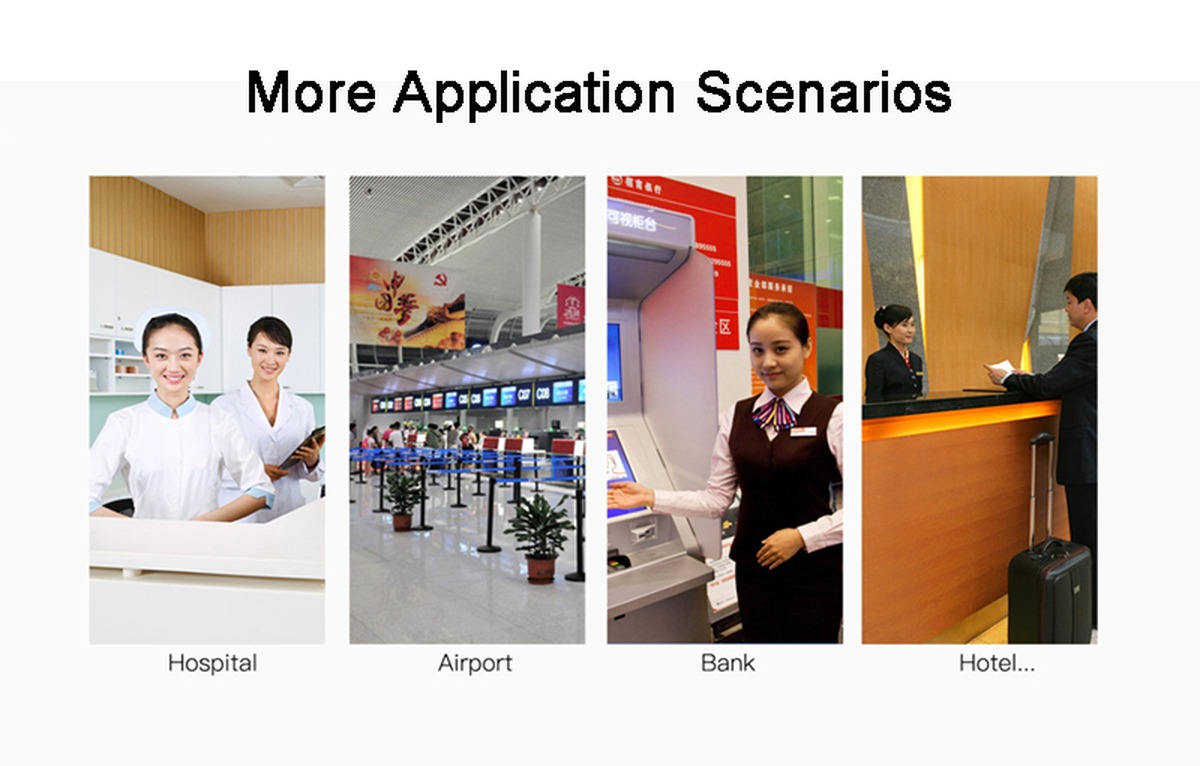
Its compact tabletop format suits short-distance conversations at reception desks, exhibition meeting tables, and enquiry counters. Staff can continue explaining a subject while visitors review names, quantities, and times in writing.

Make the Meaning Available for Review
A useful translation interface helps participants identify what needs clarification. Visible text provides a reference when speech recognition mishears a word, a product name is unfamiliar, or a number needs checking.
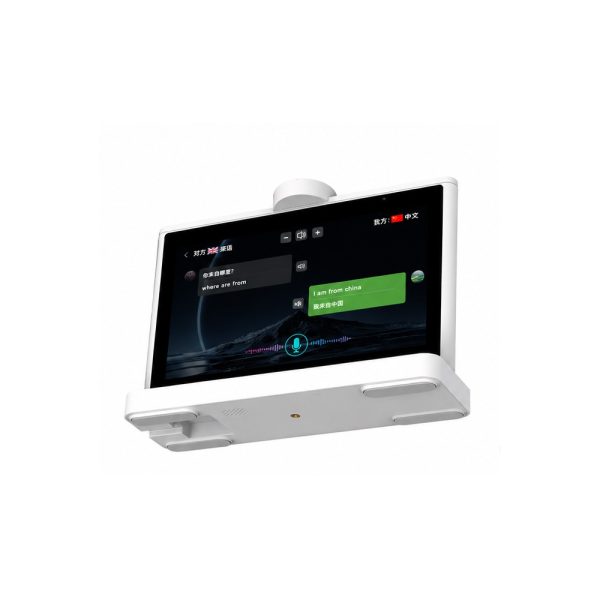
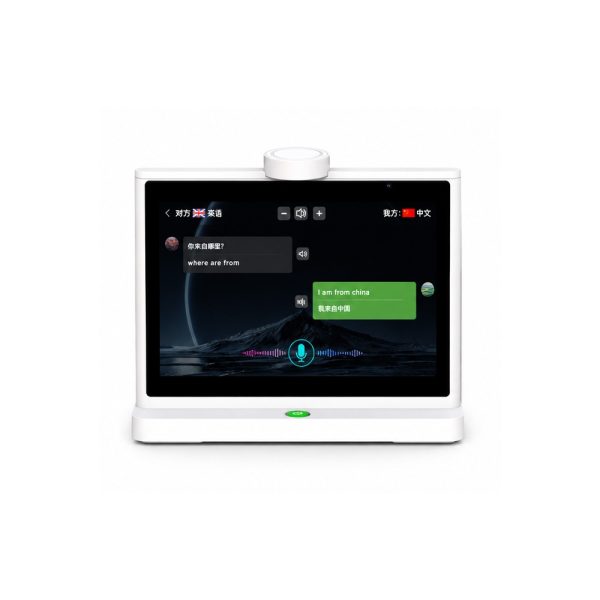
Transparent OLED (T-OLED) displays can carry this conversation interface. The rendering separates participants’ messages with different colors, places language indicators above them, and uses audio-related graphics as supporting cues.
Actual recognition, translation, spoken output, and text correction depend on the application. An interface illustration does not verify those functions.
Organize the Canvas for Tabletop Reading
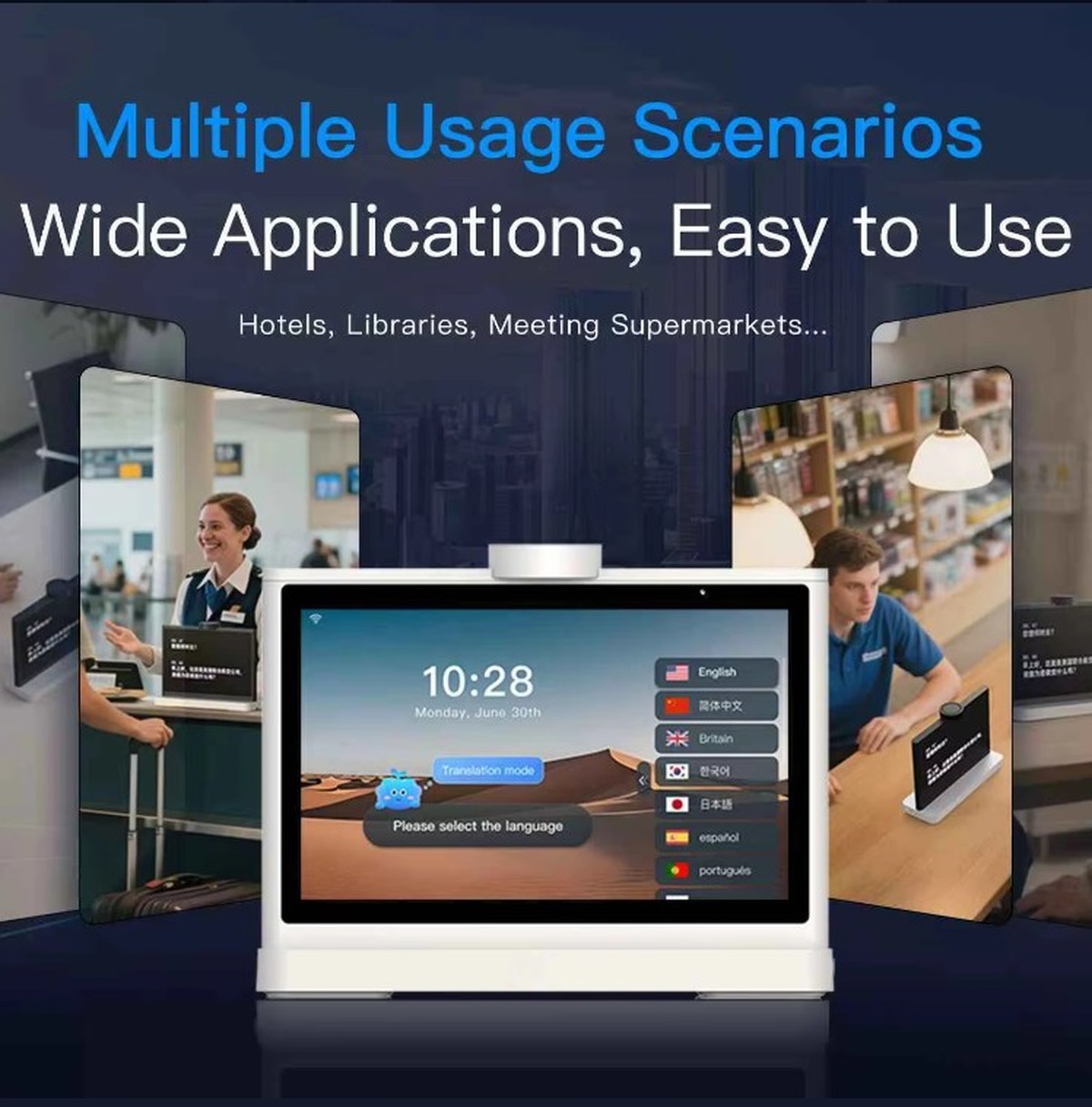
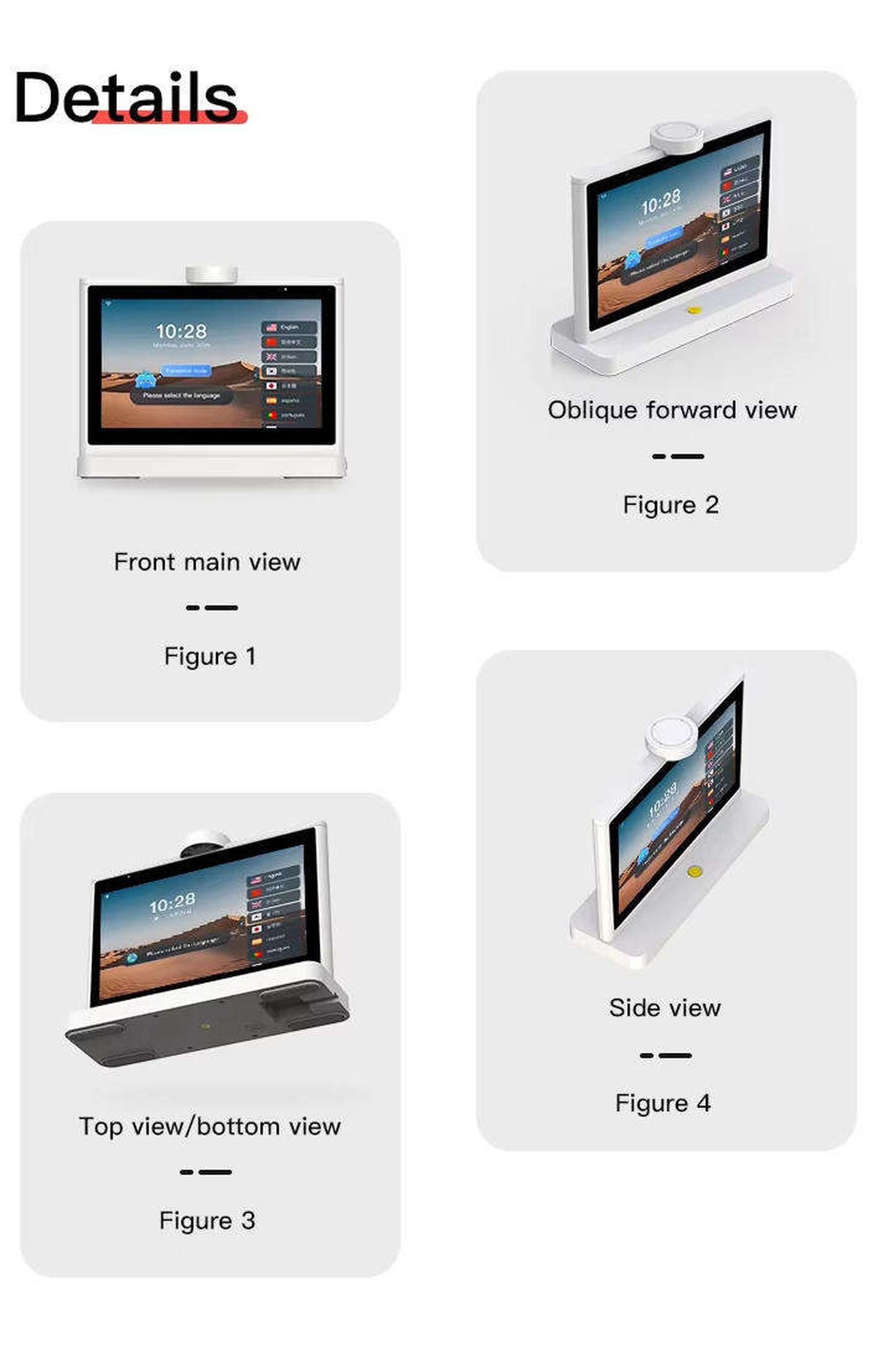
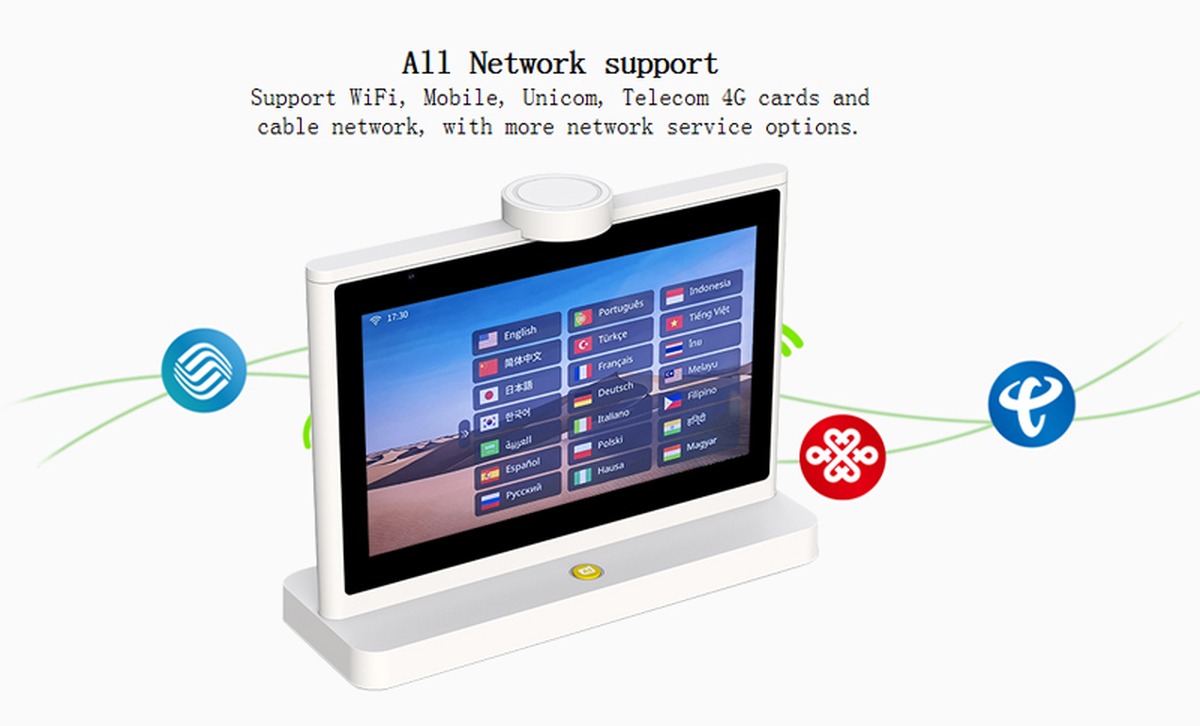
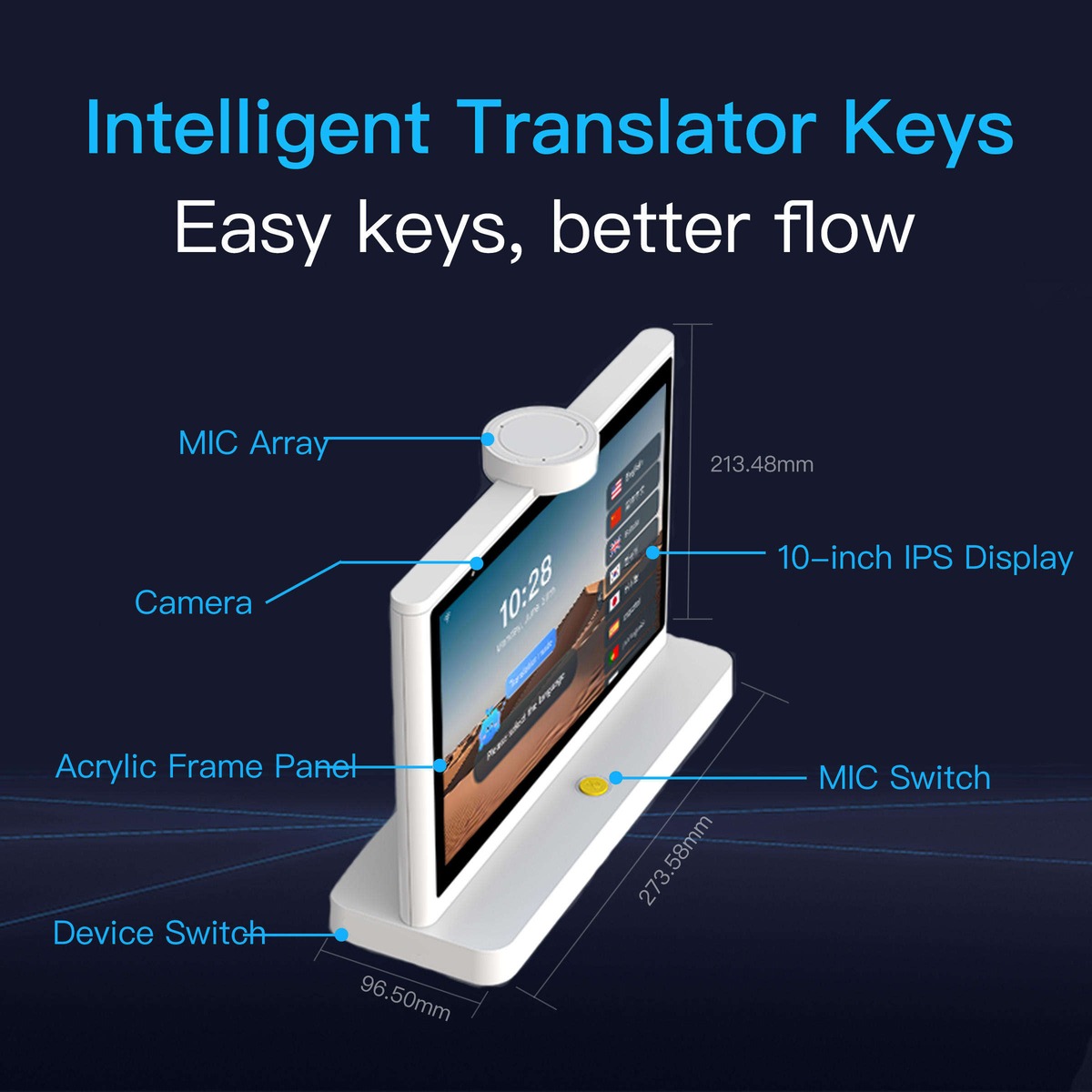
A white frame surrounds the landscape screen, with an elongated base below and a round module above. Rounded corners and a light enclosure give the equipment a clear tabletop outline.
With transparent OLED (T-OLED) displays, the horizontal area can present a sentence before continuing through subsequent messages. Test text size at the intended seated distance rather than reducing it to keep excessive conversation history visible.
The function of the upper module is not documented, so it should not be assumed to be a microphone, camera, or another specific component.
Preserve the Rhythm of a Product Discussion
A cross-language presentation can move through one point at a time: explain a feature, review the text, clarify if necessary, and continue.
Prepare consistent spellings for model names, materials, and specialist terms. Check whether the software supports relevant vocabulary settings. Dimensions, prices, and delivery dates should also be confirmed in written documentation.
Transparent OLED (T-OLED) displays provide the visual medium; translation performance must be tested with real business conversations. The hardware does not guarantee terminology accuracy or eliminate misunderstandings.
Check Readability in the Actual Setting
Table finishes, paperwork, and surrounding lighting can affect the transparent image. Reduce visual clutter behind the panel and assess text contrast from the intended position.
If both participants need to read simultaneously, confirm the front-and-rear display behavior and text orientation. Transparency alone does not establish independent dual-sided presentation.
Frequently Asked Questions
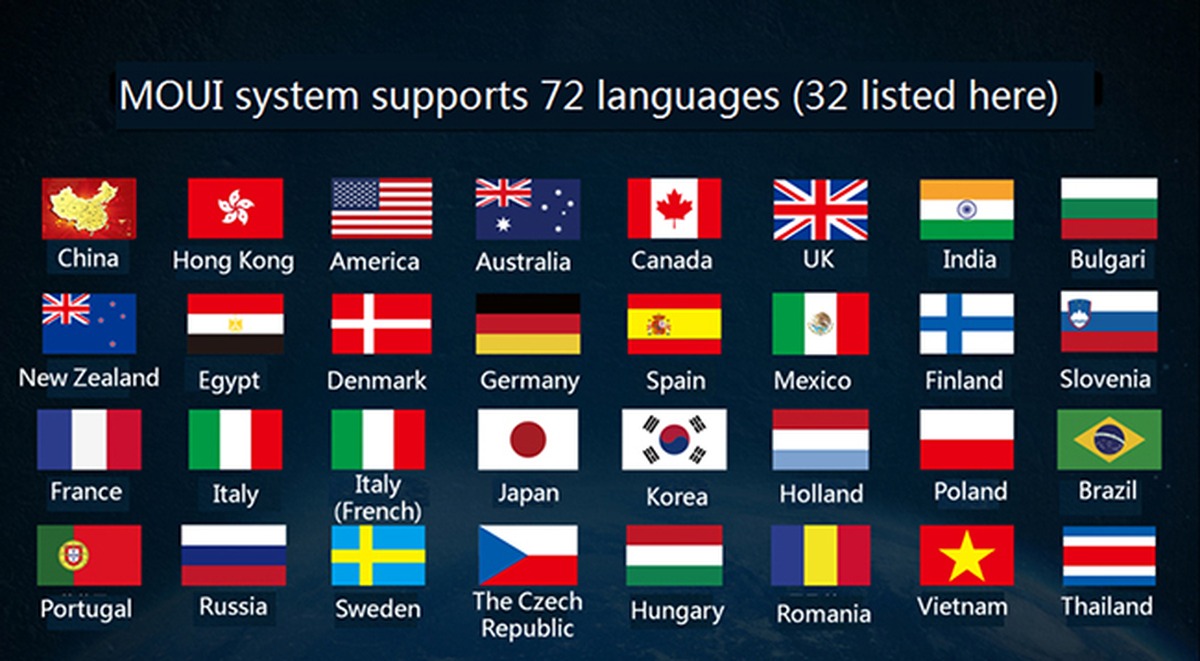
Which languages are supported?Confirm the application’s language list separately for text translation, speech recognition, and spoken output.
Does it work offline?That depends on the translation system and the languages required. Connectivity requirements are not specified in the supplied images.
Is touch operation included?Touch specifications have not been supplied. Language selection and other controls must follow the confirmed configuration.
Can it present longer product explanations?Transparent OLED (T-OLED) displays can show text, but this 10.1-inch tabletop format benefits from short sections. Test font size and navigation for longer material.
Can conversations be saved or exported?Recording, export, and automatic clearing depend on the application and should be confirmed against the intended workflow.