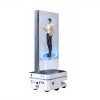
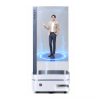
A product demonstration takes place on one side of the showroom, a brand introduction begins at the entrance, and an afternoon presentation moves to another area. When presentation locations change throughout an event, a device that can travel along planned routes and stop in selected areas offers a flexible way to deliver visual content.
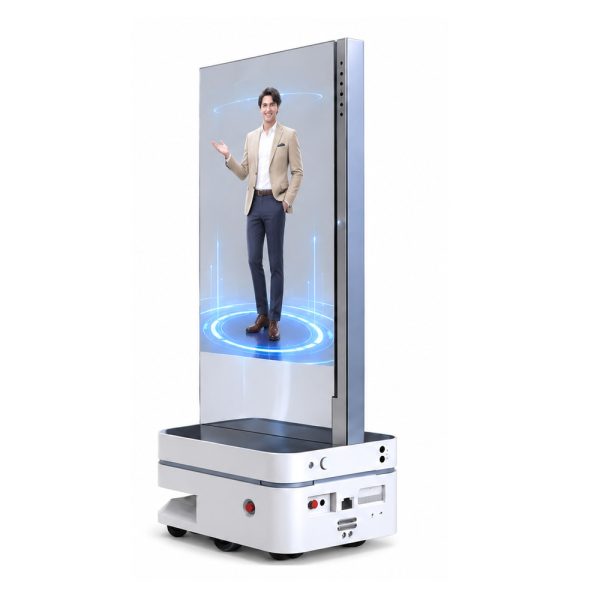
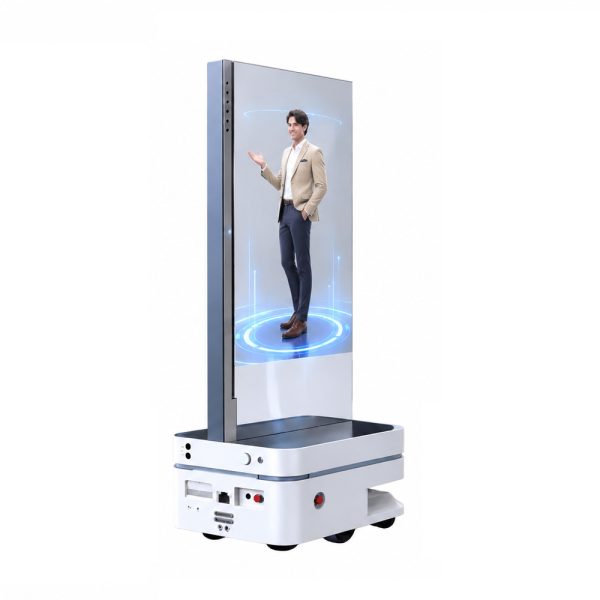
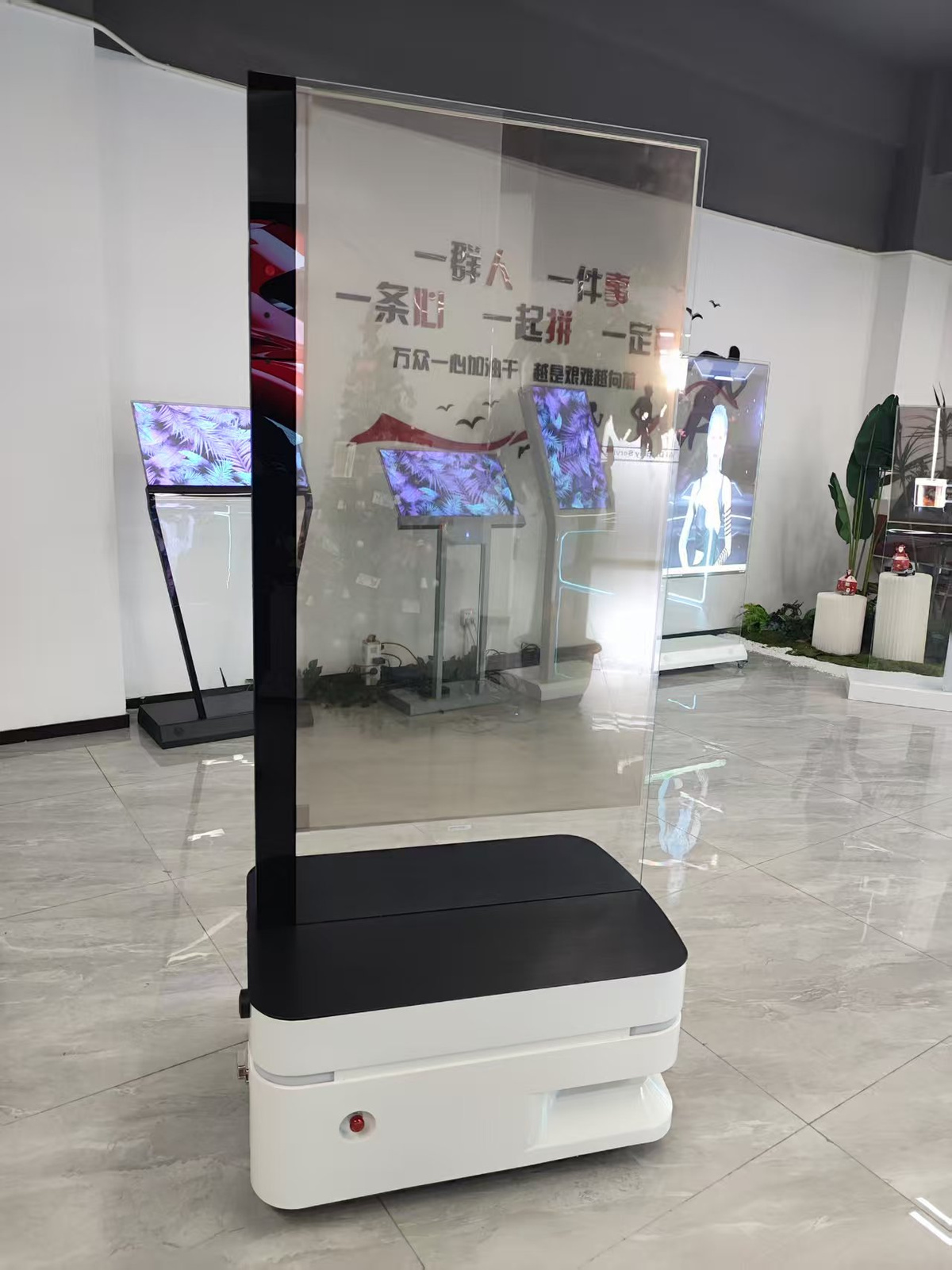
This 55-inch transparent OLED mobile robot combines a portrait display and mobile base in one OLED Display Unit. Tasks can follow the event schedule: welcoming guests, introducing a theme, presenting product imagery, or offering touch-based browsing while stationary. Location and content become coordinated parts of the plan.
Connect the Day’s Presentations with a Task Schedule
For a brand open day or showroom reception, begin with the timetable and then assign locations. Welcome content can appear in the reception area, a product presentation can accompany a demonstration, and brand imagery can play at a designated position between sessions.
The transition between tasks matters. During movement, visuals should be simple and recognizable. Once stopped, the presentation can develop into narration, product animation, or an interactive menu. Visitors need a stable viewing period to read details and explore content.
The specification lists route patrol, mapped paths, obstacle avoidance, and automatic return to charging at low battery. Scheduled tasks, arrival-triggered content changes, and other automated sequences must be confirmed against the control system and supporting software.
Give Presenters and Products a Portrait Canvas
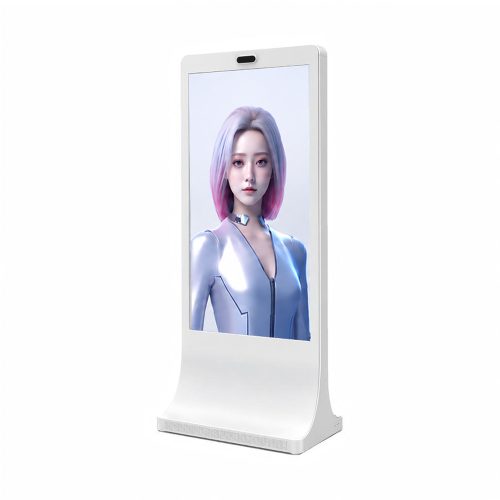
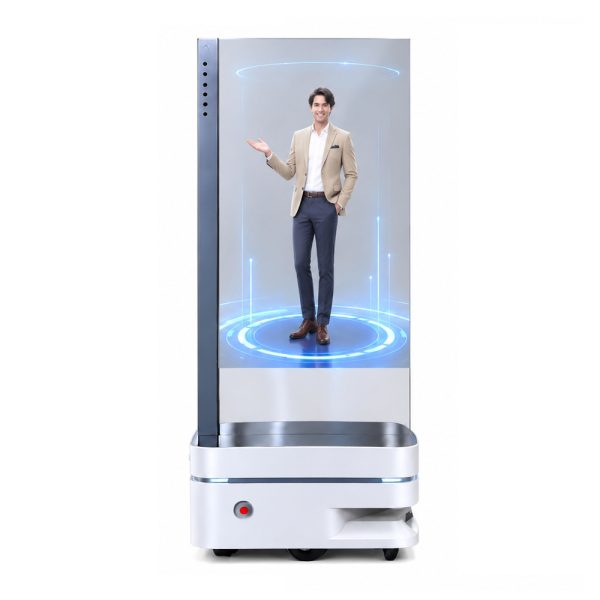
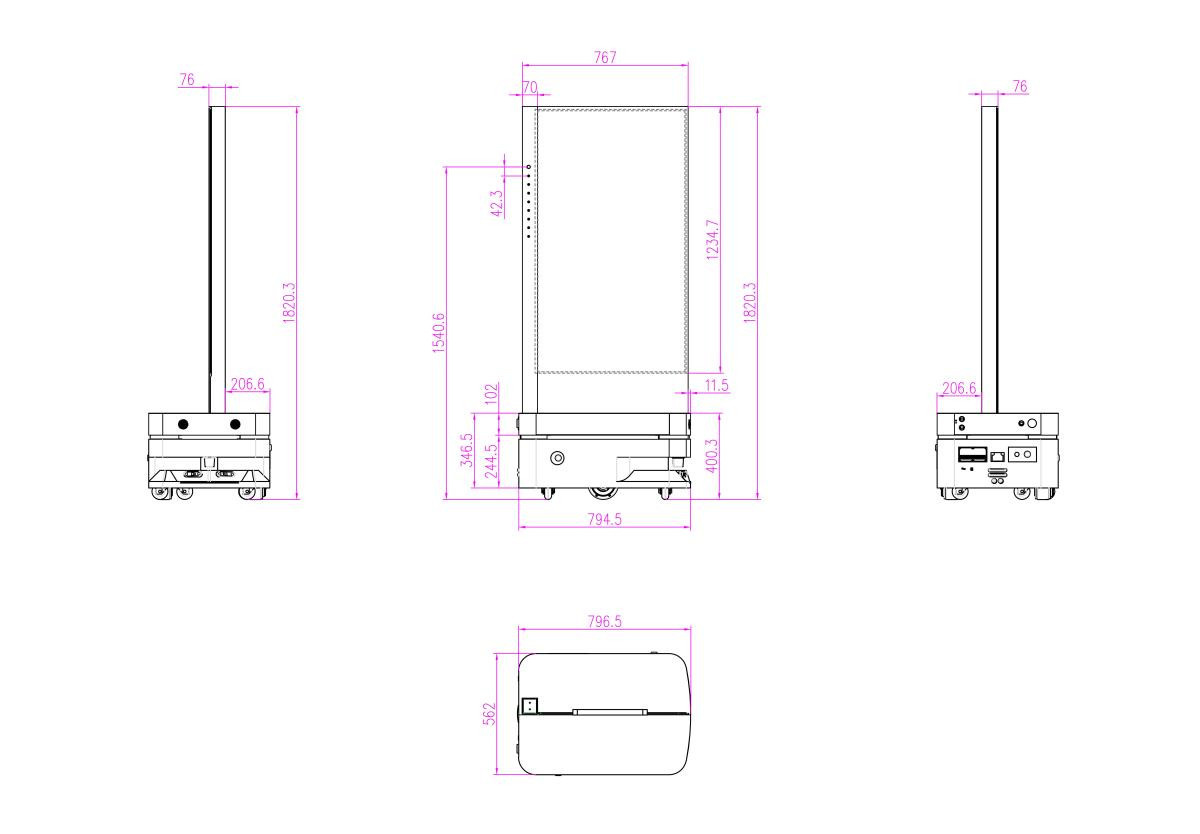
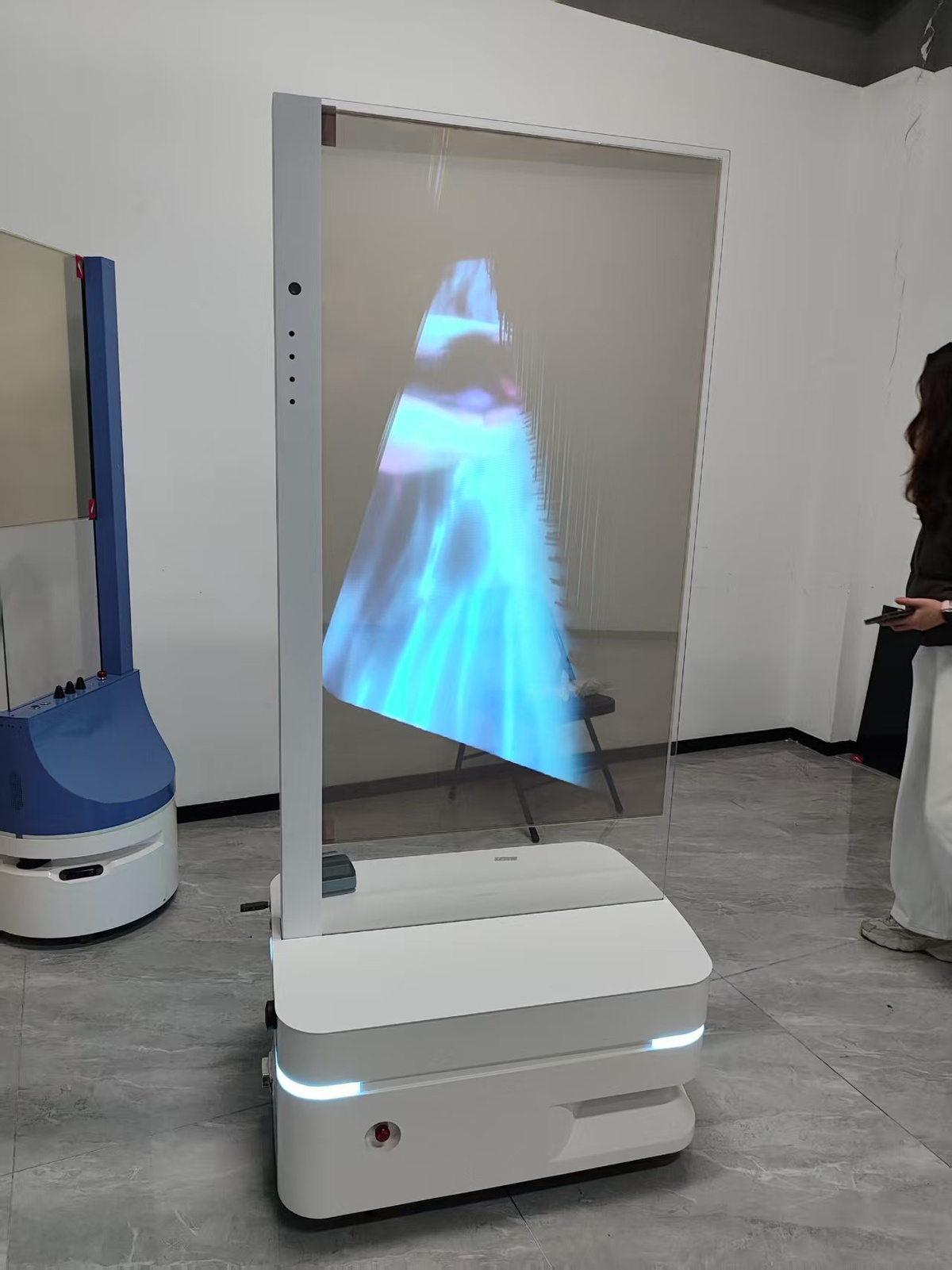
The transparent panel rises alongside a metal support column above a broad white mobile base. The metallic side support, dark upper deck, and white chassis create distinct layers, with the on-screen character becoming the visual focus above.
The 55-inch portrait format gives standing presenters, vertically composed product animations, and extended gestures room to develop. A sequence might begin with a welcome gesture, introduce the event theme, and then reveal the featured product.
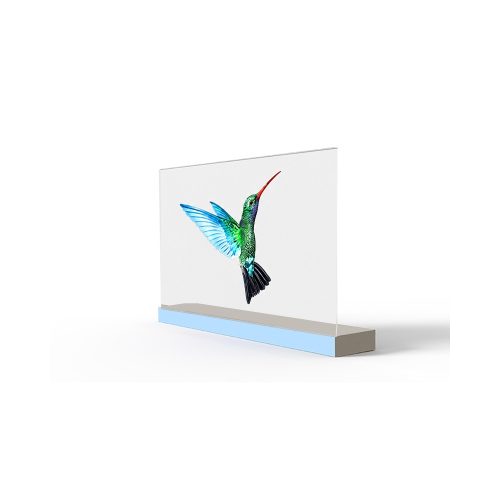
Restrained backgrounds allow transparent areas to preserve a view of the setting. Presenter clothing, product colors, and the surroundings behind the panel should remain visually distinct so the subject is easy to recognize.
Give Attention Somewhere to Go
Attract foot traffic with transparent display can be an event objective, but the next step needs equal planning. A clear theme, relevant information, and an accessible starting action give visitors a reason to stay.
In a product experience area, the opening message might ask, “Would you like to see how this product works inside?” Once the robot is stationary, visitors could select an animation chapter by touch, with staff available to explain further. This connects visual interest with exploration and conversation.
Such an interface requires content and application development. The specification lists 10-point capacitive touch; product catalogs, explanatory animations, and event registration functions depend on the installed software.
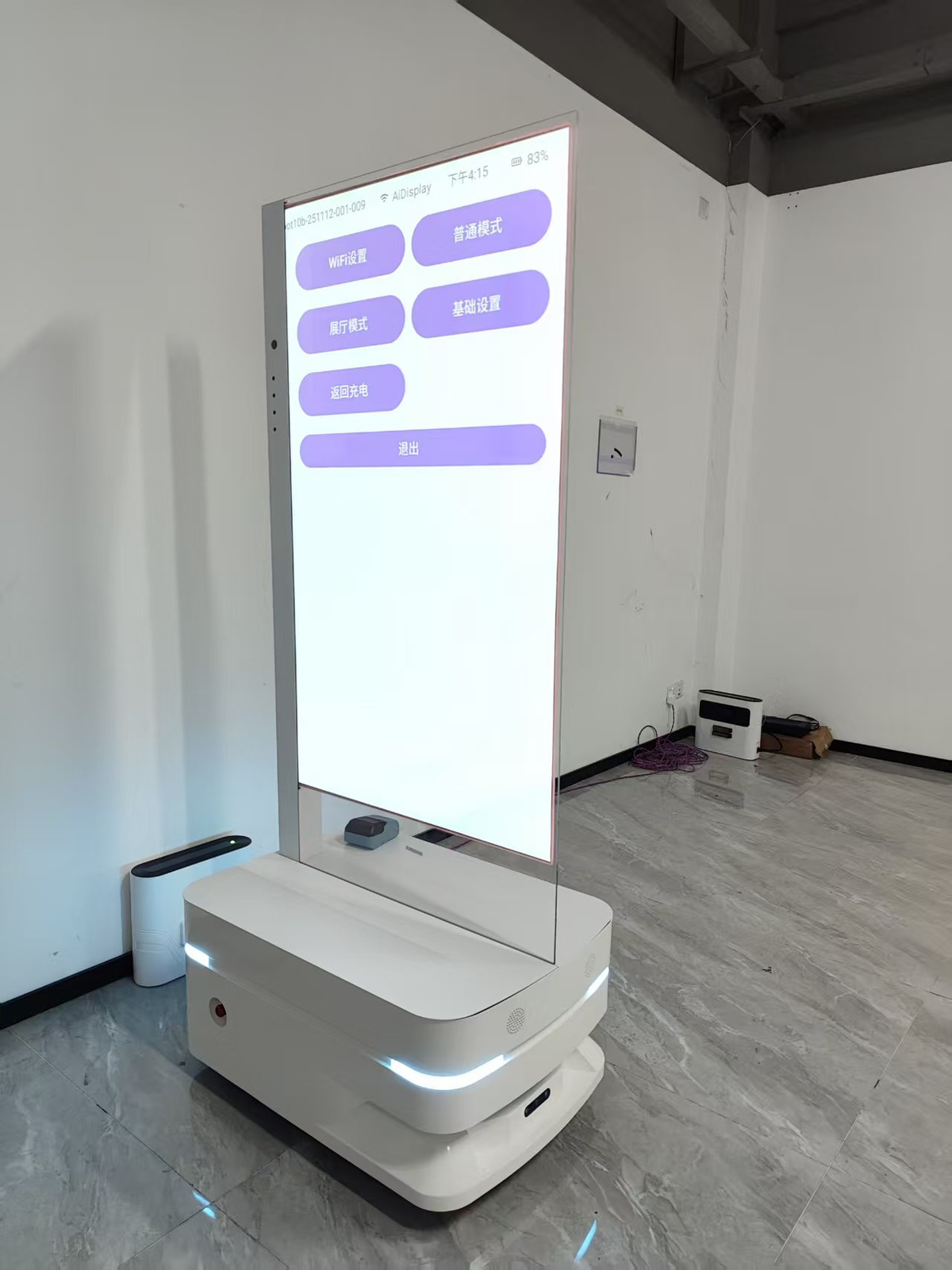
Define What the Digital Presenter Will Do
Recorded presenter videos deliver consistent messages. A live digital human can support spoken questions or topic-based consultation through an appropriately integrated solution. These approaches have different computing, connectivity, and software-service requirements.
The documentation lists Android as standard, an optional PC configuration, and support for third-party digital human integration. Coordinating narration with arrival at a selected location requires the digital human platform to interface with the robot’s controls. Languages, knowledge content, audio capture, and response methods should all be defined within the delivery scope.
Reserve a Clear Operating Area
Event planning should include presentation stops, travel routes, and a charging location. Floor conditions, thresholds, visitor traffic, and temporary exhibits can affect operation. Routes and obstacle-avoidance behavior should be tested in the actual venue.
Battery runtime should also be assessed against the intended workload, including movement frequency, stopping periods, displayed content, and computing load. Automatic charging return supports daily scheduling, while the dock needs clear access.
Share the event timetable, floor plan, and content intended for each area. These provide a practical basis for specifying the 55-inch mobile unit and organizing its tasks around the presentation.