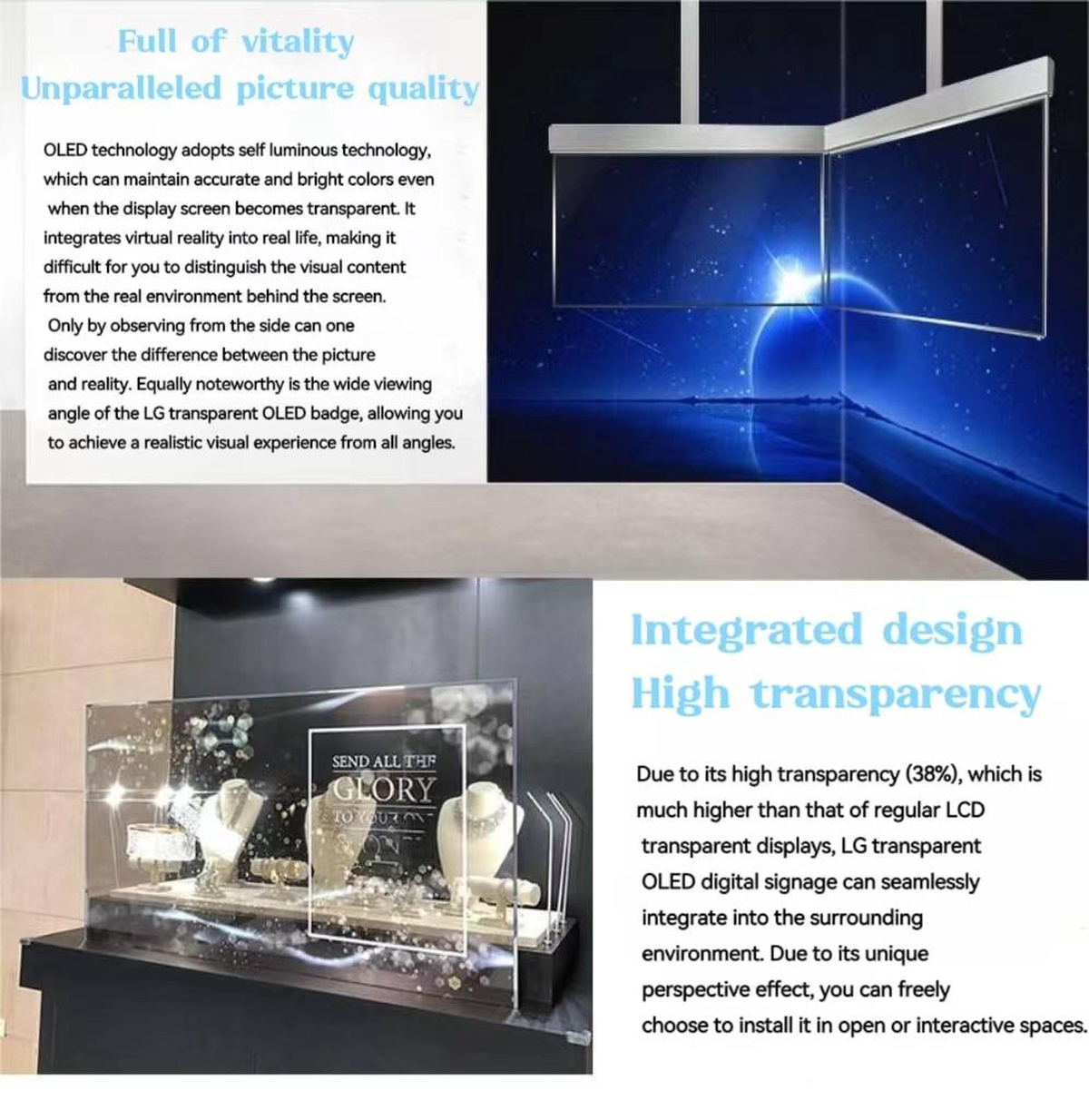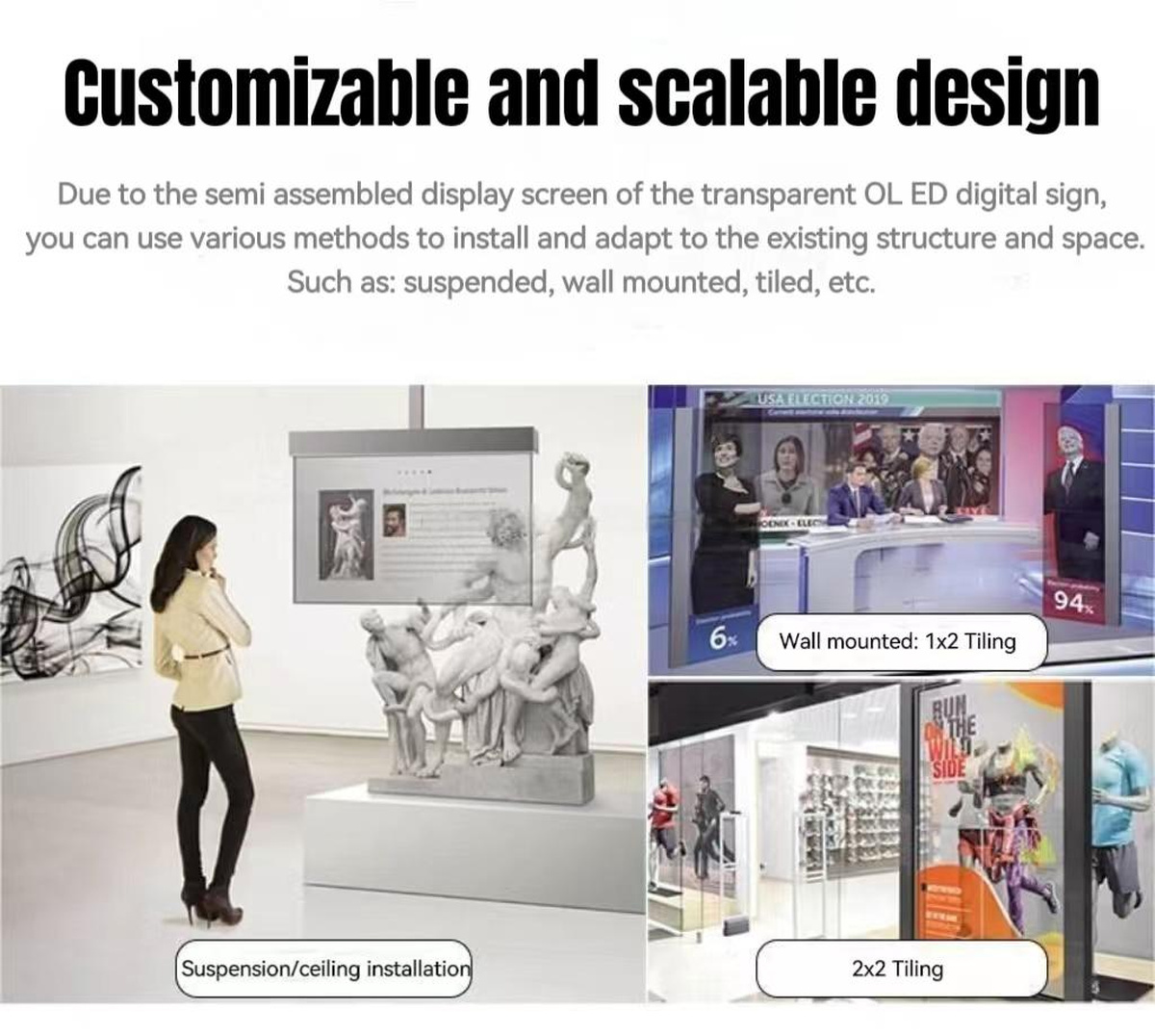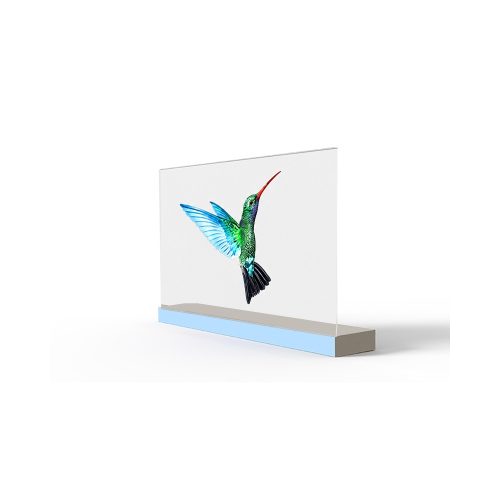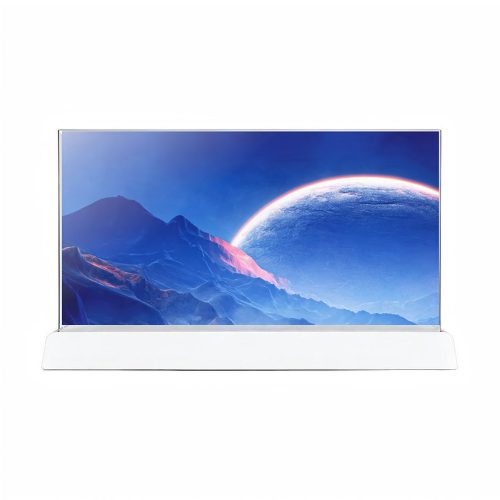
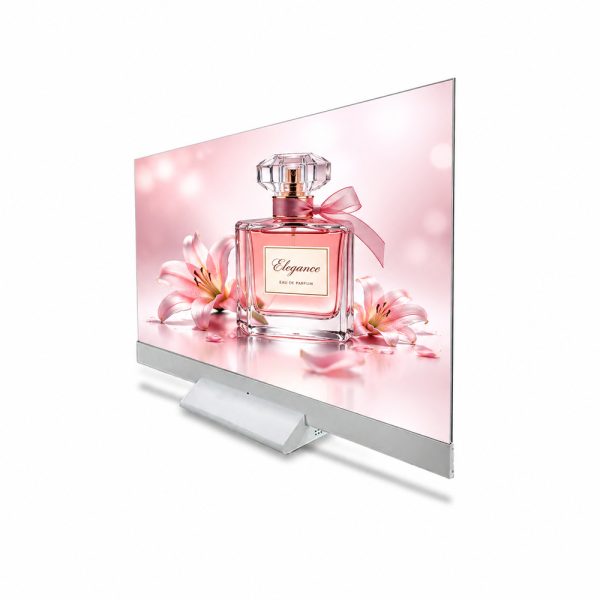





Choosing a finish means looking at it in two ways. A room rendering shows how it fits into the design. A physical sample shows the grain, sheen and color customers can expect to see in person. A 27-inch transparent OLED monitor brings both to the same presentation table, so customers can see samples behind the screen while reviewing how those materials could be used.
Consider a hotel guest room presentation. A designer can place timber, fabric and metal samples behind the display and show how they work together around a headboard, wall panel and light fixture. When a client notices a particular finish, the discussion can move from the rendering to the sample and back to where that material belongs in the room. For showrooms that regularly host designers, purchasing teams and project owners, a 27-inch transparent OLED monitor provides a dedicated place for these conversations.
Show how the finish fits into the room
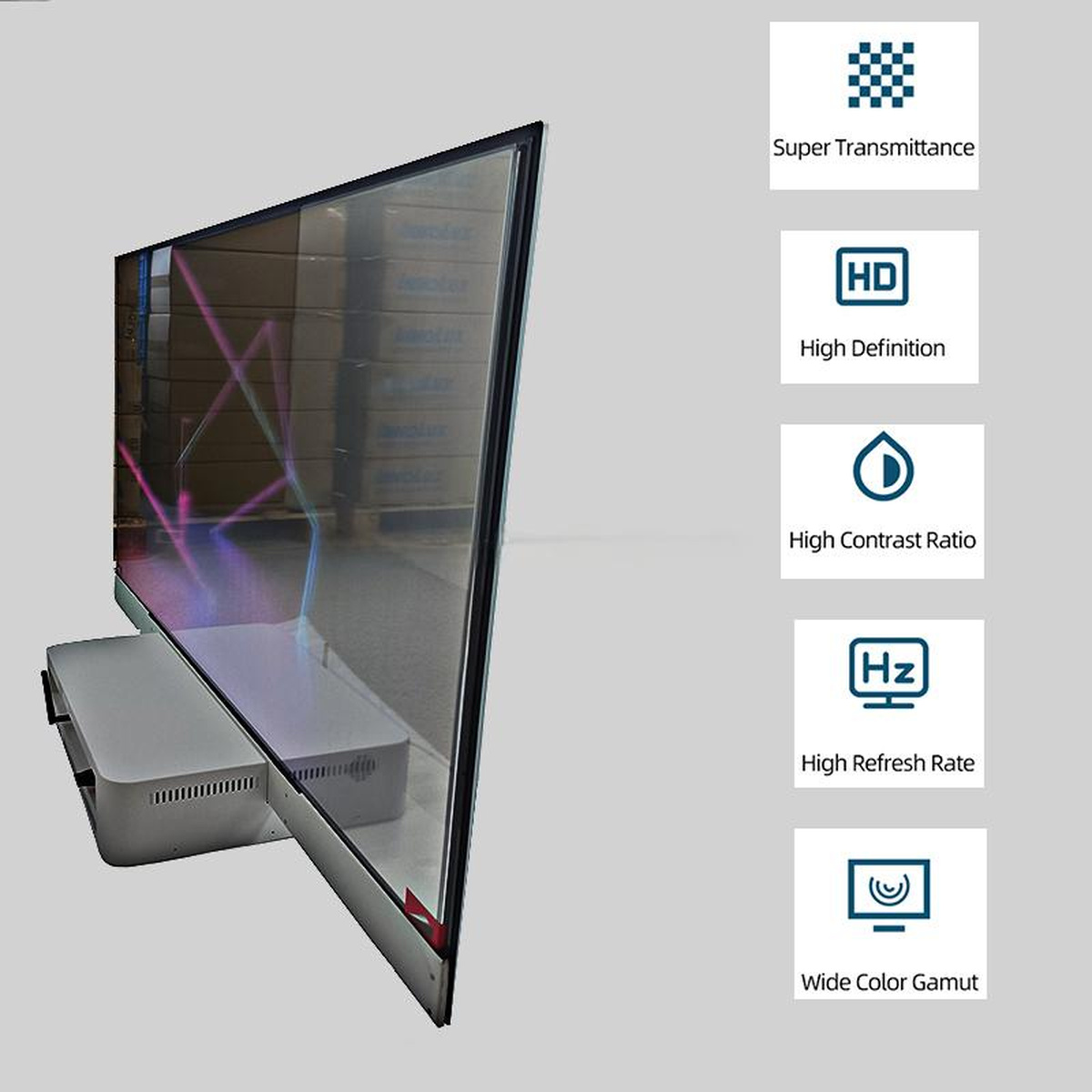
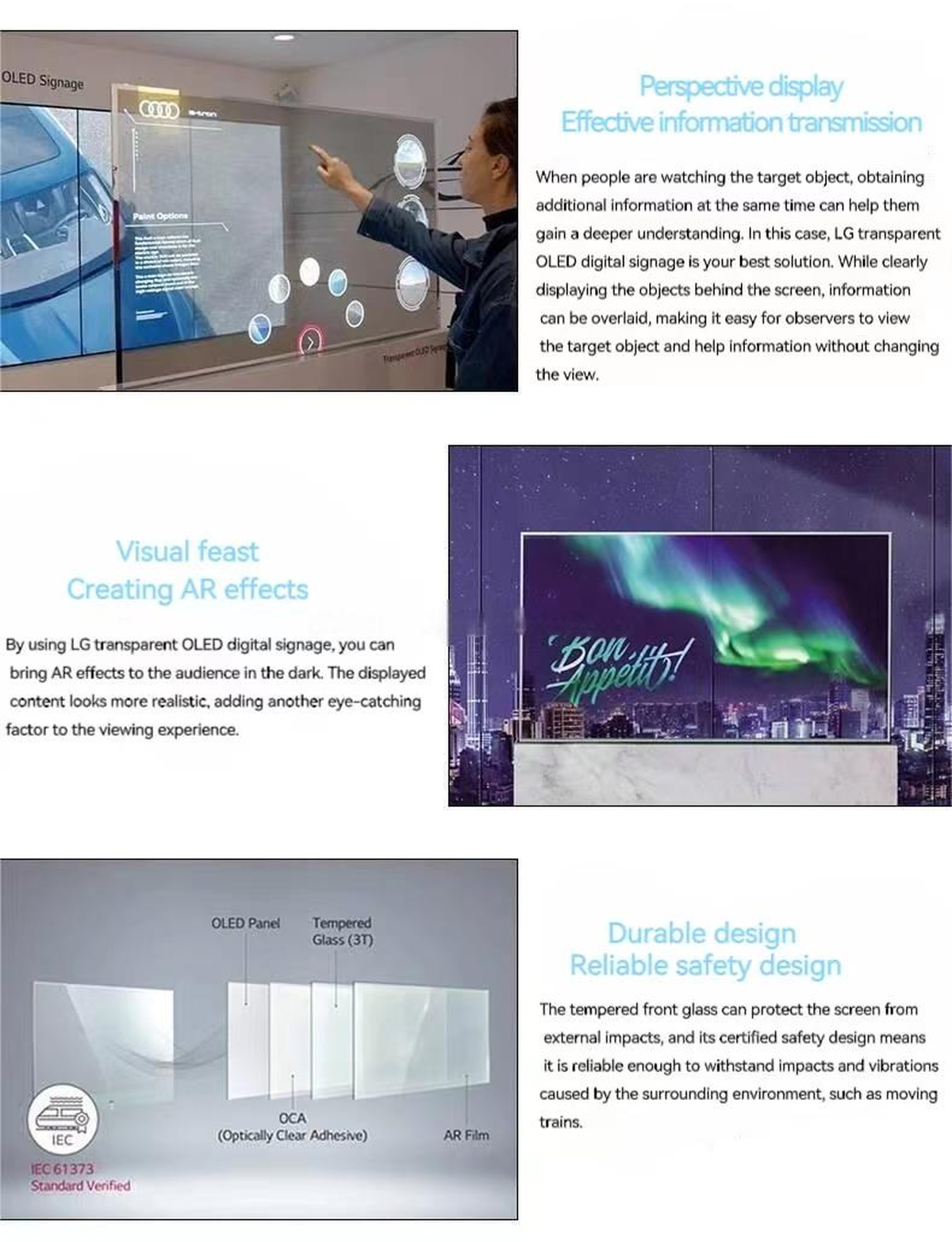
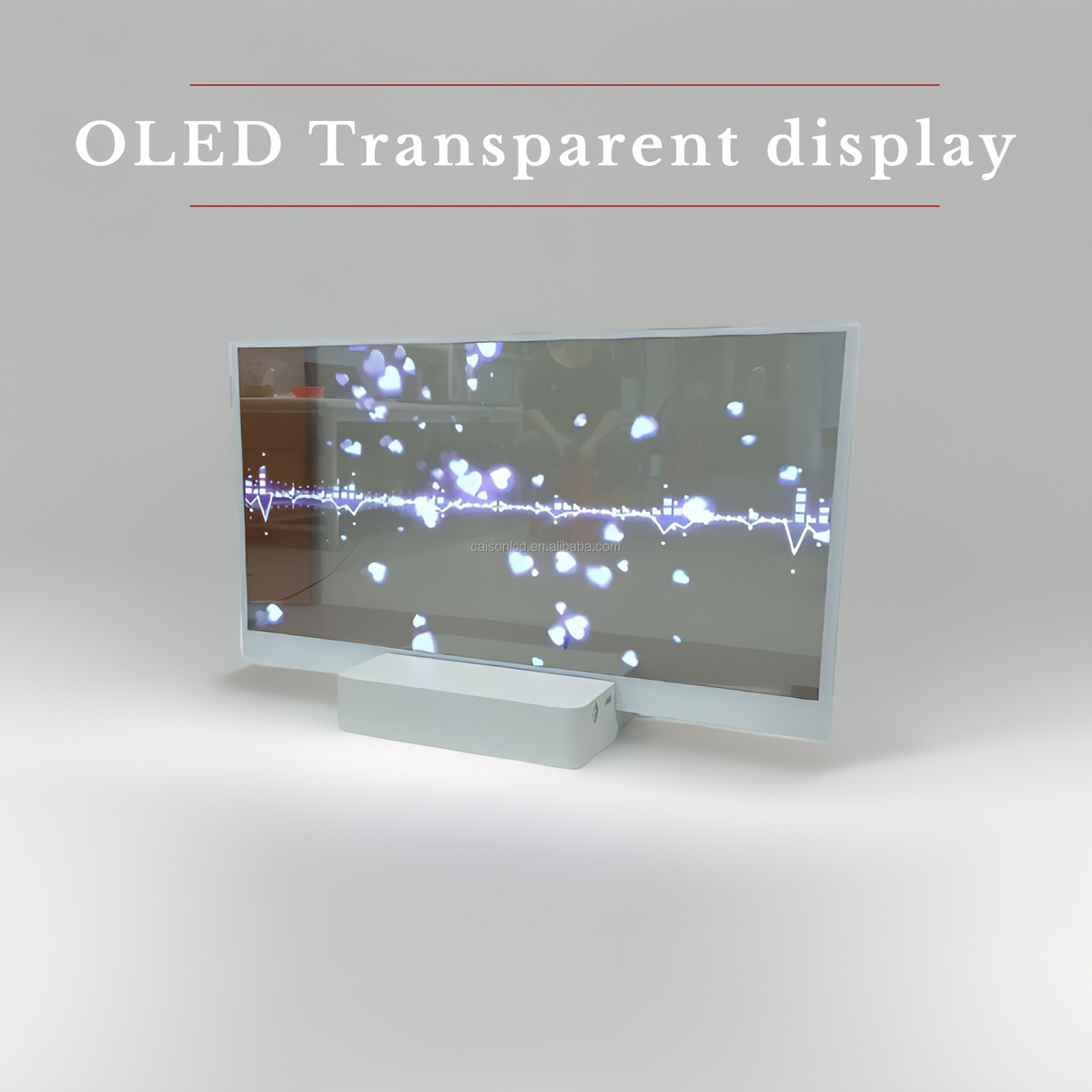
The 27-inch transparent OLED monitor has an active display area of 580.64 × 330.04 mm, suited to close viewing at a presentation table. Its specified 48.3% light transmittance allows samples to remain visible through open areas of the image. Room renderings, application diagrams and short material labels can appear on screen while the actual surfaces stay in view. When a conversation moves from dark wood to pale stone, clients can compare the samples under the showroom lighting while considering the effect of each option in the room.
The screen has a painted sheet-metal housing and an HDMI input for a compatible presentation computer or media player. For material brands and commercial interior suppliers, a 27-inch transparent OLED monitor is particularly useful when a swatch alone leaves questions unanswered. Different sheen levels on the same wood grain or the way a brushed metal finish catches light are easier to discuss with a sample and its intended setting in view.
FAQ
Can it be used with an existing sample table? Yes. The tabletop design can sit on a suitably sized, load-rated surface with physical samples positioned behind the screen.
Can a laptop play design presentations on it? Yes. A compatible laptop or media player can connect through HDMI. The native resolution is 950 × 540, which suits large visuals and concise labels.
Will samples still be visible while a rendering is on screen? Samples can be seen through open areas of the image. Visibility depends on how much of the screen the rendering occupies, where the samples sit and how they are lit.
Can clients approve a final finish color from the screen? On-screen visuals help clients compare design combinations. For final color approval, review the physical sample under the lighting specified for the project.