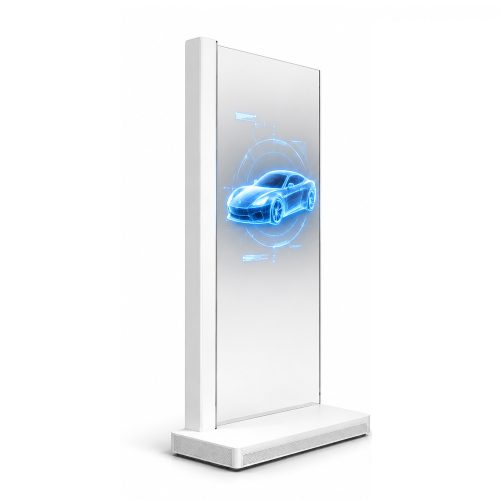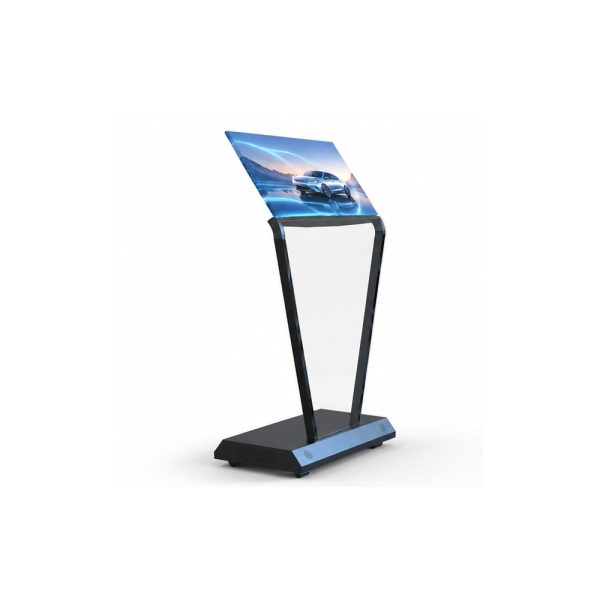
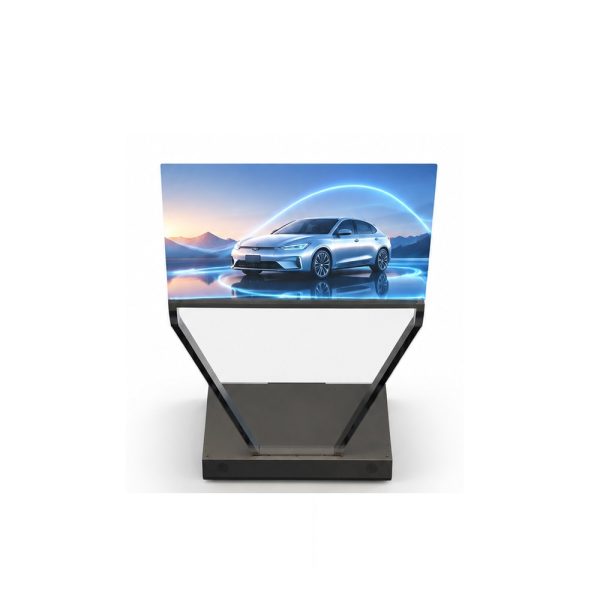
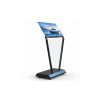
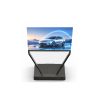
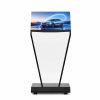
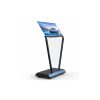
A vehicle, industrial machine, or design model often has a story that its exterior cannot fully explain. This 30-inch angled transparent OLED display can present structural animations, design explanations, and operating demonstrations beside the physical product.
Its inclined landscape image and open support create a distinctive presentation point for product experience areas, exhibition booths, and brand showrooms. Content can follow the object in front of the visitor, connecting physical inspection with a clearer understanding of its details.
Put the Explanation Beside the Product
A dedicated presentation station helps explain what visitors are currently examining. Beside a vehicle, it could show body design, cabin details, or feature animations. Near a machine, a cutaway sequence could illustrate how internal components work together.
The presenter can begin with the real product, use the screen to explain details that are difficult to observe, and then return to the demonstration. Physical equipment and digital material each have a defined role.
The vehicle imagery in the rendering is an application example. It does not establish an included automotive catalog, configurator, or interactive 3D application. Those resources require separate production or integration.
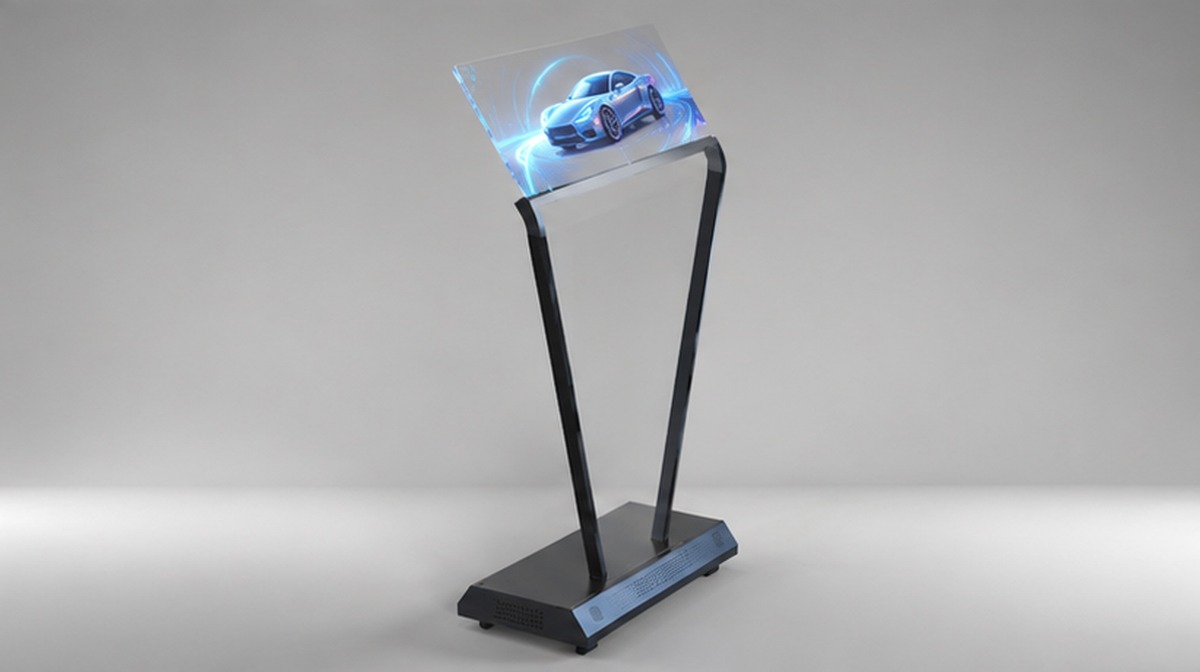
A Broad Image Above a Tapered Support
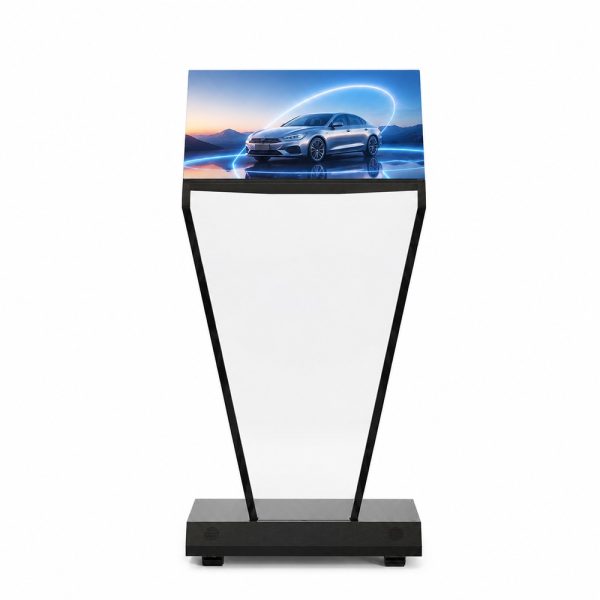
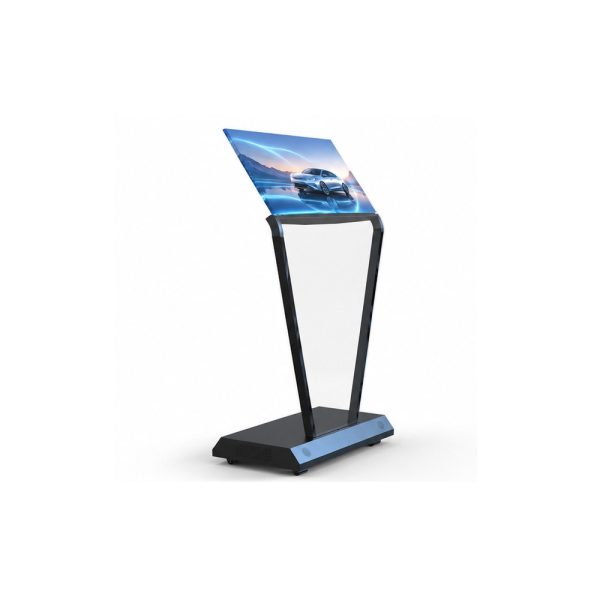
Black side supports narrow toward the bottom, leaving a transparent central area. Their shaped upper sections connect to the inclined panel. A broad base has a light-blue sloping front section, with openings visible at the front and sides.
The wider upper outline emphasizes the landscape image. The open center preserves a view of the floor and exhibition setting instead of filling the lower section with a solid cabinet.
The inclined arrangement invites closer viewing from the front. Comfort should be assessed against the final height, installation angle, and visitor position. Any interactive interface also requires confirmed touch hardware and reachable control placement.
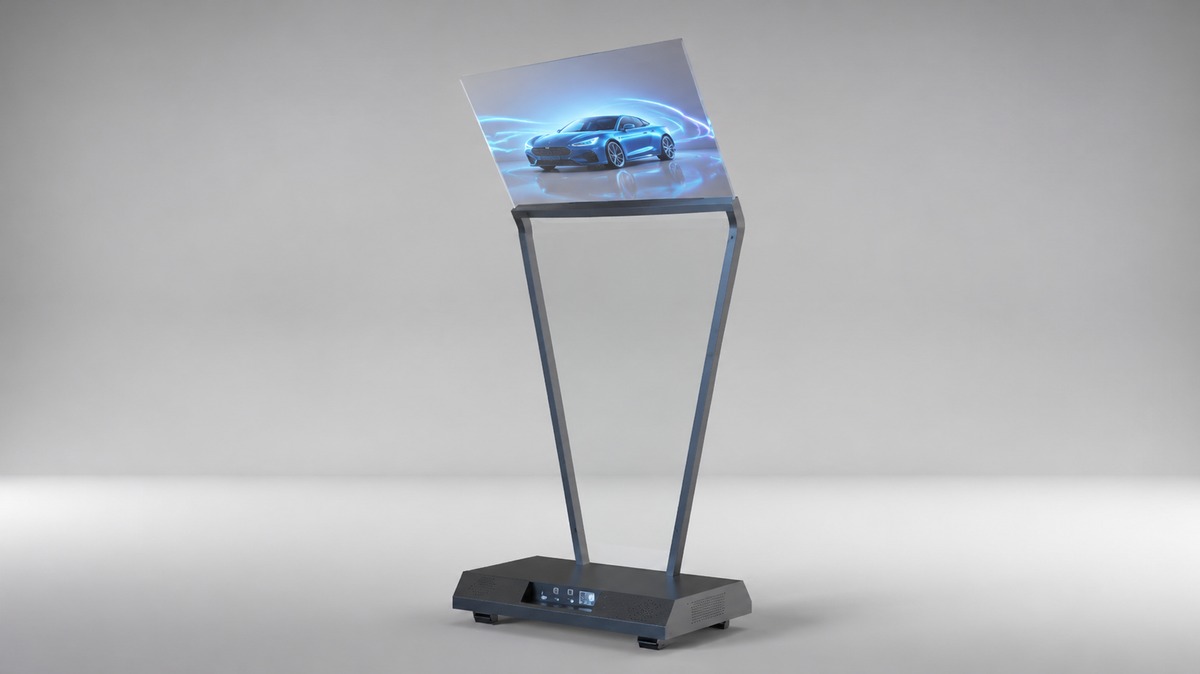
Coordinate the Display with the Exhibition Layout
For an exhibition stand builder transparent screen project, equipment placement can begin at the floor-plan stage. Screen orientation, product orientation, and the presenter’s position should work together.
Allow space for visitors to pause without placing the base in a main circulation route. Power routing can be coordinated with the platform or another suitable cable-management method, following venue conditions and installation requirements.
Reusable exhibition projects also benefit from agreed packing, transport, handling, and setup procedures. The rendering does not verify the load capacity, movement capability, or locking arrangements of components beneath the base.
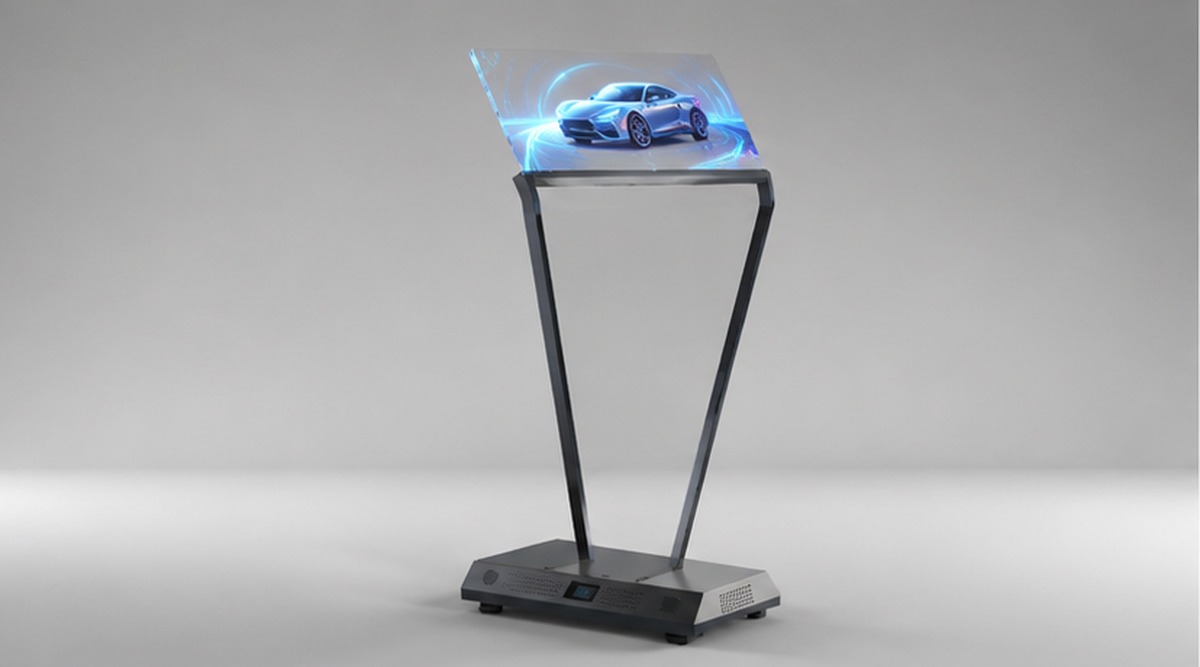
Give Each Sequence One Clear Purpose
Product demonstrations can be divided into short topics: exterior design, internal construction, operation, and applications.
Each sequence can introduce a question, explain it visually, and finish with a concise conclusion. Any specifications shown should match the physical product being demonstrated.
Transparent areas can provide space around the subject and contribute depth. Fine annotations, pale lines, and dense diagrams should be tested under the intended lighting and background conditions.
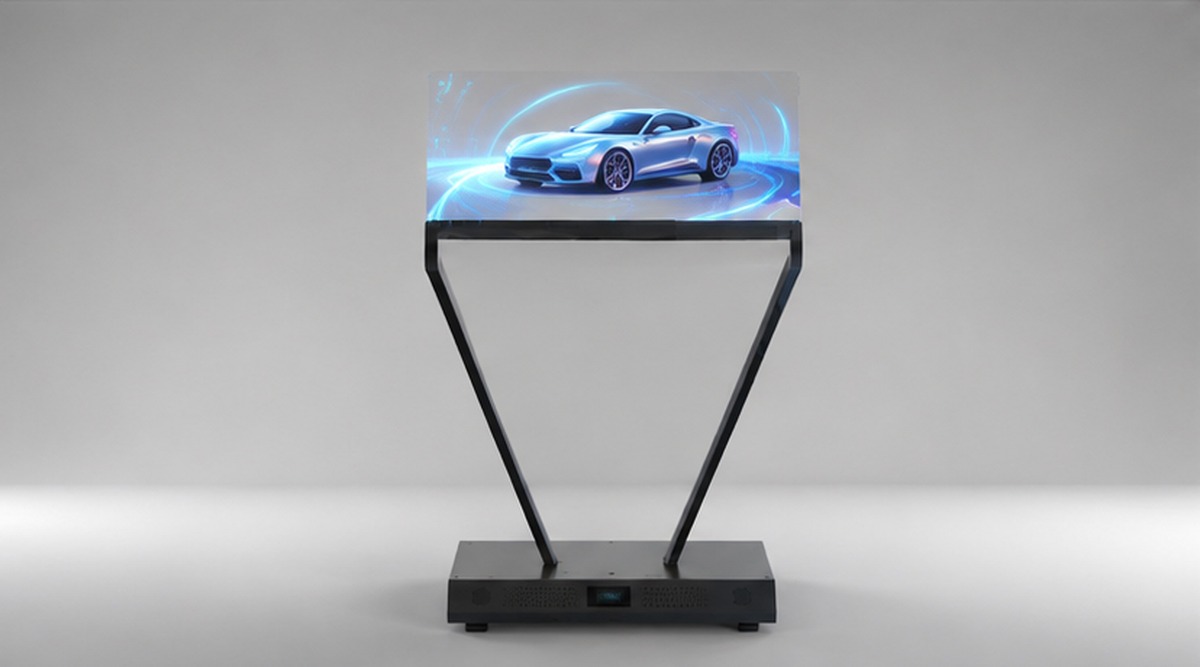
Specify Cooling and Playback Together
A transparent OLED heat dissipation solution needs verified airflow paths, ventilation clearances, and system power requirements. Visible openings alone do not establish a cooling method or continuous operating capability.
Video playback, 3D applications, and interactive software place different demands on computing hardware. Processing specifications, connections, playback equipment, and operating conditions should be confirmed as part of the complete package.
Share product photographs, a representative demonstration sequence, and the proposed installation position. These provide a practical basis for coordinating the image, viewing positions, and system configuration around a focused product presentation.