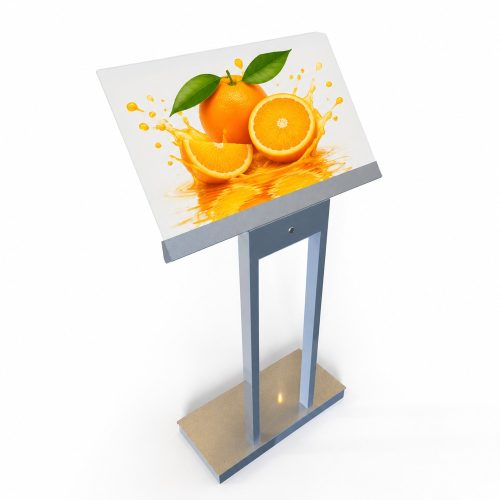
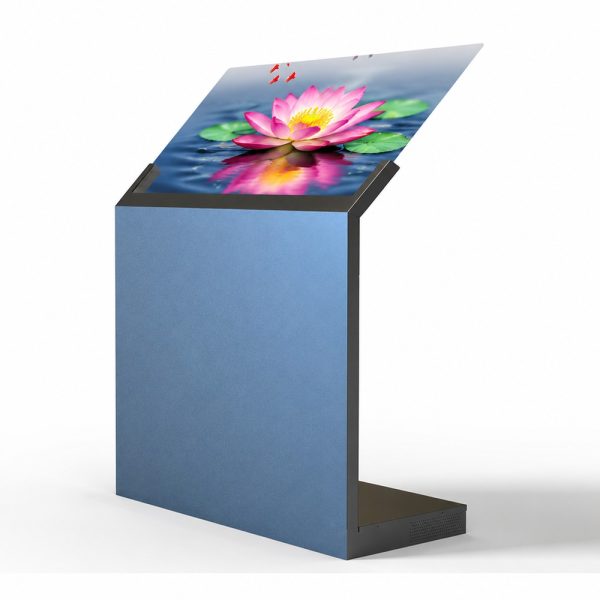
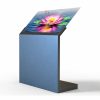
A historical photograph, a craft illustration, or a product cutaway often deserves closer attention. This 30-inch inclined transparent OLED terminal positions content on a sloping surface for standing visitors to view from above, creating a dedicated reading point for exhibit interpretation, design material, and visual demonstrations.
For teams exploring a transparent display OLED installation, the format offers a lectern-style approach to composition. Content can unfold like an open illustrated volume, introducing the complete subject before directing attention toward individual details.
Turn an Image into an Explanation
An inclined presentation can develop around one subject. An artifact might first appear in full, followed by its decoration, materials, and production methods. An industrial product could move from its exterior into a cutaway animation showing how components relate.
A sequence can introduce these details progressively. One main object, a short heading, and selected annotations give visitors a clear focus during close viewing.
Where self-directed chapter selection is required, a suitable application can be developed after touch availability is confirmed. The supplied images do not establish a touch specification, so interaction should be agreed alongside the hardware and software.
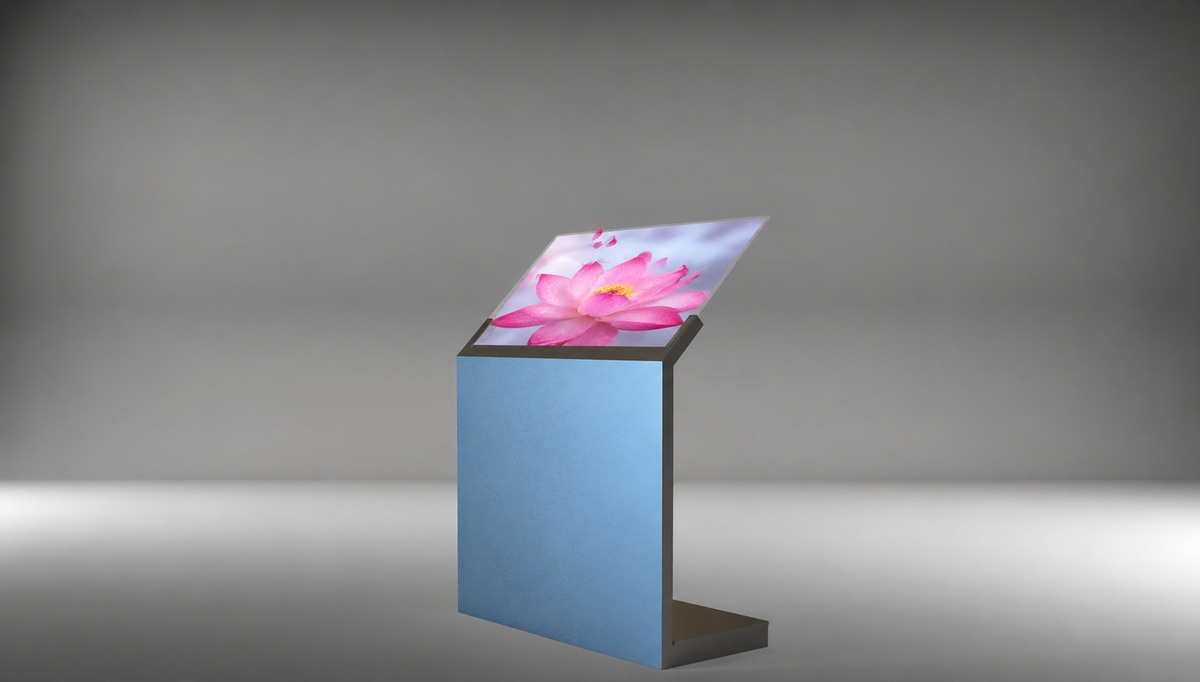
A Complete Floor-Standing Reading Station
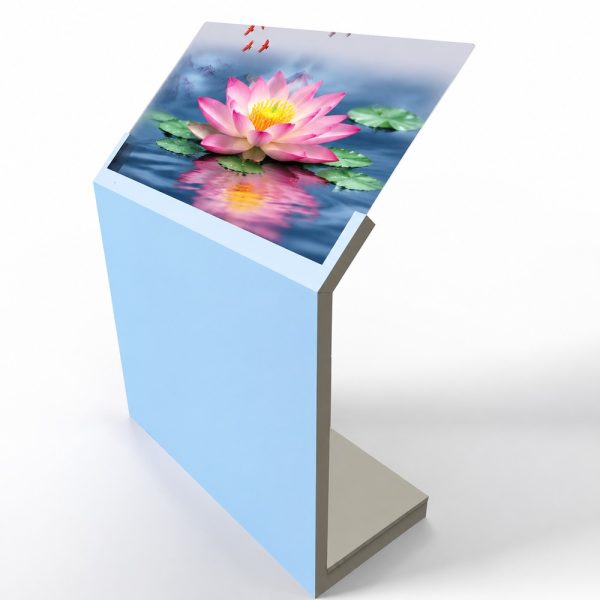
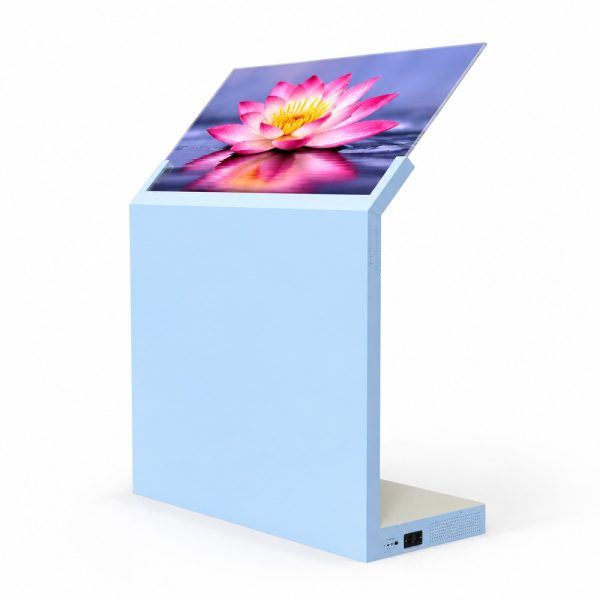
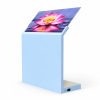
The rendering shows a landscape panel sloping backward, with its lower edge meeting the upper enclosure and supports along the sides. A light-blue front surface extends toward the floor, while a rearward base provides the supporting footprint. Power access and openings are visible toward the side and rear.
This form can stand beside an exhibit as an interpretation station or be used within a themed area where each unit introduces a chapter. The solid front also provides a defined color surface that can coordinate with exhibition walls, furniture, or wayfinding.
Available colors, finishes, and branding options require confirmation against the supply specification. Placement should preserve access for cables, maintenance, and ventilation.
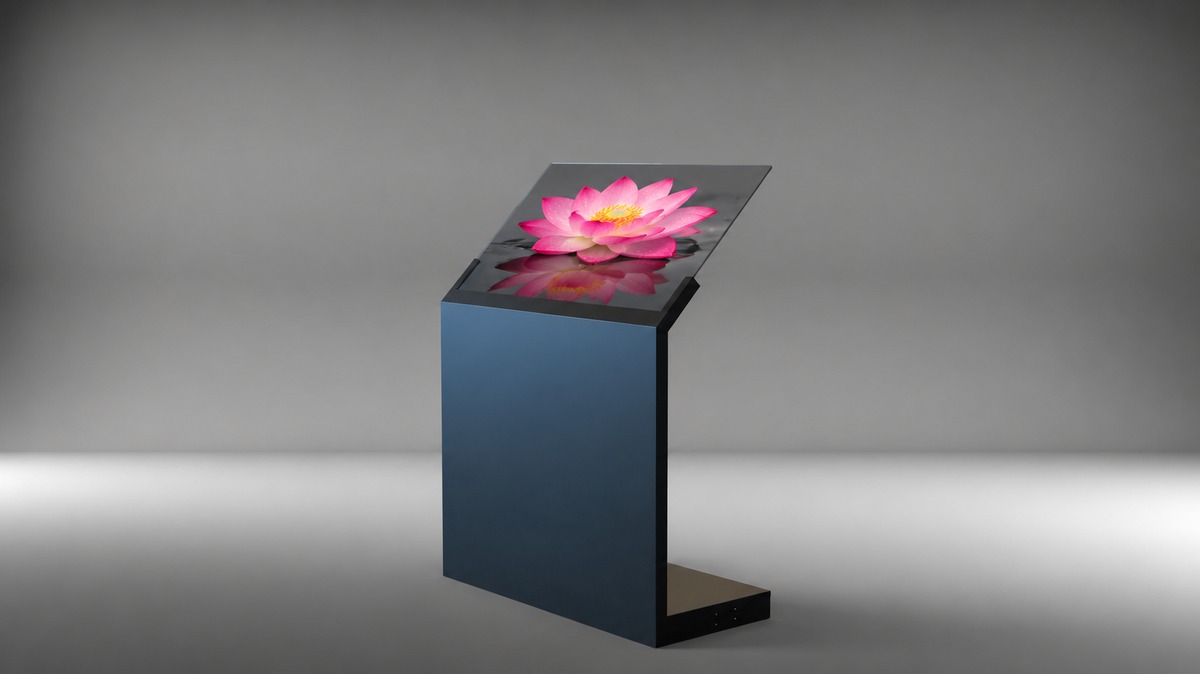
Coordinate the Viewing Angle with Lighting
The relationship between the inclined surface and overhead lights affects visible reflections. Assess the screen from the main standing position, then adjust orientation or lighting where necessary.
Transparent areas also interact with the surroundings below and behind the panel. Busy textures can compete with small text and fine lines. A simpler background and sufficient contrast can help maintain readability.
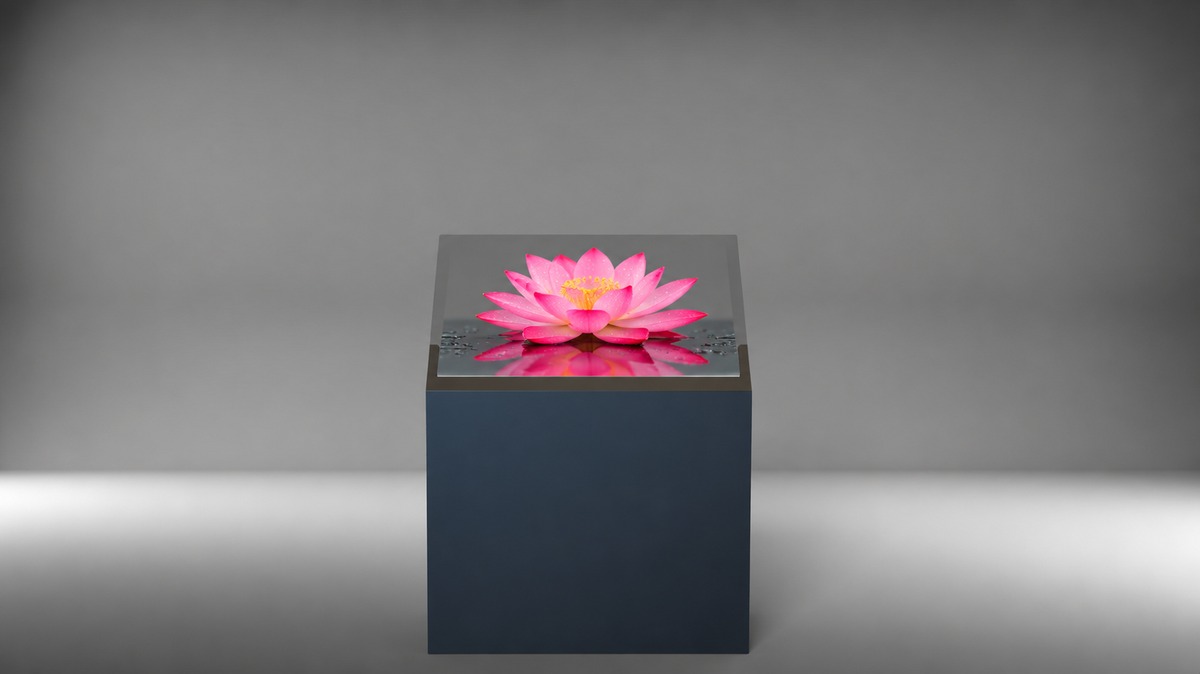
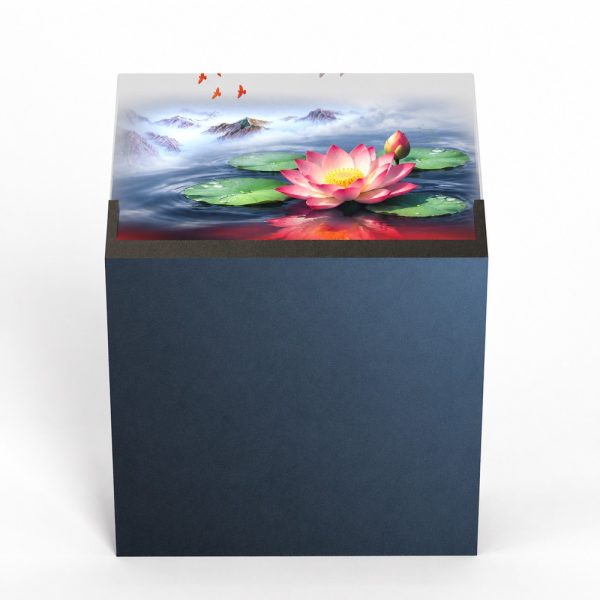
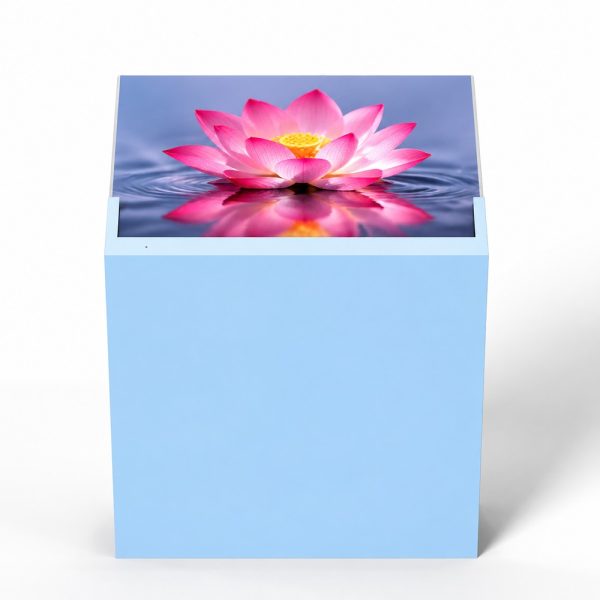
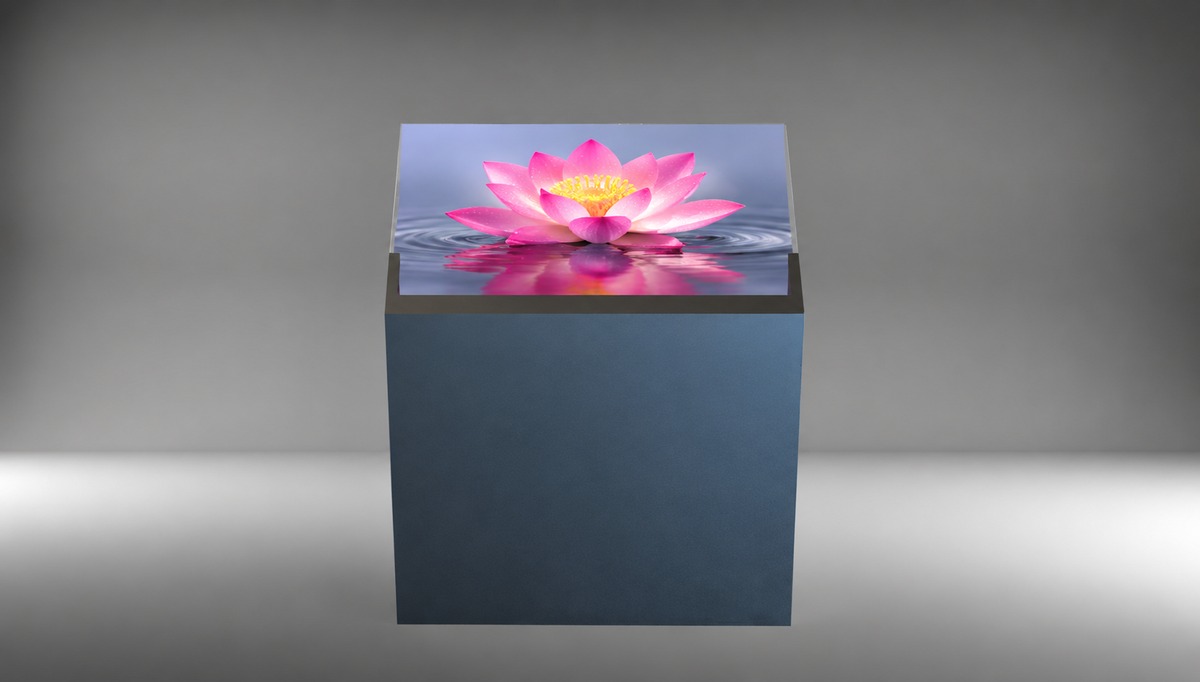
The flower and water imagery in the rendering is sample content. It does not establish three-dimensional imaging or floating projection capability. Animation can suggest depth, but creative effects should be distinguished from hardware functions.
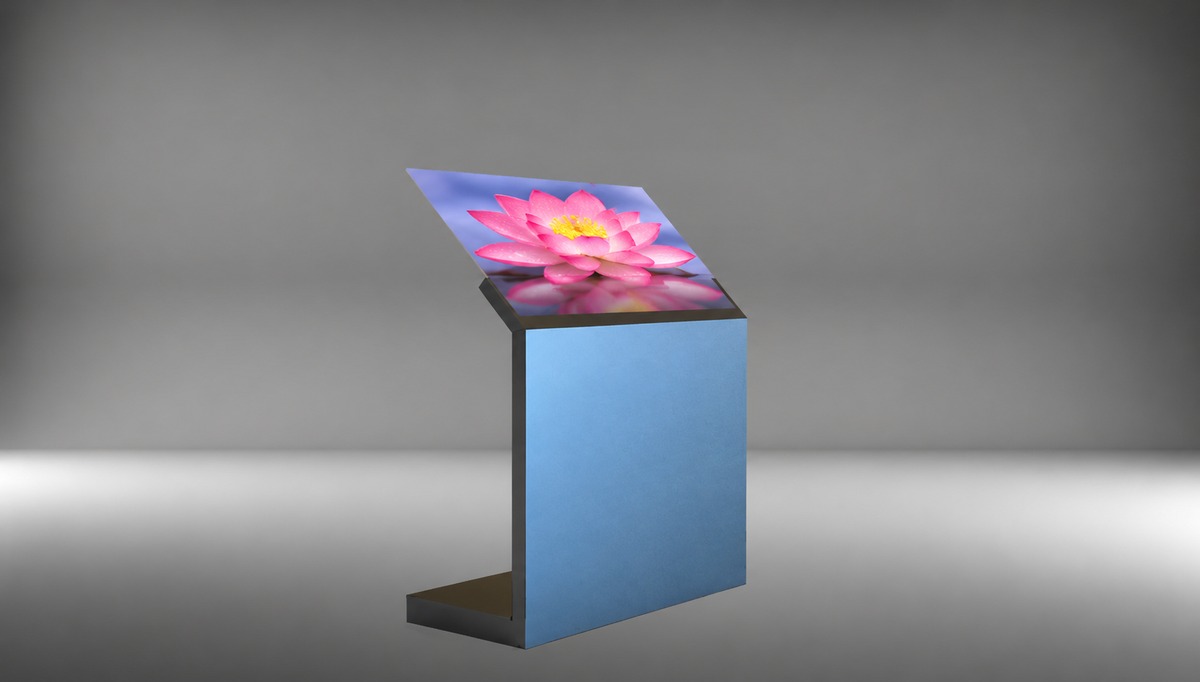
Evaluate Detail at the Intended Distance
A transparent OLED pixel pitch guide provides one part of the selection process. Resolution, active image dimensions, viewing distance, and source material also influence whether details remain readable.
These specifications were not supplied with this image set, so fine drawings, small text, and dense tables should be evaluated using representative material. Test a real content page from the intended position: are the smallest labels legible, are lines distinguishable, and is information near the edges easy to find?
Image-led presentations can emphasize shape and movement. Text-led pages benefit from less information and a clear visual hierarchy.
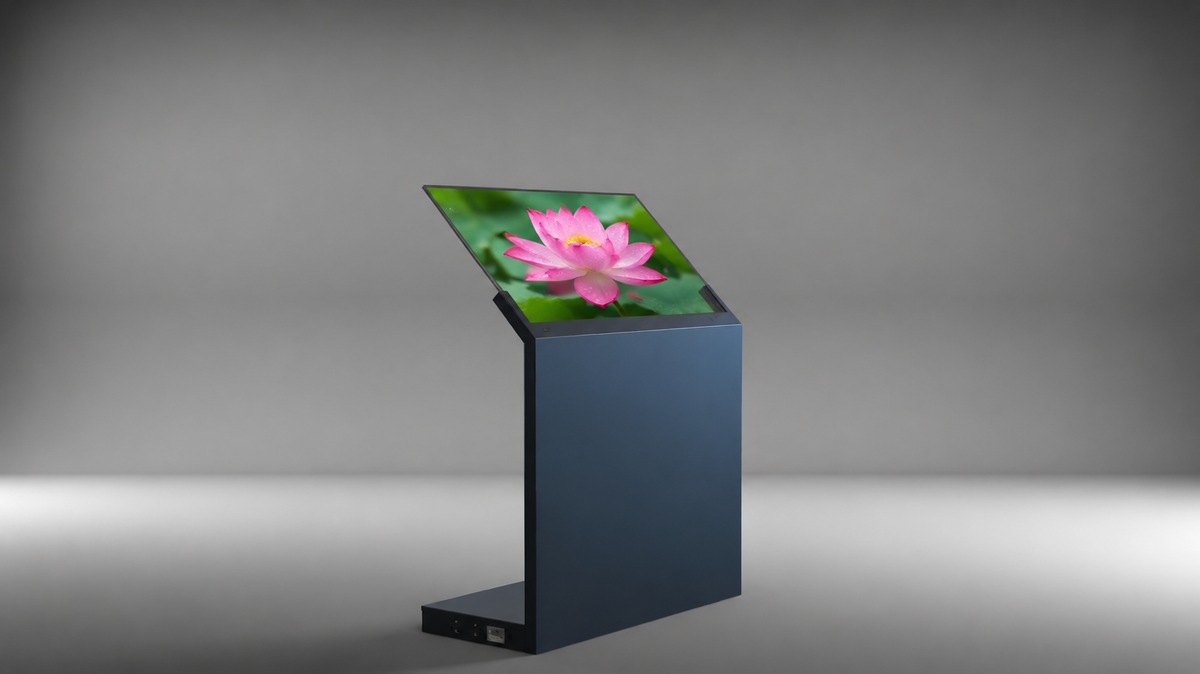
Develop One Representative Page First
Begin with a single exhibit and a complete sample page. Bring together its image, short explanation, annotations, and presentation timing, then assess the experience while standing at the unit.
Confirm playback hardware, update methods, audio requirements, and any touch option before extending the remaining chapters. Testing real material helps turn the inclined format into a clear and useful exhibit-reading station.