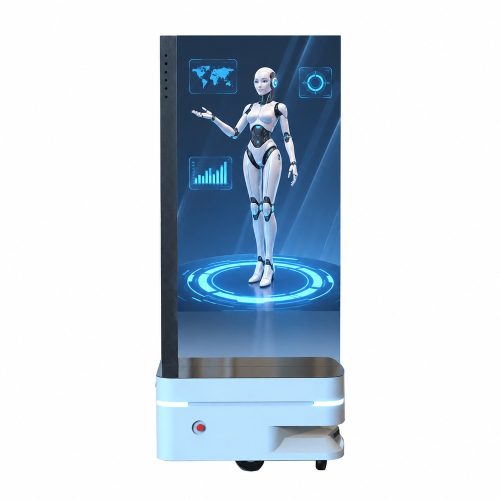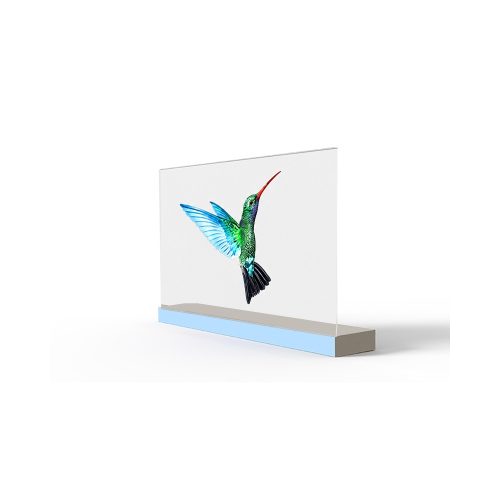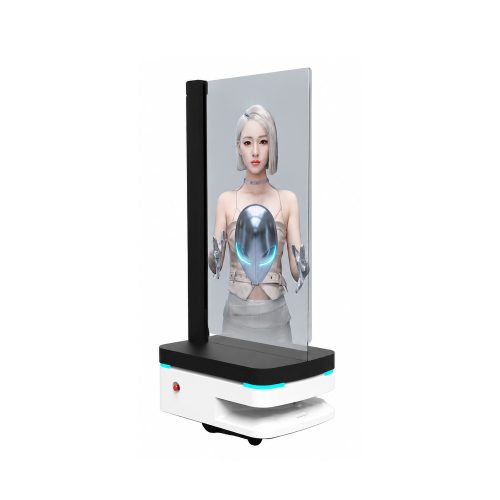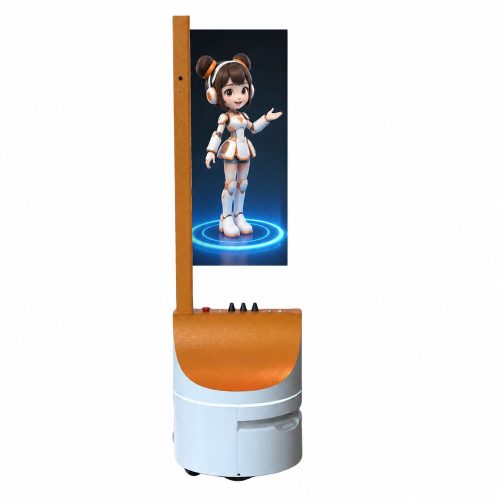
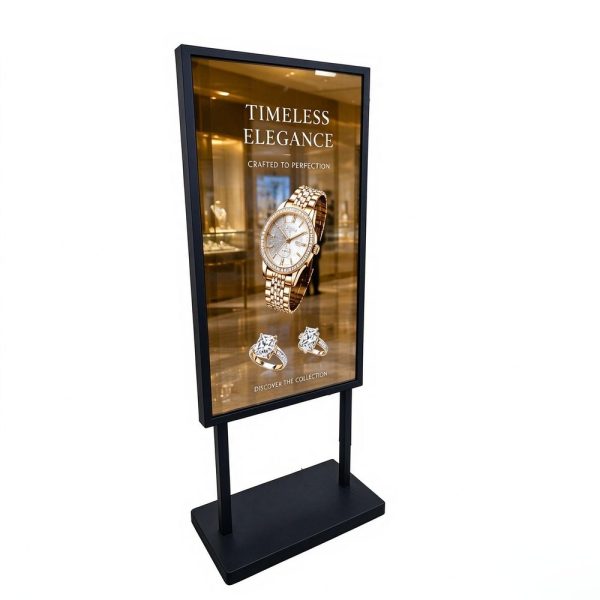
A watch may attract attention through its dial, its craftsmanship, or the story behind its design. This 55-inch Transparent OLED touch screen combines portrait product imagery with touch-based exploration, creating a dedicated digital experience point for boutiques, brand showrooms, and collection displays.
Visitors can discover a featured product, select a topic through a compatible application, and explore materials or design details. A brief encounter introduces the collection; a longer interaction reveals more.
Introduce the Product, Then Reveal the Details
Watches, jewelry, and accessories benefit from a clearly defined hero image. The opening can emphasize the silhouette and collection name before moving into surface textures, settings, or construction.
A Transparent OLED touch screen can work with a tailored browsing application to organize these subjects into clear choices. Customers can reach relevant information without waiting through an entire film.
The same material can support a sales conversation. Enlarged details complement the physical product and help staff address the customer’s interests.
Frame the Presentation with a Defined Portrait Outline
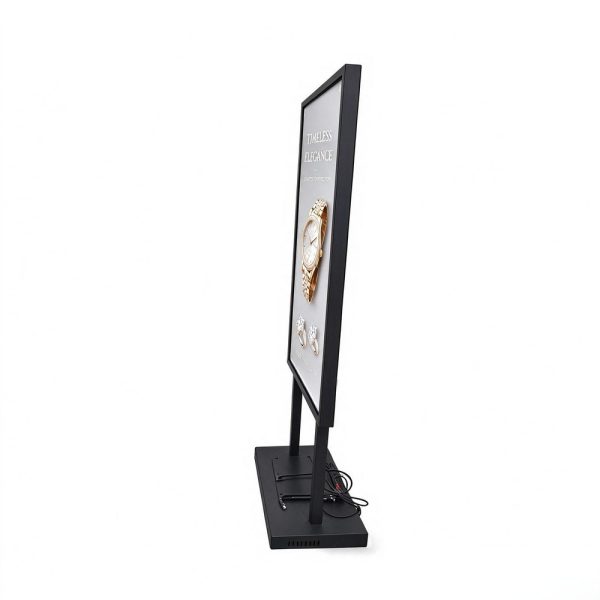
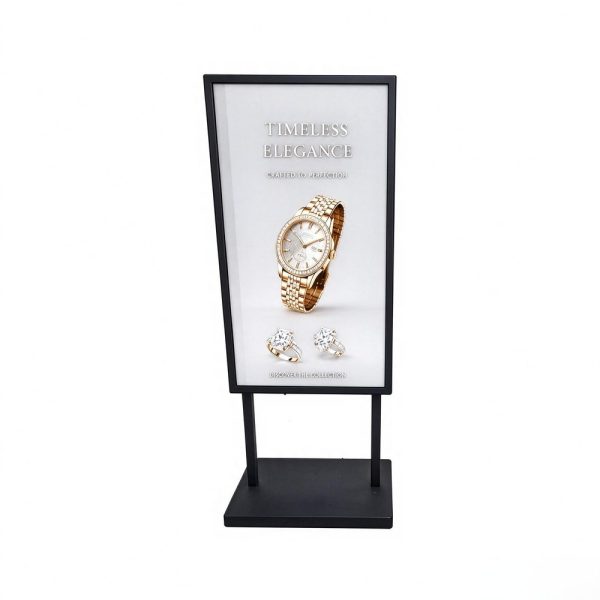
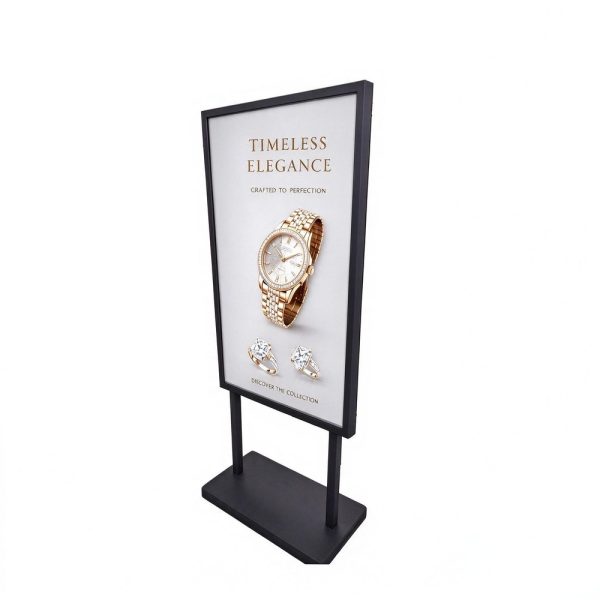
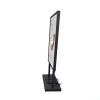
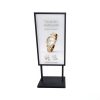
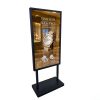
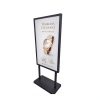
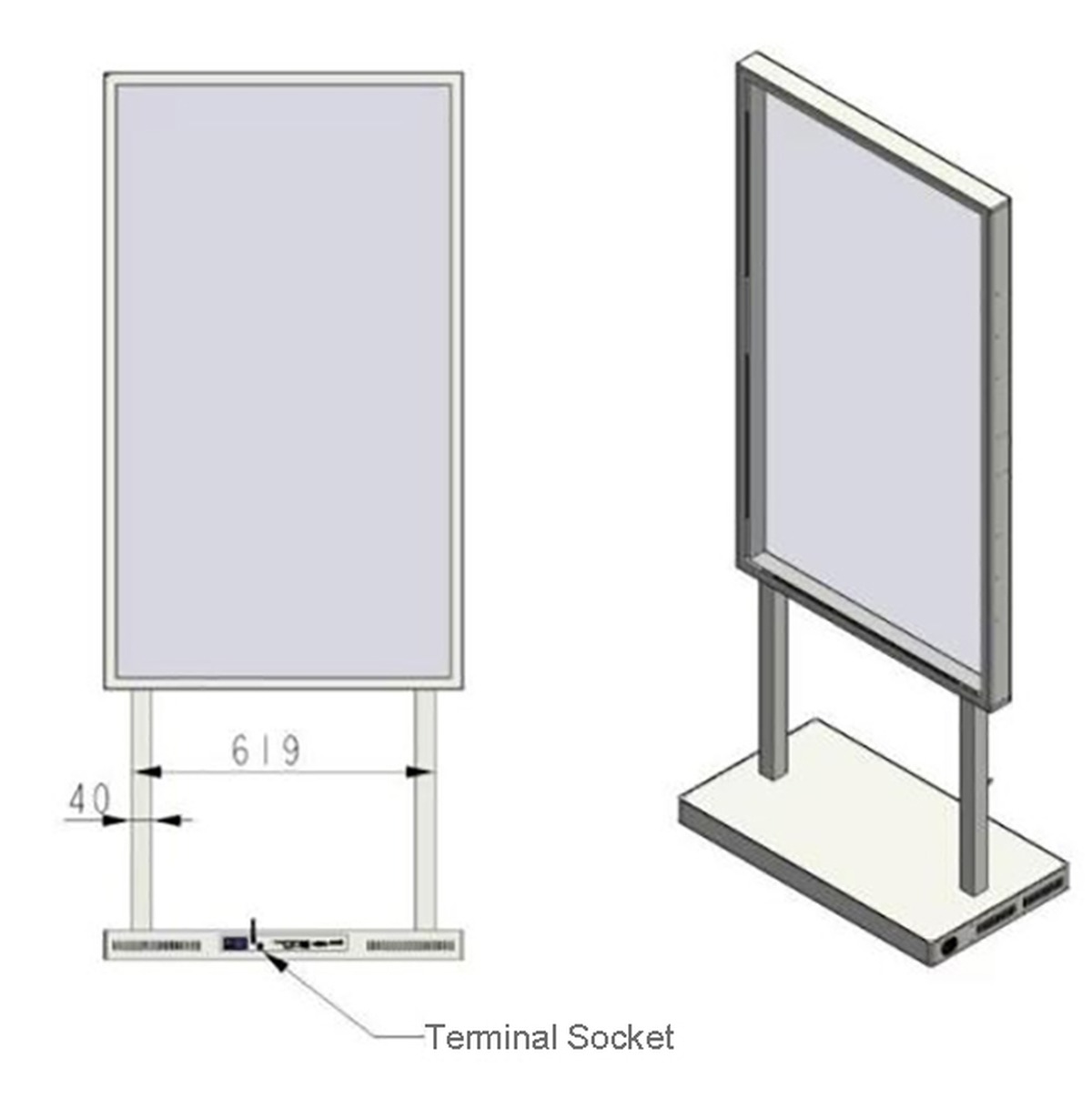
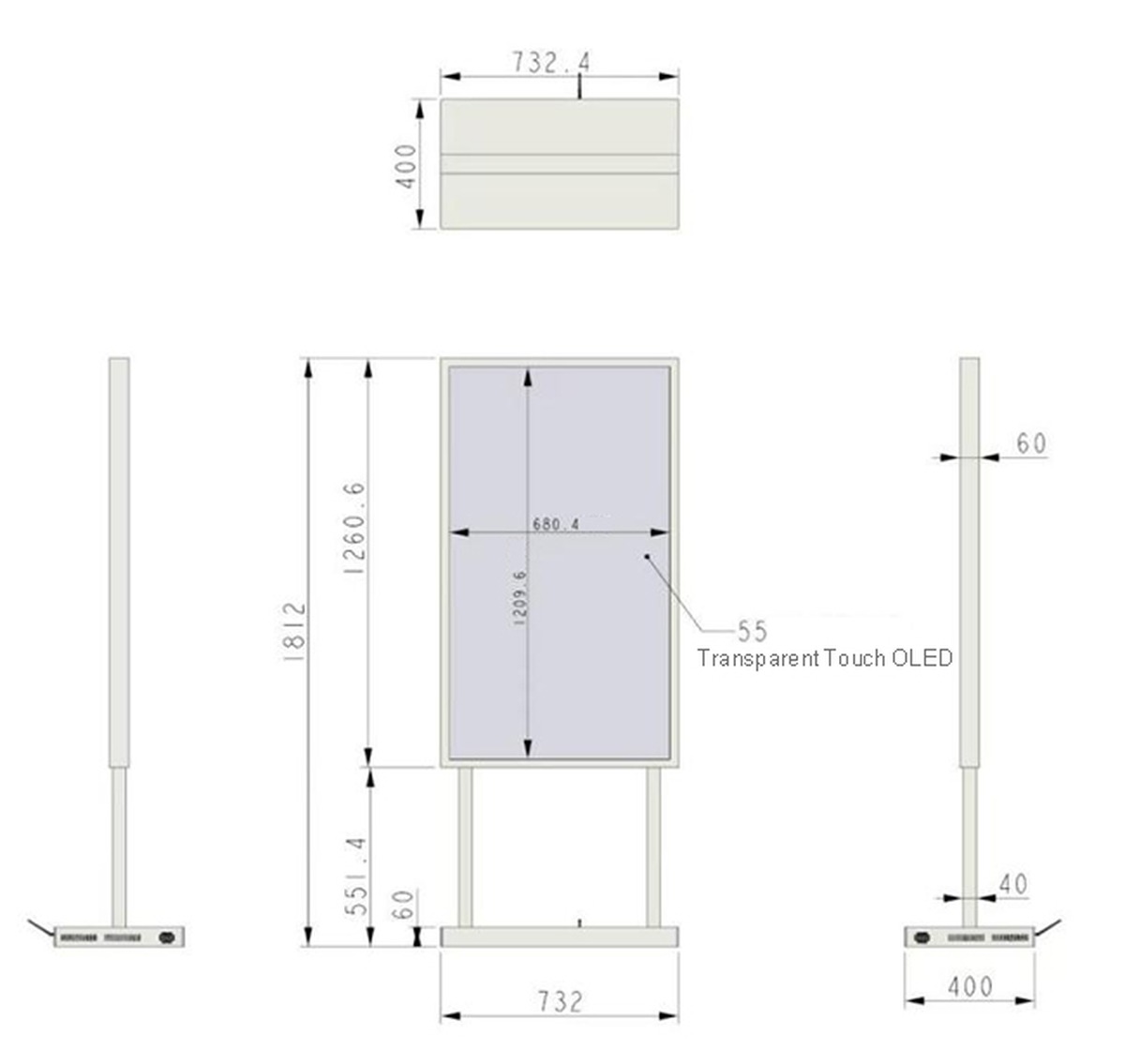
A complete black frame surrounds the image, supported by two slender posts above a rectangular base. The open lower area preserves a view of the surrounding setting.
The portrait layout of the Transparent OLED touch screen gives one product a prominent position, with concise headings and selected navigation choices nearby. Information can unfold progressively rather than appearing all at once.
Its dark outline can coordinate with boutique counters, exhibition fixtures, and branded feature walls.
Make Collection Differences Easier to Explore
Products within a collection may differ in color, material, or design treatment. Prepared content can explain those distinctions through focused images and descriptions.
The Transparent OLED touch screen provides a medium for moving from a collection overview into an individual product, exploring details, and returning to the selection. Consistent imagery and typography connect the experience.
New releases can receive dedicated chapters while retaining the same browsing structure and brand identity.
Connect Browsing with the Physical Experience
Digital imagery explains enlarged details. Physical merchandise communicates weight, scale, and texture. Placing them within the same experience area can connect browsing with trying on, inspection, and consultation.
Staff can introduce a feature on screen and point it out on the real object. Customers can also explore first and continue the conversation with more specific questions.
Frequently Asked Questions
Which products suit a Transparent OLED touch screen?Watches, jewelry, accessories, fragrances, and design objects can use product imagery, detail sequences, and brand stories.
Can customers select their own topics?A compatible application can provide collection, material, or craftsmanship choices. Functions follow the agreed application scope.
Is a product catalog included?Catalog content is developed from the brand’s approved images, descriptions, and product information.
Can it support staff-led presentations?Yes. Separate chapters and detail imagery can provide a shared reference during face-to-face discussions.
Can new products be added later?New assets can be prepared and the application updated, using the methods supported by the selected system.