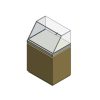
A ceramic object draws attention through its form, glaze, and decoration. Understanding it may also require a craft explanation or a detailed illustration. This 30-inch OLED Display Cabinet brings physical presentation and transparent digital imagery into the same viewing area.
The design combines a transparent upper enclosure, an inclined front, and a solid pedestal. It can introduce one featured object within a brand collection, craft exhibition, or themed presentation.
Keep the Physical Object at the Center
Content can begin with one relevant detail. A ceramic presentation might explain a pattern, a craft exhibit could illustrate a making process, and a brand collection could introduce its design history.
An OLED Display Cabinet does not need to fill the viewing area continuously. Text and graphics can appear in short sections, followed by time to observe the object itself.
Position information beside important physical details where practical. Check the composition against the actual object rather than relying solely on a digital mockup.
An Inclined Enclosure Defines the Viewing Area
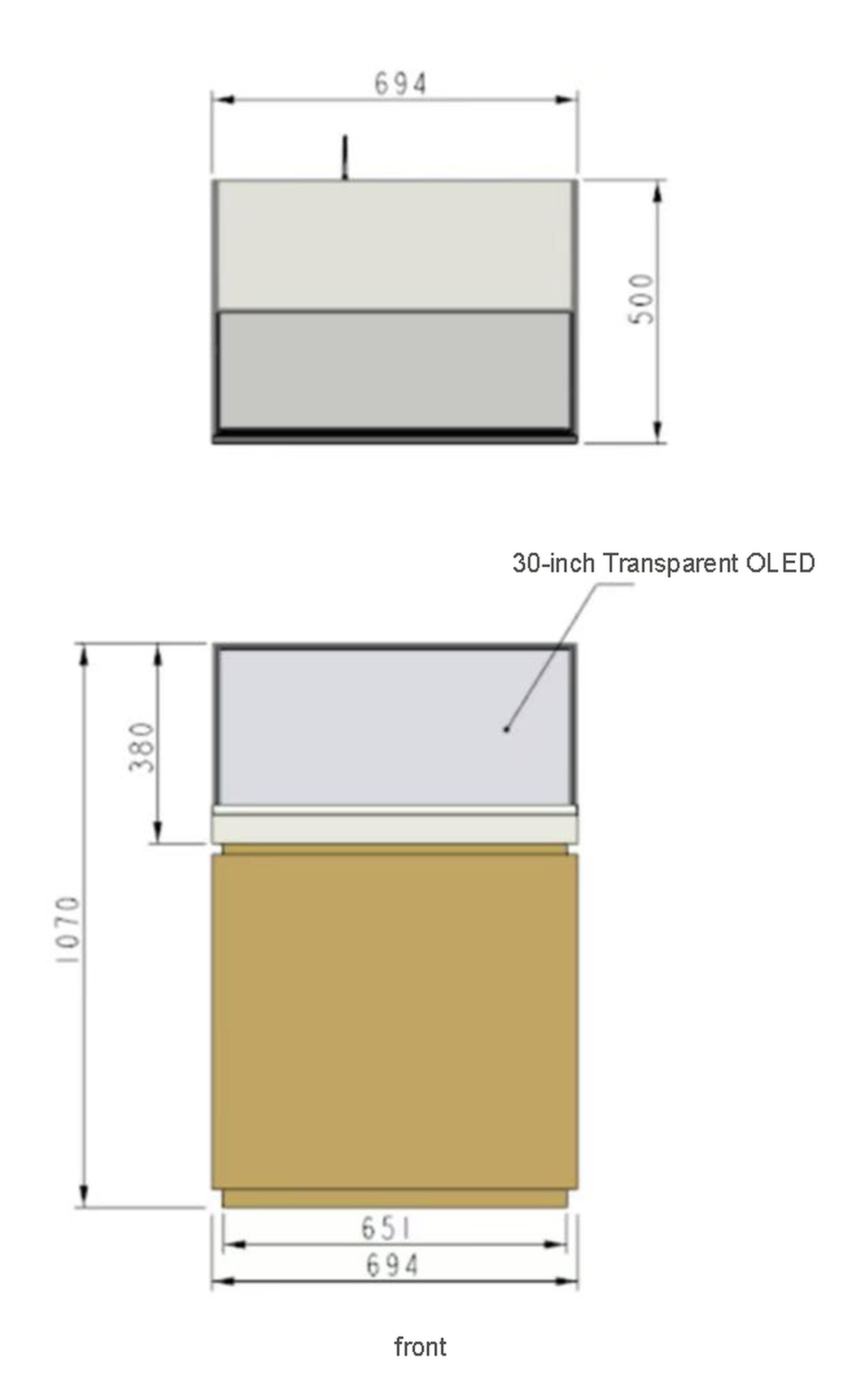
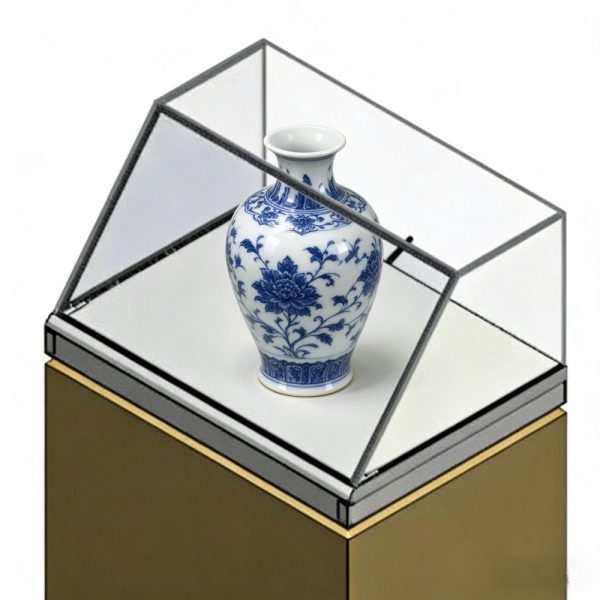
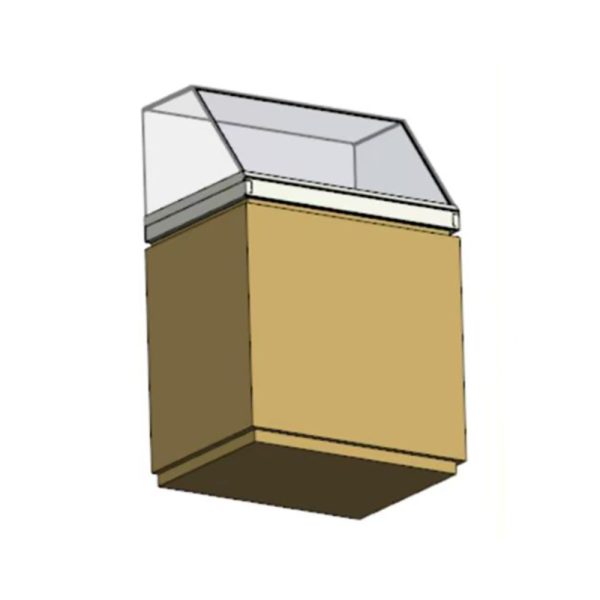
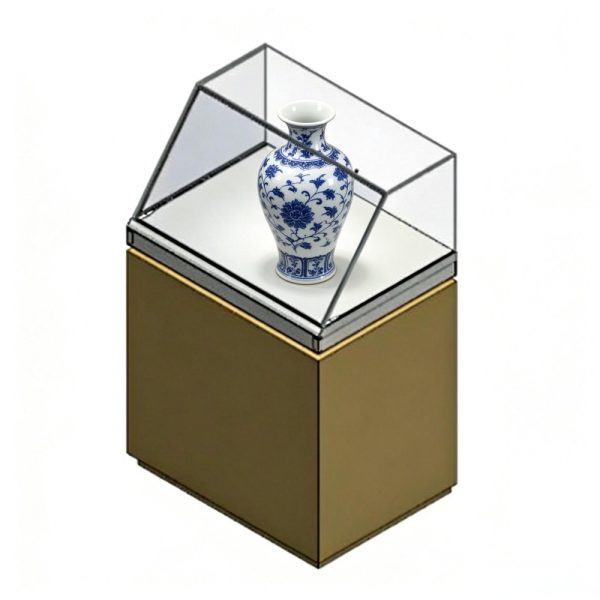
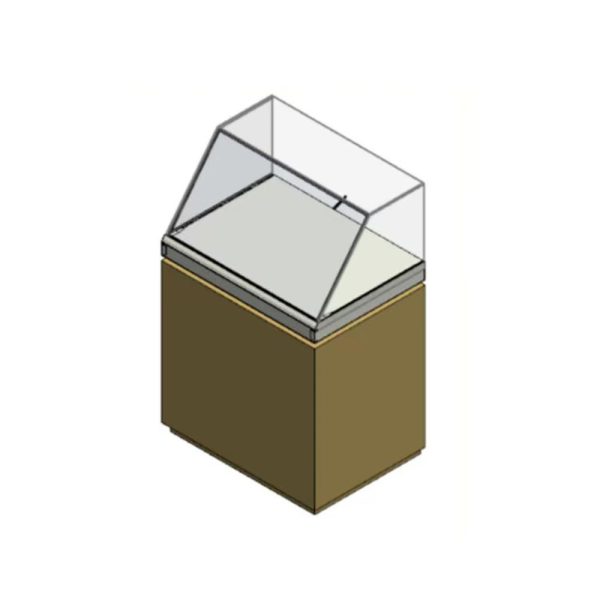
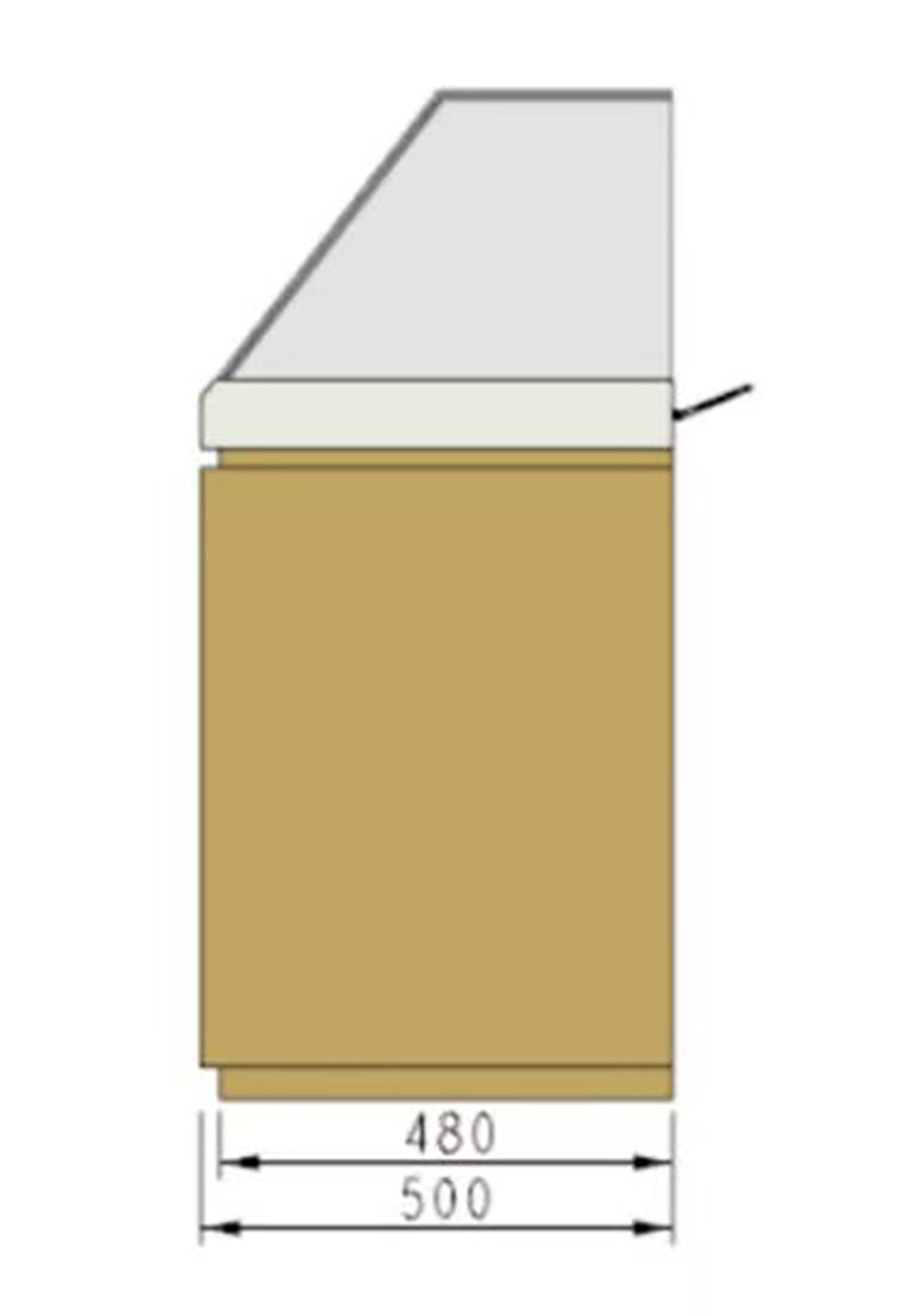
The product image shows a sloping transparent front connected to a top section, with shaped side panels above a solid pedestal. Frame lines distinguish the upper enclosure from its supporting cabinet.
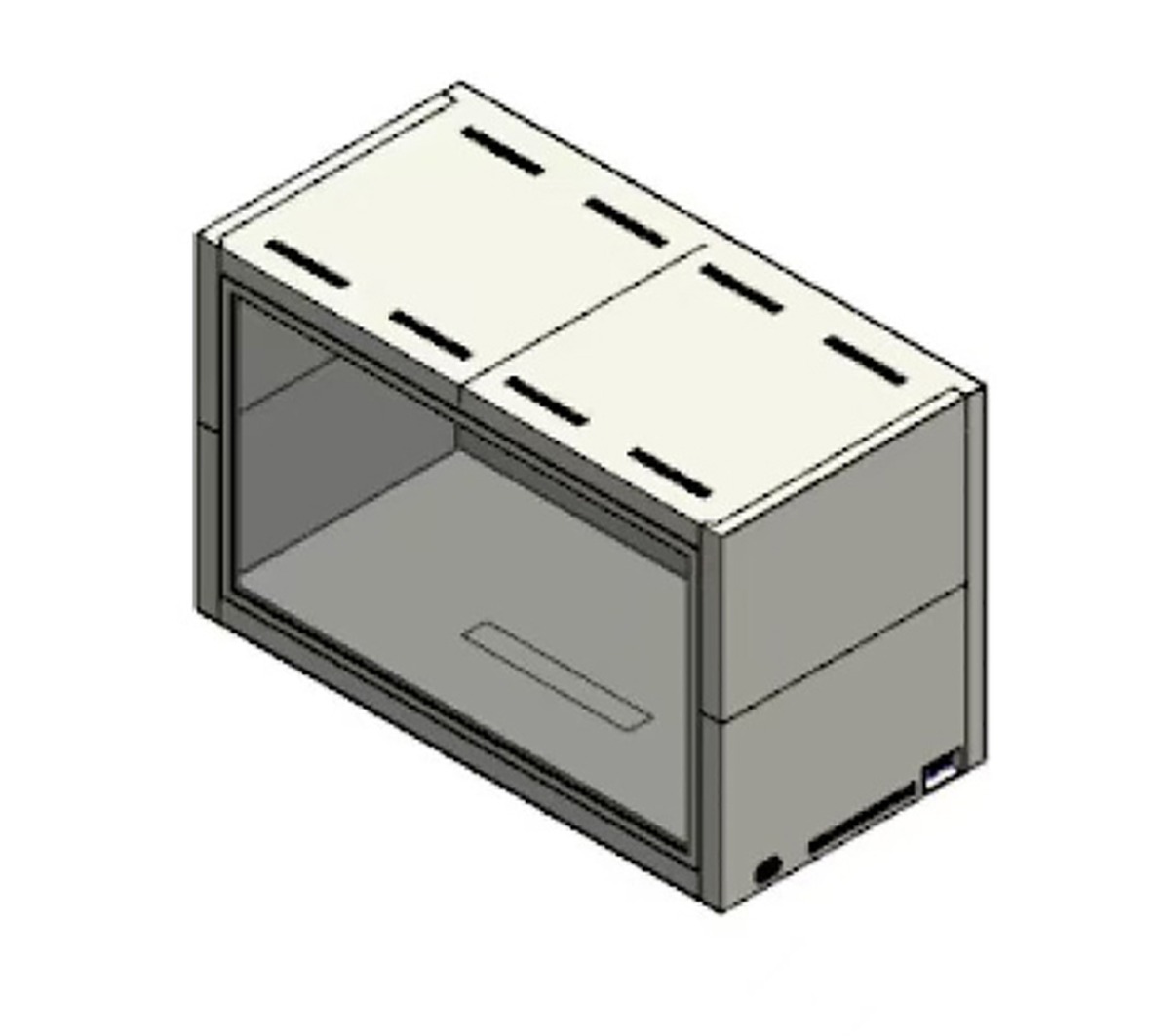
This OLED Display Cabinet format can become an individual exhibit station approached from the front. Object height, width, and plinth position must follow the usable internal space, not the screen diagonal.
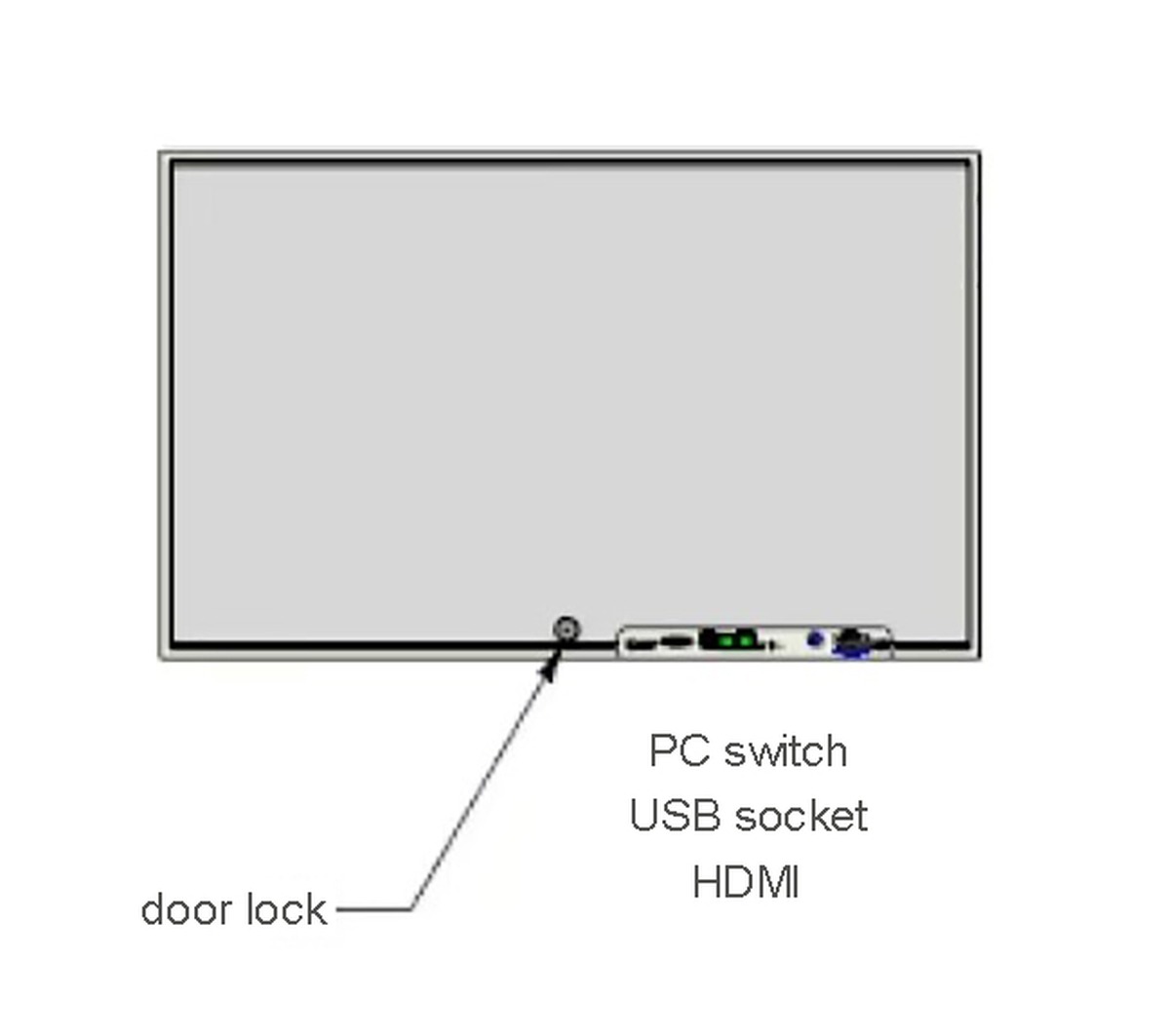
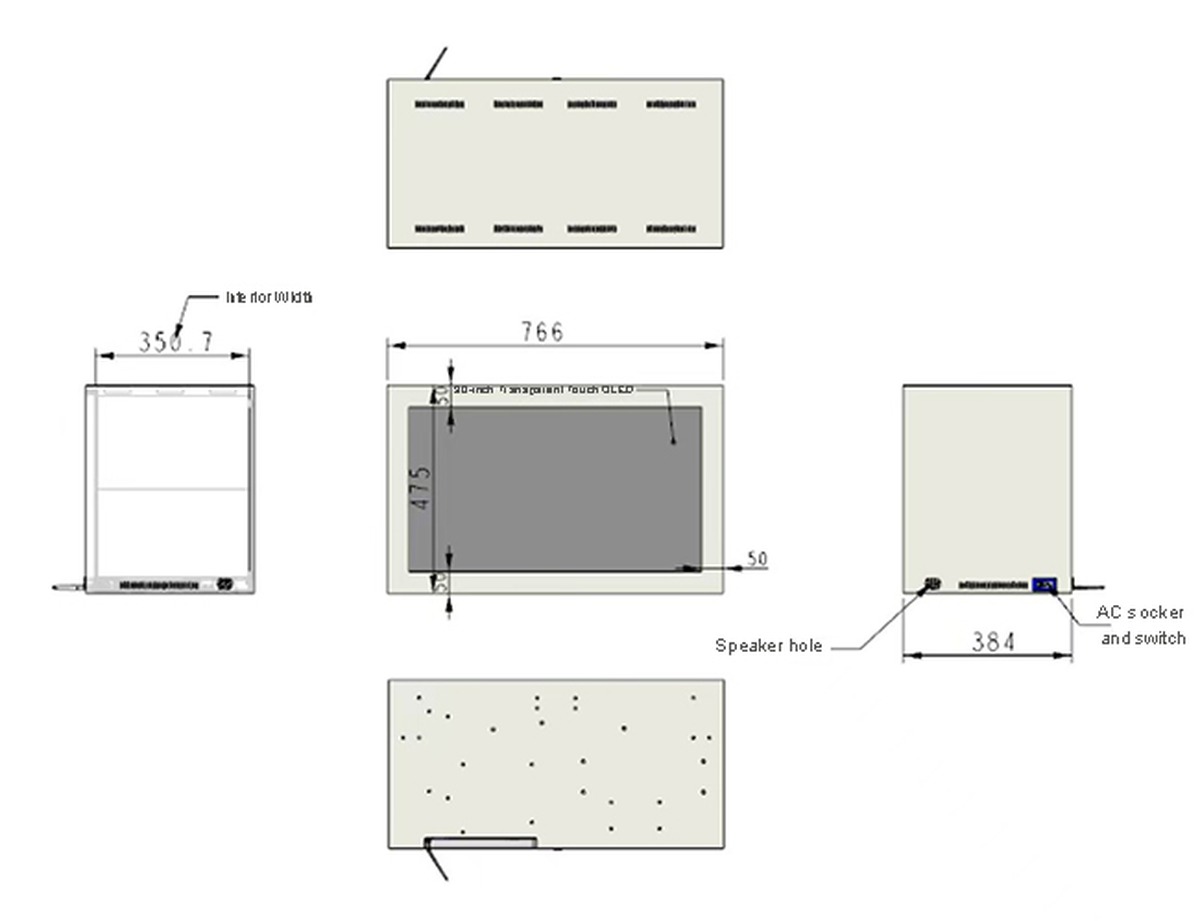
The supplied dimension drawing supports preliminary planning. Confirm units, drawing revision, internal clearances, and opening arrangements before ordering.
Coordinate Lighting, Background, and Media
Exhibit lighting reveals the physical object; digital content explains the theme. Both should be evaluated together. Strong reflections, busy backgrounds, or text covering the object can compete with the presentation.
When developing an OLED Display Cabinet sequence, start with representative captions, detail images, and reserved space. Test them with the object in place. Viewing positions change the apparent alignment between the digital image and the physical exhibit.
The porcelain shown is illustrative. It does not establish included artifacts, dedicated lighting, or conservation equipment.
Connect Several Objects Through a Shared Content Structure
A series of cabinets can use consistent headings, captions, and chapter sequences while explaining different objects. Visitors can follow a familiar presentation structure across the collection.
Touch selection, sensor-triggered playback, and centralized updates require separately confirmed hardware and software. They are not established by the supplied images.
Frequently Asked Questions
What size object fits inside the OLED Display Cabinet?Use the verified internal width, depth, height, and opening clearance. The 30-inch designation does not specify storage capacity.
Can digital graphics align with the object?Alignment can be planned for a primary viewing position. Parallax changes it as visitors move, so on-site calibration is necessary.
Can it present digital content without a physical object?This can be specified as a playback requirement. The result depends on the display configuration, media, and cabinet background.
Is it suitable for valuable heritage objects?Assess it against the exhibit’s requirements. Sealing, environmental control, lighting, and security are not established by the enclosure’s appearance.
Can the presentation change for another object?Different media can be prepared. Update methods depend on the selected playback system.