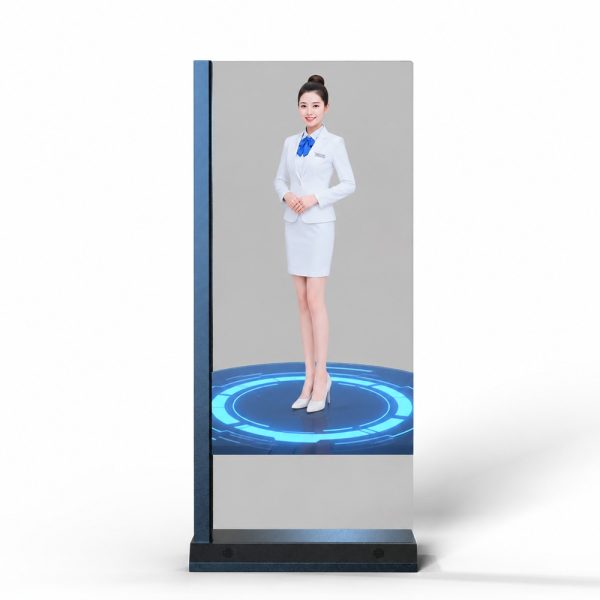
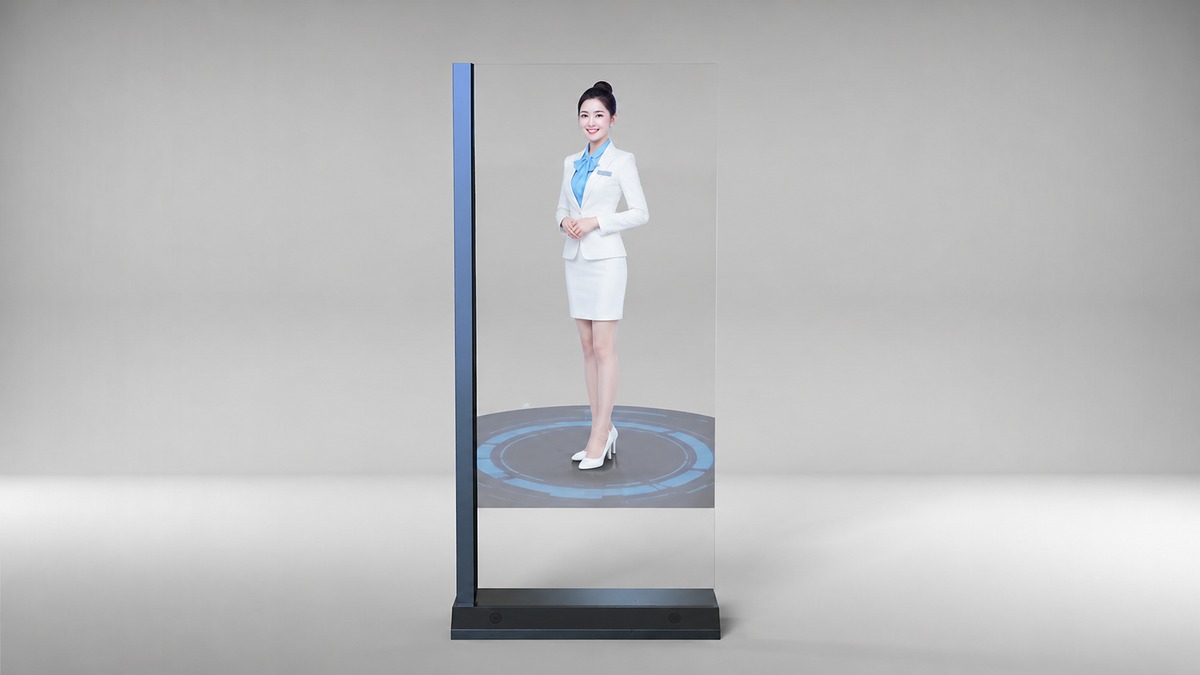
A presenter can give a brand story a recognizable voice and connect several exhibition topics through a consistent narrative. This 55-inch Slim bezel transparent OLED display combines a portrait panel with a single side support, creating a defined presentation point for welcome films, brand personalities, and short explanatory sequences.
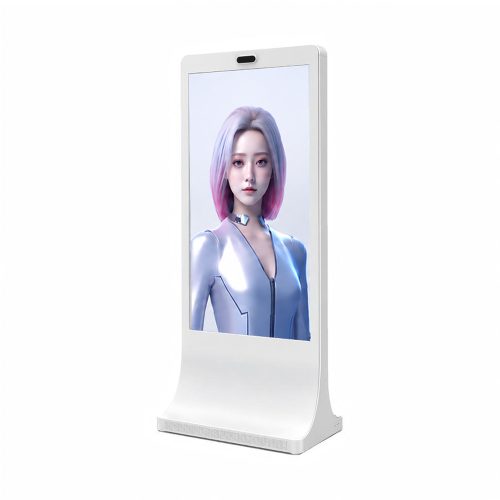
This version has no separate upper camera module. Its appearance keeps attention on the character and message, supporting projects centered on prepared media.
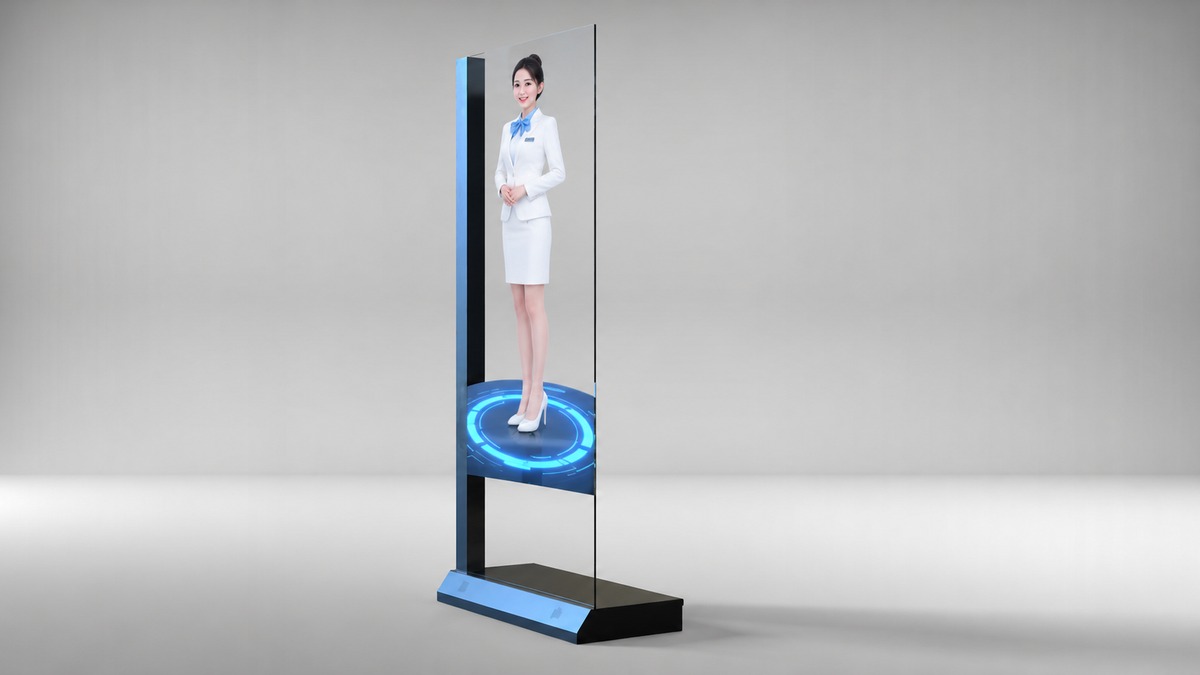
Keep the Supporting Structure to One Side
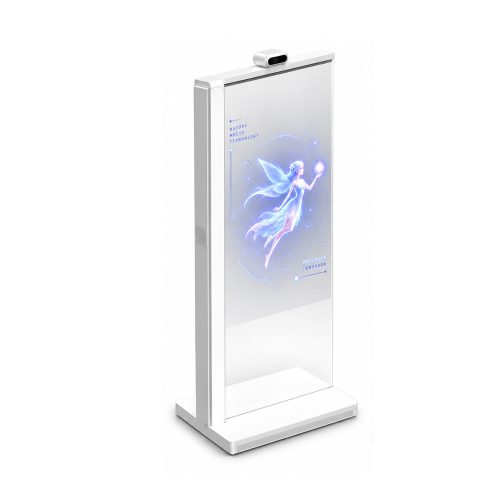
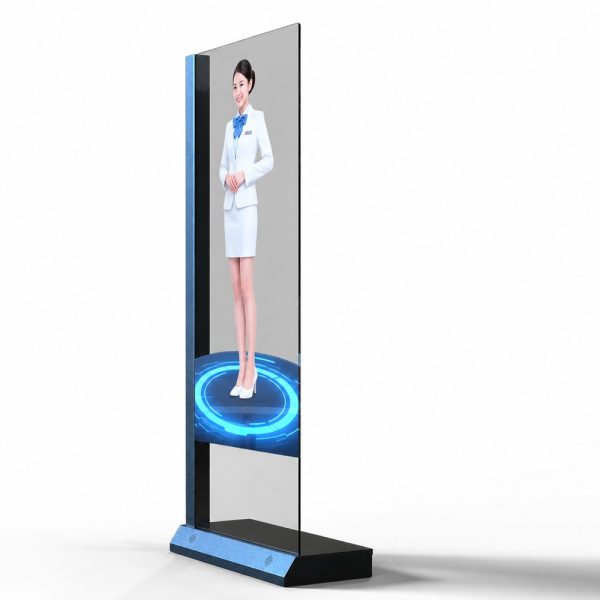
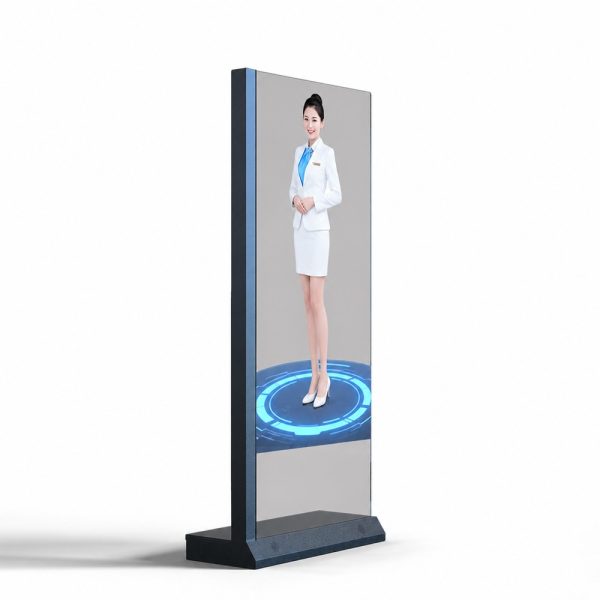
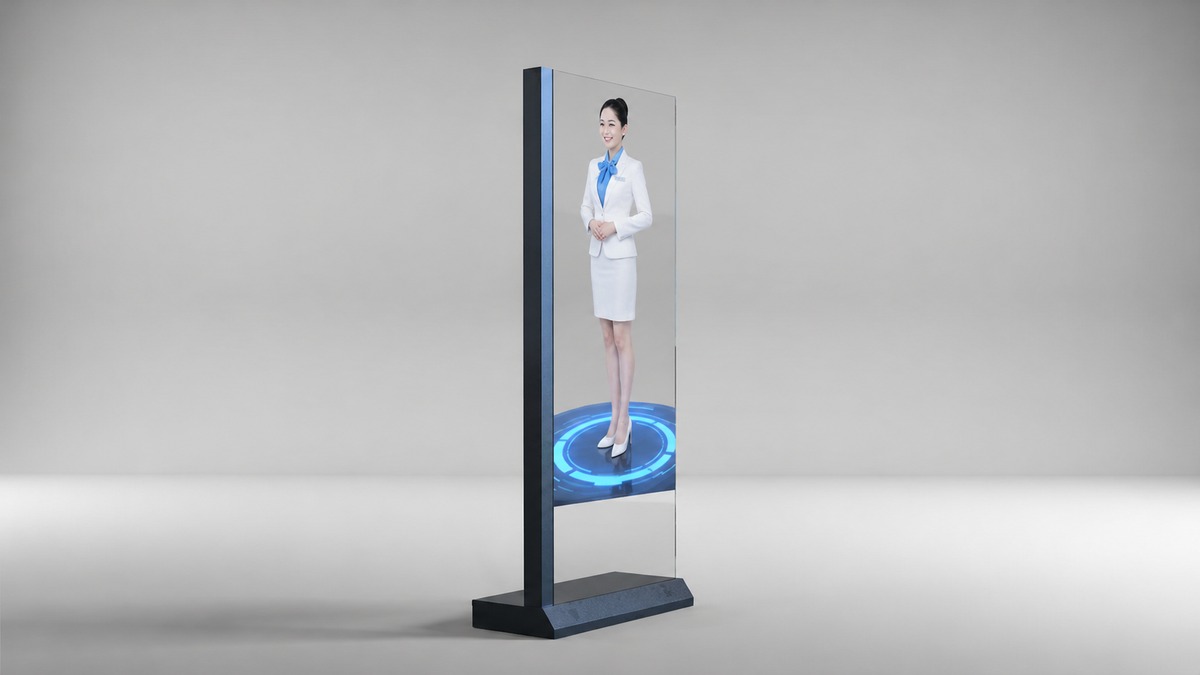
A dark column follows the panel’s left edge and connects to the base. The upper and opposite edges maintain a visually restrained outline. A sloping front enclosure and rearward support create the L-shaped side profile.
The Slim bezel transparent OLED format reduces the apparent boundary between the character and its surroundings. Exhibition walls, brand graphics, and physical objects can contribute to the composition, alongside background colors and lighting.
Position the presenter toward the main visitor approach and allow room to pause. The supporting column’s orientation should also follow the sightlines of the space.
Build a Series of Short Chapters
Separate sequences can introduce brand values, explain design work, and present applications. Each chapter should make sense independently so visitors can understand the content even when they join midway.
Using a Slim bezel transparent OLED display for this format allows consistent clothing, character placement, and opening cues to connect the chapters. Supporting imagery can then distinguish each subject.
Captions should follow the current point. Detailed drawings, photographs, or product close-ups can temporarily replace the presenter, giving information its own space.
Prepared Presentations Do Not Require a Camera
Recorded welcomes, filmed presenters, and animated characters can play through a suitable media system without a camera.
A Slim bezel transparent OLED installation can therefore focus on scheduled or continuous presentation. Touch selection and voice questions require separately confirmed input hardware, software, and computing resources. The absence of a camera does not establish whether microphones or other interaction options are included.
The character and illuminated platform shown in the rendering are content treatments, not evidence of a holographic image projected into open air.
Compose Around the Confirmed Image Area
Obtain the active display dimensions and resolution before choosing full-length footage, half-length framing, or a presenter-and-graphics layout. The transparent lower section should not automatically be treated as an active image area.
Test clothing, facial detail, gestures, and captions against the intended background. Representative footage provides a more useful basis for evaluation than a promotional rendering alone.
Frequently Asked Questions
How does this differ from the camera-equipped version?This design omits the upper camera module. Other hardware and software differences require a configuration-by-configuration comparison.
Can it show filmed human presenters?Presenter footage can be produced for the selected playback system. Framing, background treatment, and output formats should match the equipment.
Must the presenter remain in the center?No. A Slim bezel transparent OLED presentation can use an off-center character, half-length framing, or alternating presenter and product imagery within the confirmed active area.
Can visitors select a topic?This can be specified as an application requirement. Touch, remote control, or another input method and compatible software must be confirmed.
What playback equipment is required?The image set does not identify an integrated system or connections. Select the player, computer, or other source against the formal specification and content requirements.