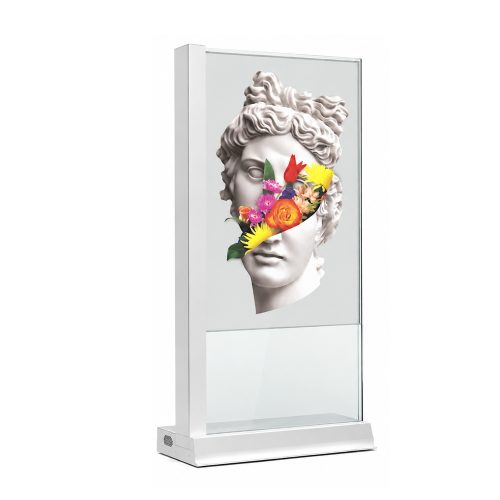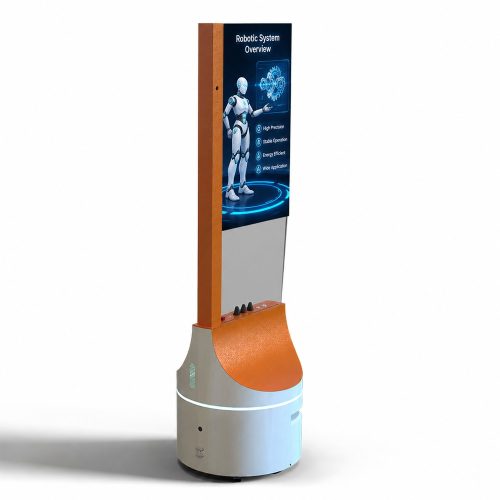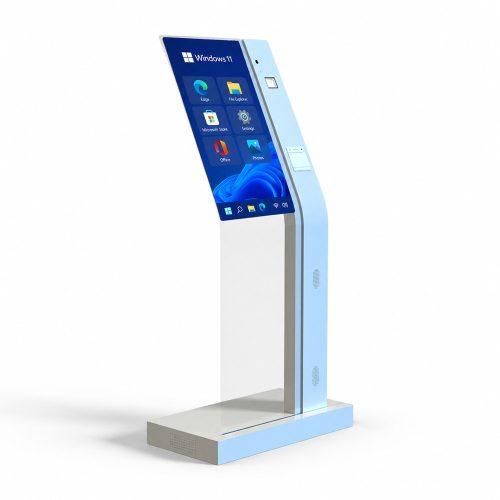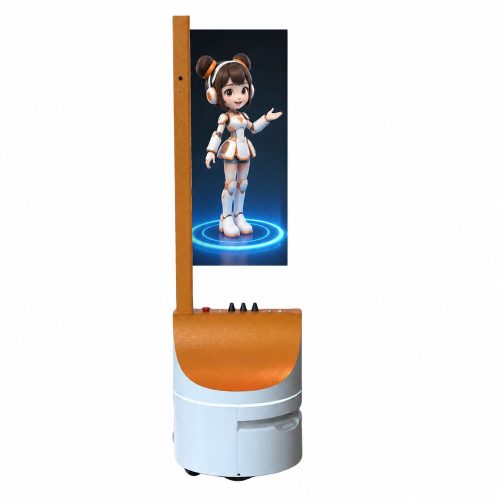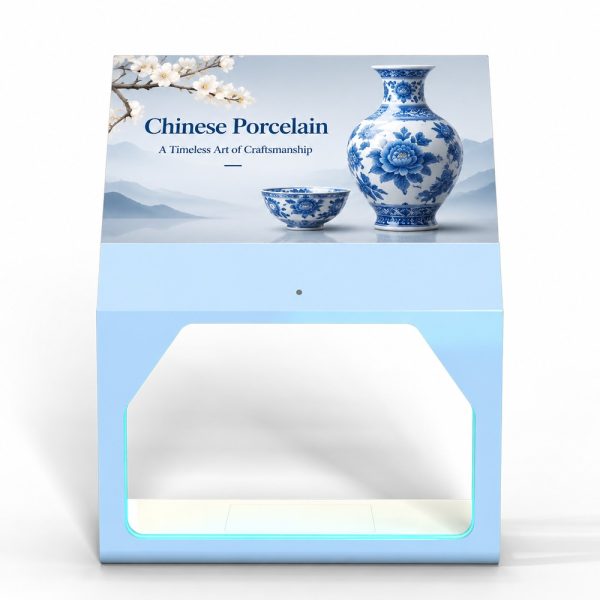
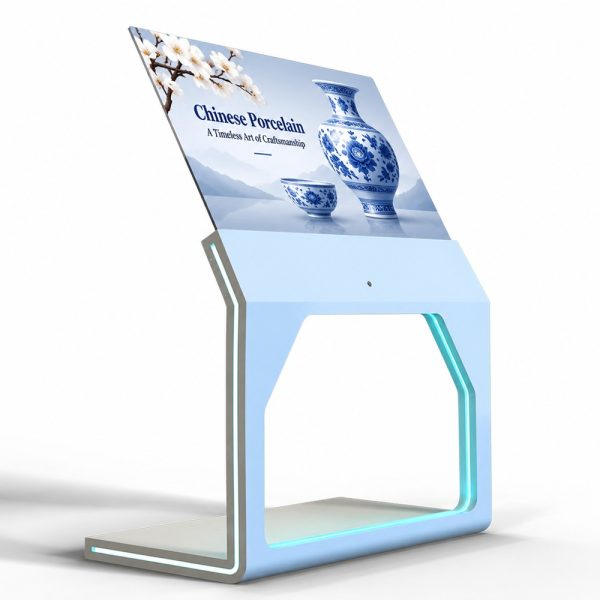
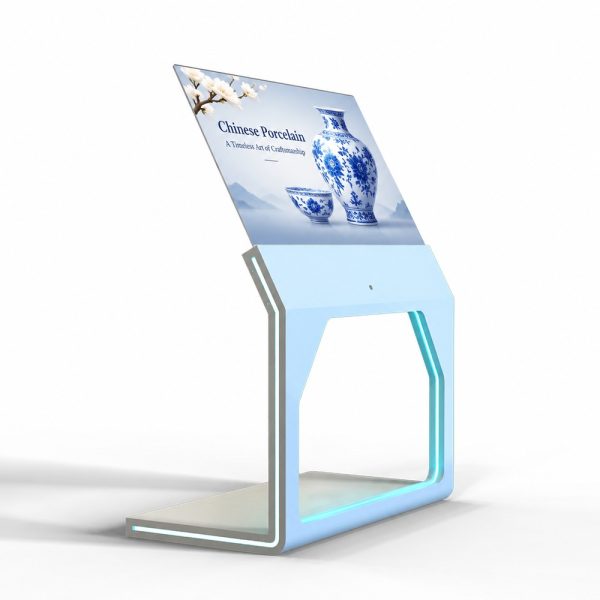
A ceramic pattern, the evolution of a craft, or a theme connecting a design collection can unfold through a sequence of images. This 55-inch inclined transparent OLED display combines a sloping image surface with an illuminated support, offering a distinctive presentation format for cultural exhibitions, design displays, and brand collections.
The Transparent OLED glass display can introduce a complete object, reveal selected details, and explain materials or production. The image carries the narrative while illuminated lines define the equipment’s outline within the setting.
Build a Story Around One Object
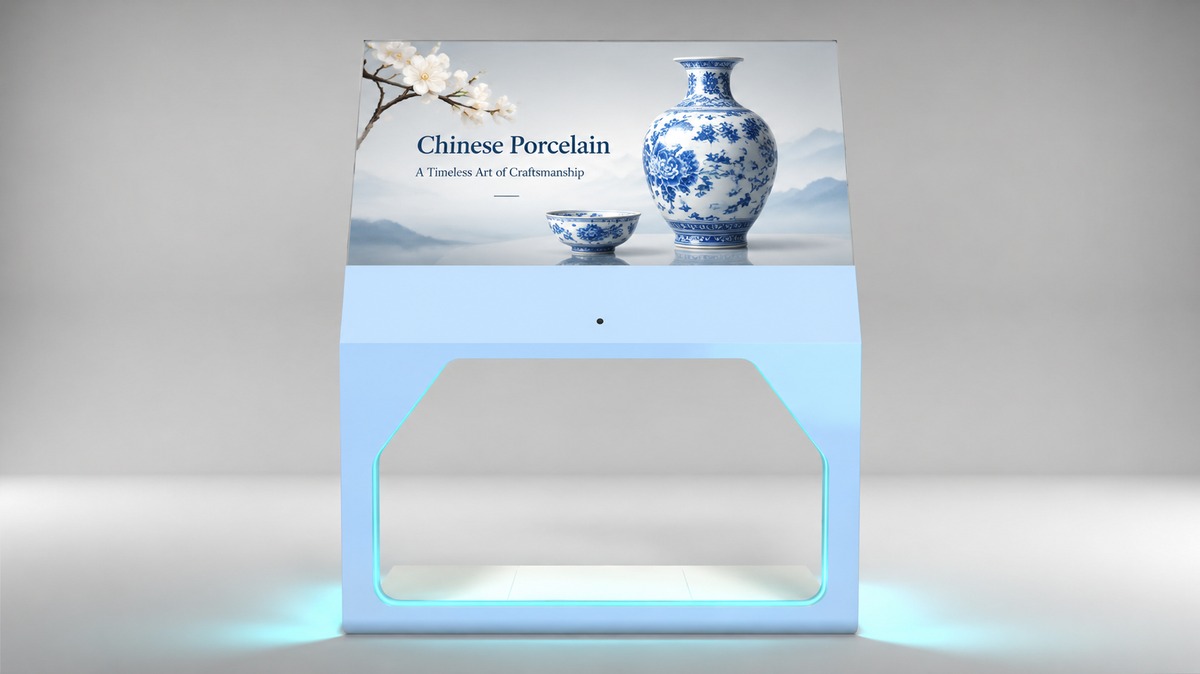
The porcelain presentation in the rendering illustrates one possible approach. A complete view establishes the form, close-ups introduce decoration, and an animation can explain a making process.
Visitors do not need to absorb every detail on one page. Short chapters can alternate imagery and explanation, with further background available for those who stay longer.
Such material requires preparation around the actual exhibit. The porcelain imagery and captions shown are examples, not evidence of an included cultural knowledge base or object-recognition system.
Let the Structure Contribute to the Composition
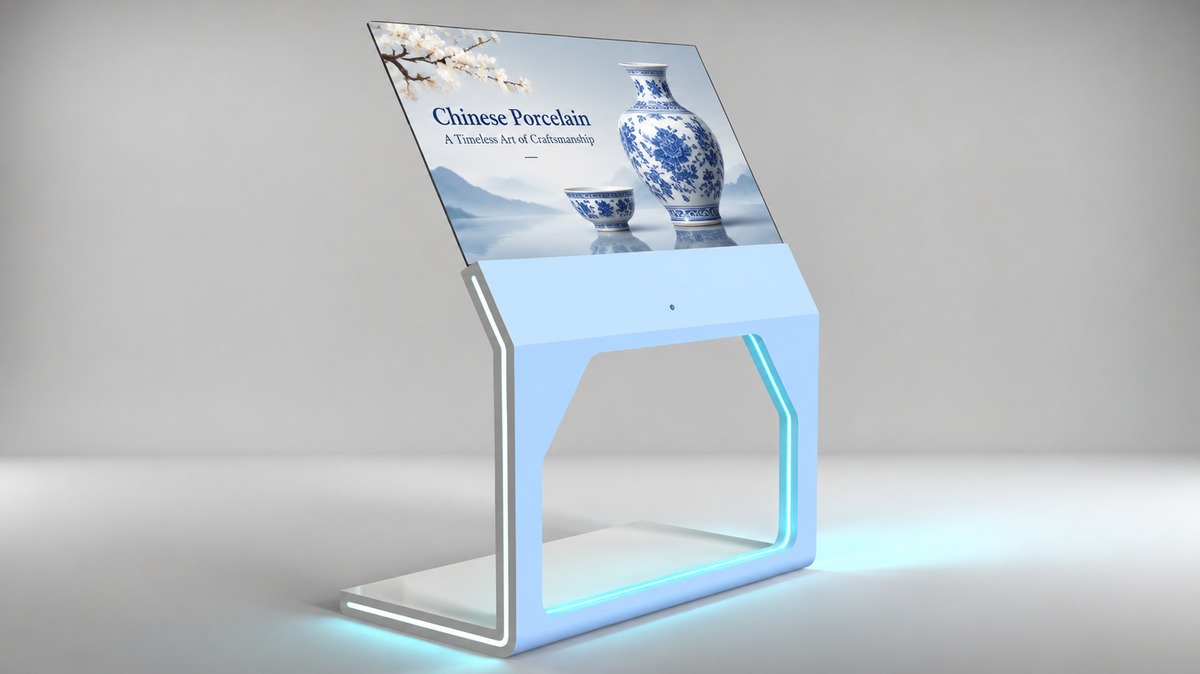
The side profile follows a shaped outline: the screen leans backward above a light-blue support, a large opening occupies the center, and the base extends rearward. Lighting follows portions of the outer edge, inner opening, and front of the base.
This gives the equipment a recognizable form beyond the displayed image. The open center preserves a view of the surroundings, while illuminated lines define the structure. It can coordinate with exhibition furniture that uses a clear geometric design.
Actual lighting colors, brightness, and controls require confirmation. The rendering does not establish dynamic color changes or synchronization with video.
Coordinate Exhibit Lighting and Equipment Lighting
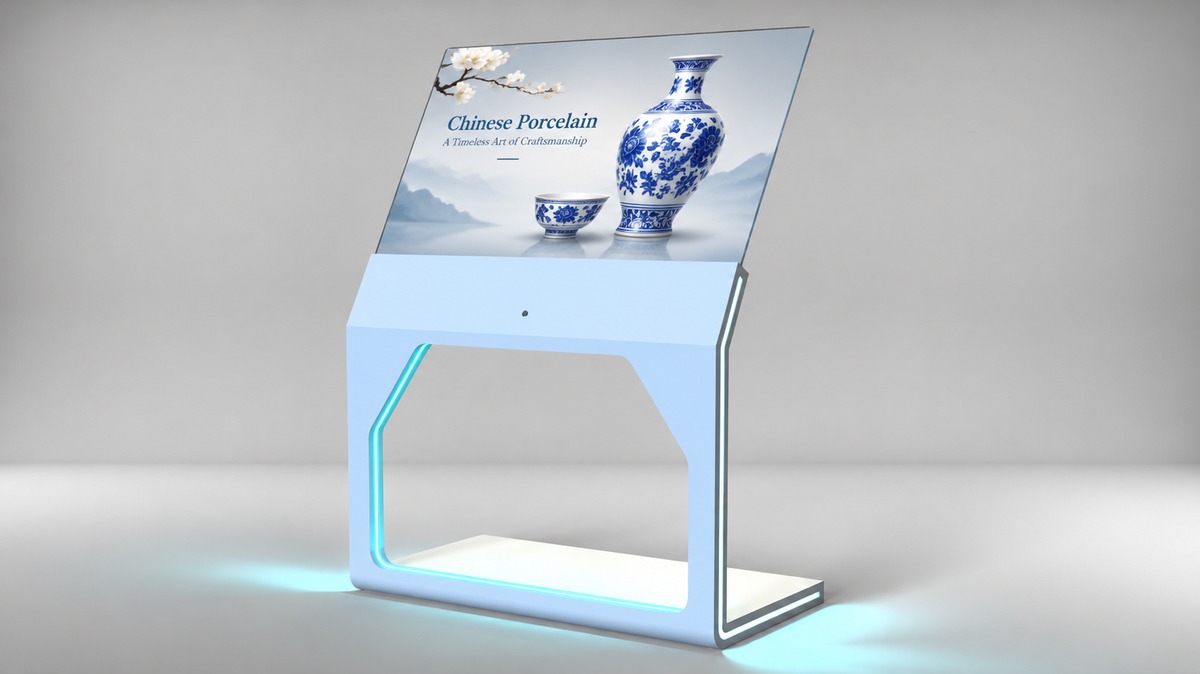
For architectural lighting consultants T-OLED projects, the screen, accent lighting, and object illumination should be assessed together. The stand’s lighting can establish an outline while dedicated exhibit lighting reveals physical details.
Near a glass showcase, check whether reflections interfere with either the image or the object. Pale graphics, metallic surfaces, and bright backgrounds can also affect visibility and should be tested from the main viewing positions.
Content colors can relate to the exhibition palette. A porcelain theme might use restrained blue-and-white imagery, while a metalwork presentation could emphasize surfaces and contours. The final treatment should follow the work and its surroundings.
Develop Content for Close Viewing
The inclined surface supports a presentation viewed from the front at closer range. Object rotations, detail sequences, and concise explanations can form a complete introduction.
Text size should follow viewing distance. Dense annotations can be divided across pages, or a layered browsing application can be developed after touch availability is confirmed.
Verify the active image area separately from the equipment’s full outline. Resolution, display dimensions, and installation angle were not supplied with these renderings, so the production canvas should follow confirmed documentation.
Plan the Display as Part of the Exhibition
Begin with representative media and assess it alongside the exhibit, background finishes, and lighting. Playback equipment, audio requirements, update methods, and operating schedules can then follow the intended use.
For several exhibit stations, shared headings, captions, and chapter pacing can provide a consistent reading experience. The illuminated structure becomes a supporting visual element within the wider design.
Exhibit photographs, the proposed story, and lighting information provide a practical basis for coordinating this 55-inch display with the presentation.