
A date, a destination, or a service request can take several attempts to clarify when two people speak different languages. This 30-inch transparent translation terminal is designed around face-to-face counter conversations, bringing written dialogue and translated information into the exchange.
As a double-sided transparent OLED display intended for translation applications, it can be considered for hotel front desks, visitor information points, and exhibition reception counters. The objective is to give both participants readable information they can review while continuing the conversation.
Structure the Exchange Around Three Steps
Choose the languages, express the request, and confirm the result. This sequence provides a clear foundation for the translation interface.
When a visitor asks a question, compatible software can present the recognized text and its translation. The employee’s response can follow in corresponding fields. Both participants can review the wording and clarify recognition errors, names, or numerical details.
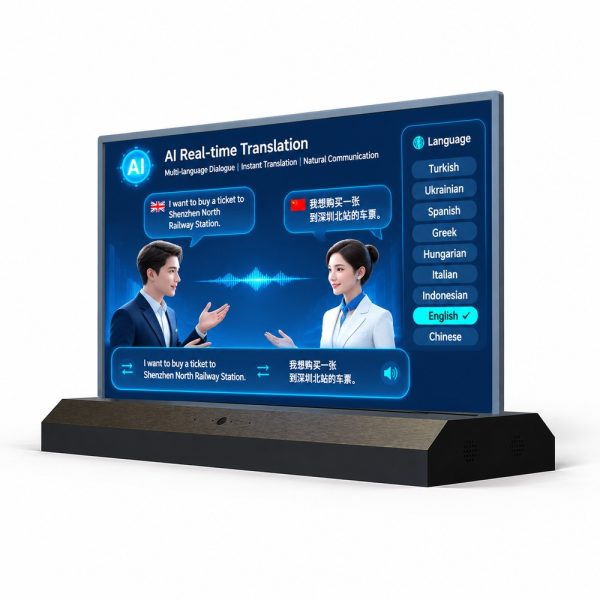
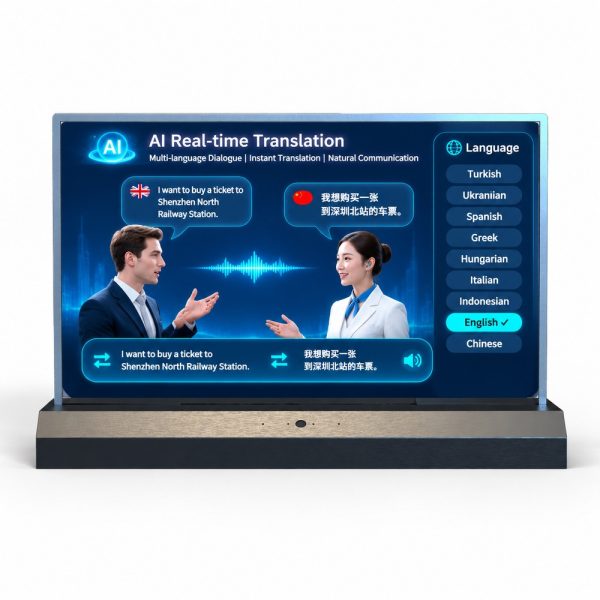
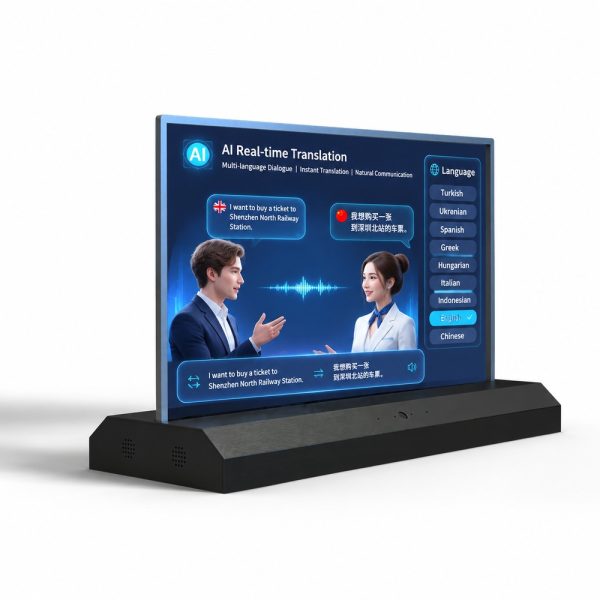
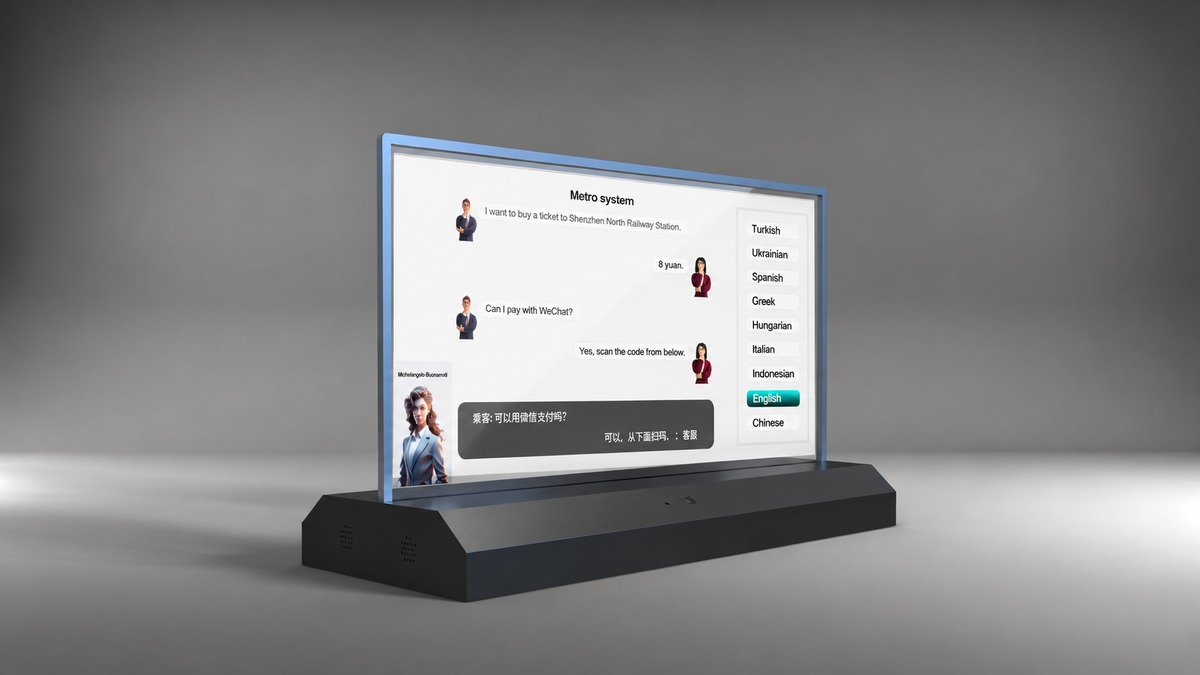
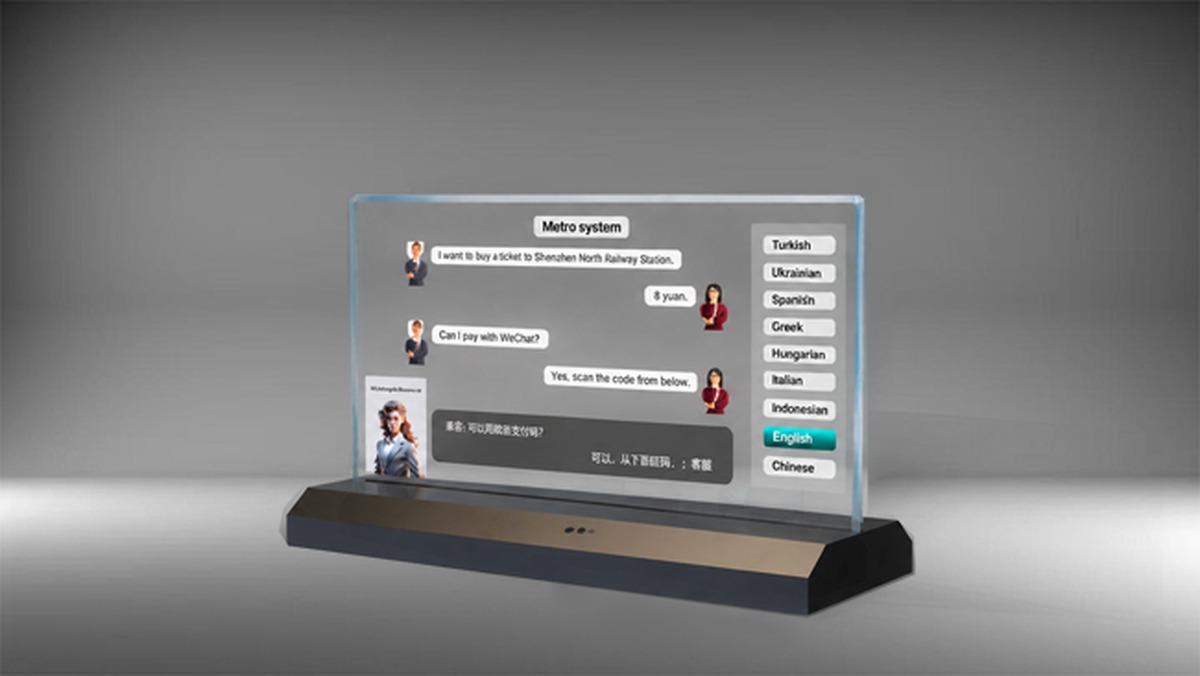
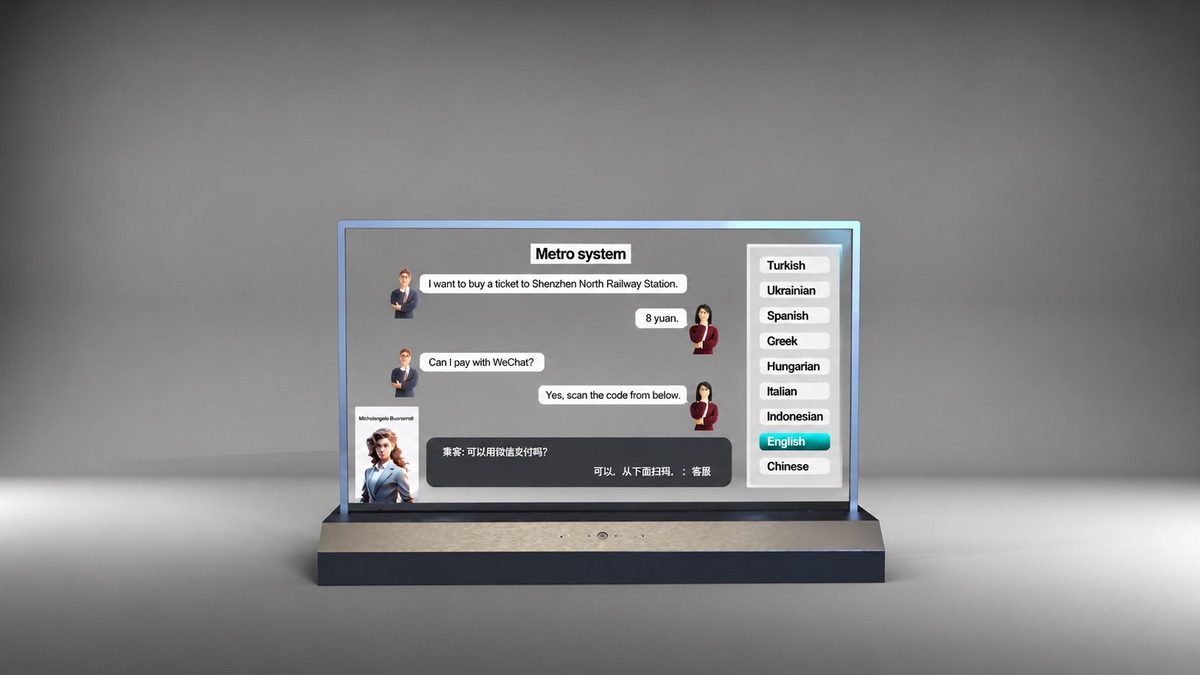
The supplied rendering separates the interface into conversation areas, a language list on the right, and a text panel below. This hierarchy distinguishes speakers, language choices, and current information. An application can follow a similar structure to make relevant text easier to locate.
Speech recognition, translation, and interface behavior require appropriate software; the rendering alone does not establish these capabilities.
Give Each Side a Readable View
Text orientation deserves particular attention in a dual-sided project. A transparent panel allowing a view through it does not automatically provide correctly oriented text on the opposite side. Confirm how each side displays information, whether separate content is possible, and how each participant operates the system.
A suitable workflow would give employees the information needed to handle the request while showing visitors clear translations and prompts. Languages, text sizes, and controls can be planned for each role, subject to the actual display construction and software capabilities.
Confirmation should also be part of the interface. Names, times, quantities, and prices benefit from an explicit review step that helps participants identify misunderstandings.
Position the Terminal Within the Working Counter
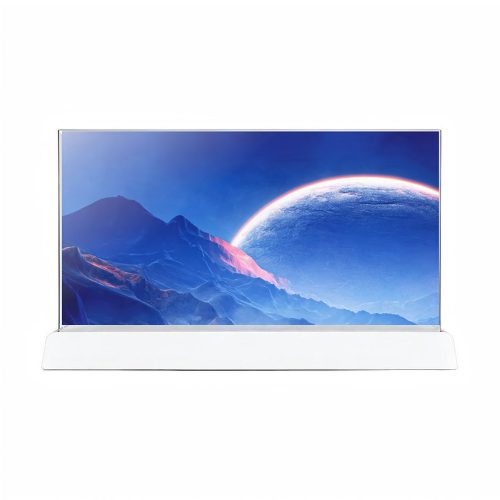
The landscape screen rises above a long black base with a sloping front surface and visible side openings. Its placement can be planned around counter width and the positions of both participants.
Leave room for documents, payment equipment, and other service items. The screen should support shared sightlines without obstructing necessary work areas. Opening functions, connection positions, and ventilation requirements must follow the final equipment documentation.
If the application will capture speech from both sides, test speaking distances, ambient noise, and turn-taking in the intended setting. Microphone quantity, pickup direction, and audio processing cannot be verified from the rendering alone.
Test with the Conversations Your Team Actually Handles
Prepare representative exchanges before selecting the translation package: opening hours, appointment confirmation, service explanations, or directions. Testing these conversations provides more useful evidence than reviewing a language menu alone.
Language coverage should distinguish text translation, speech recognition, and spoken output. Confirm whether each required language supports all three, and whether operation depends on connectivity, subscriptions, or third-party services. The language options pictured are interface examples rather than a verified support list.
Daily operation also includes clearing conversations, deciding whether information is retained, and assigning responsibility for application updates. These settings should fit the counter’s working procedures.
Share the main language pairs, typical enquiries, and counter dimensions to define the equipment layout and software scope around readable dialogue and clear confirmation.