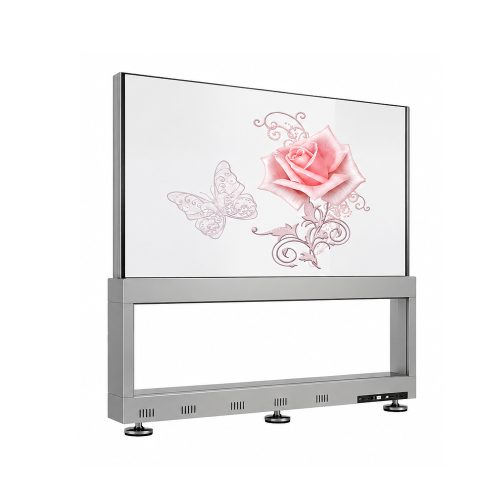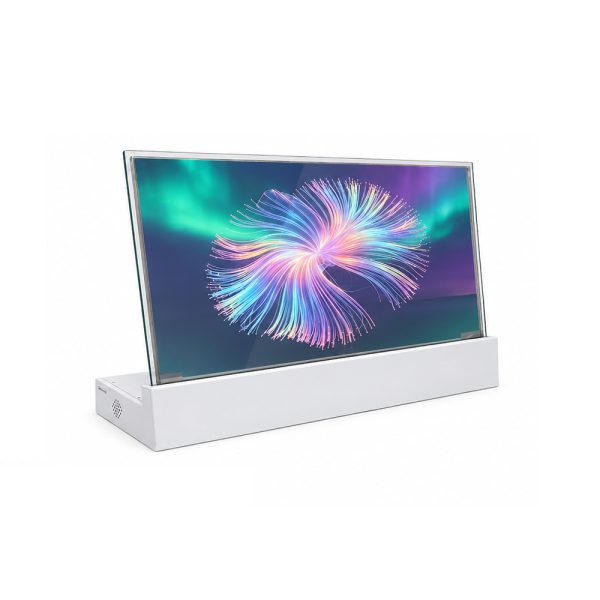
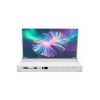
Once a product draws visitors closer, how do you explain its design, internal structure, or brand story? A 30-inch desktop transparent OLED display brings physical products and digital information into the same viewing area. With an exhibit positioned behind the screen, visitors can observe the real object while watching animations, text, or visual demonstrations in front of it.
This Transparent OLED Screen suits tabletop projects that need dynamic content while preserving an open view through the display. The screen becomes part of the exhibit composition: visuals can frame the product, while the surrounding environment contributes to the presentation.
A Screen That Rises Above the Tabletop
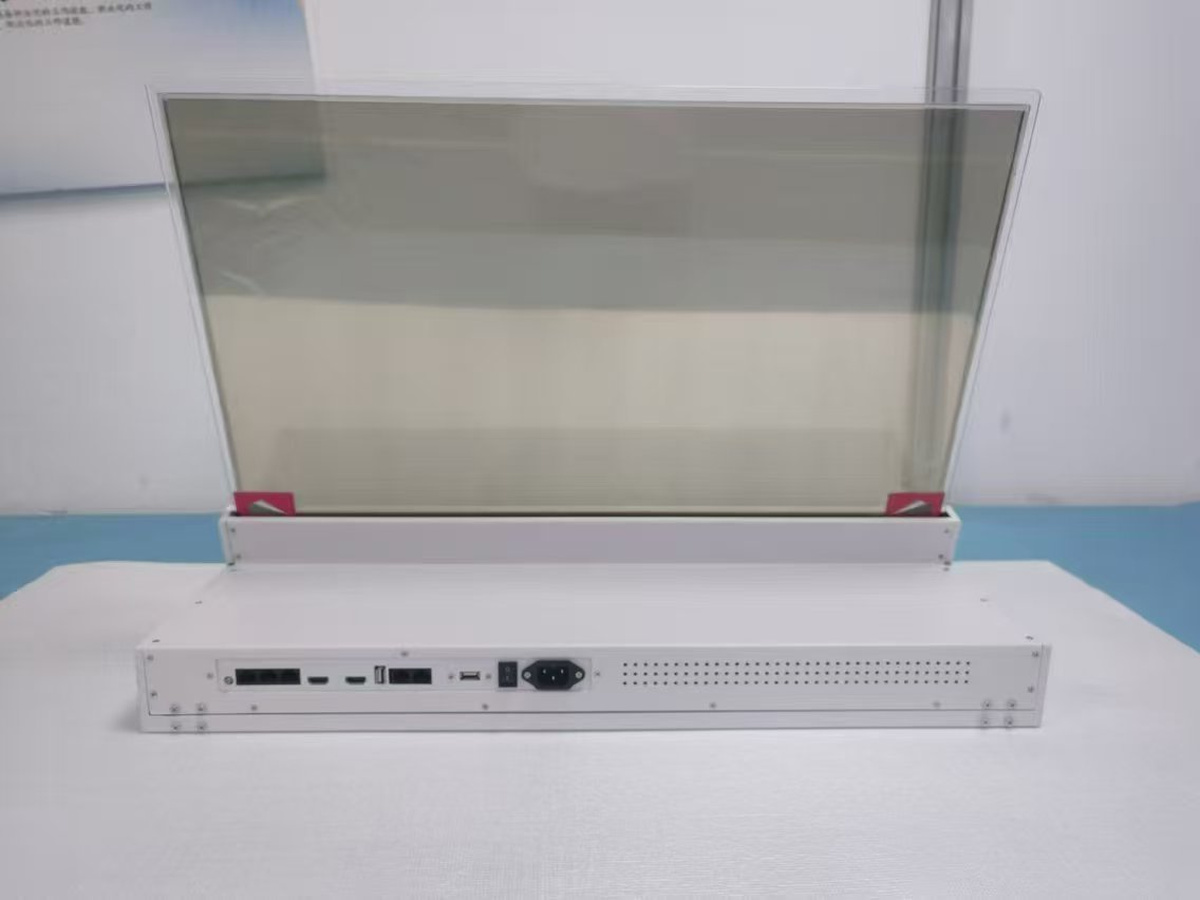
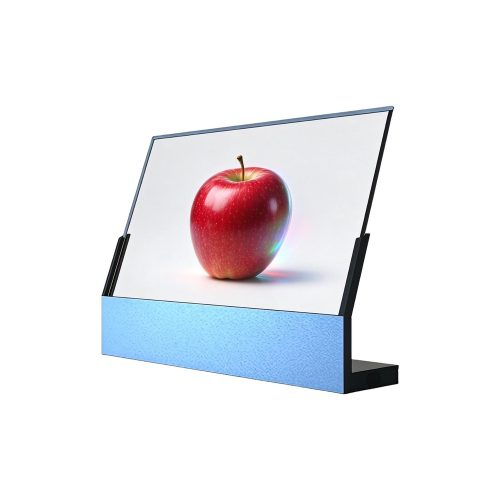
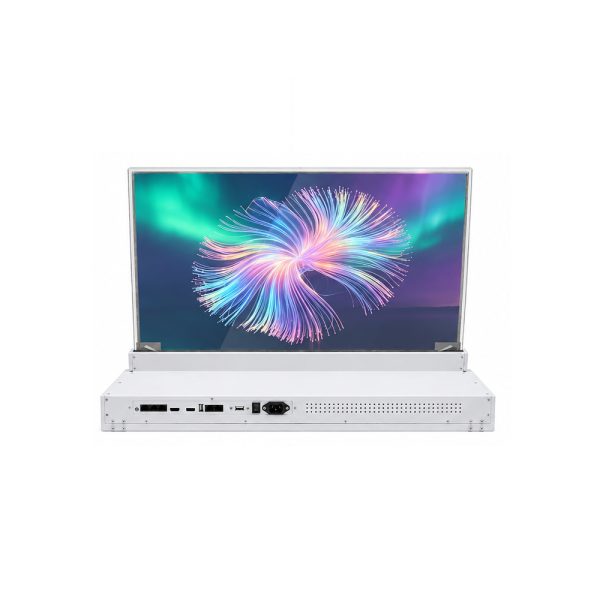
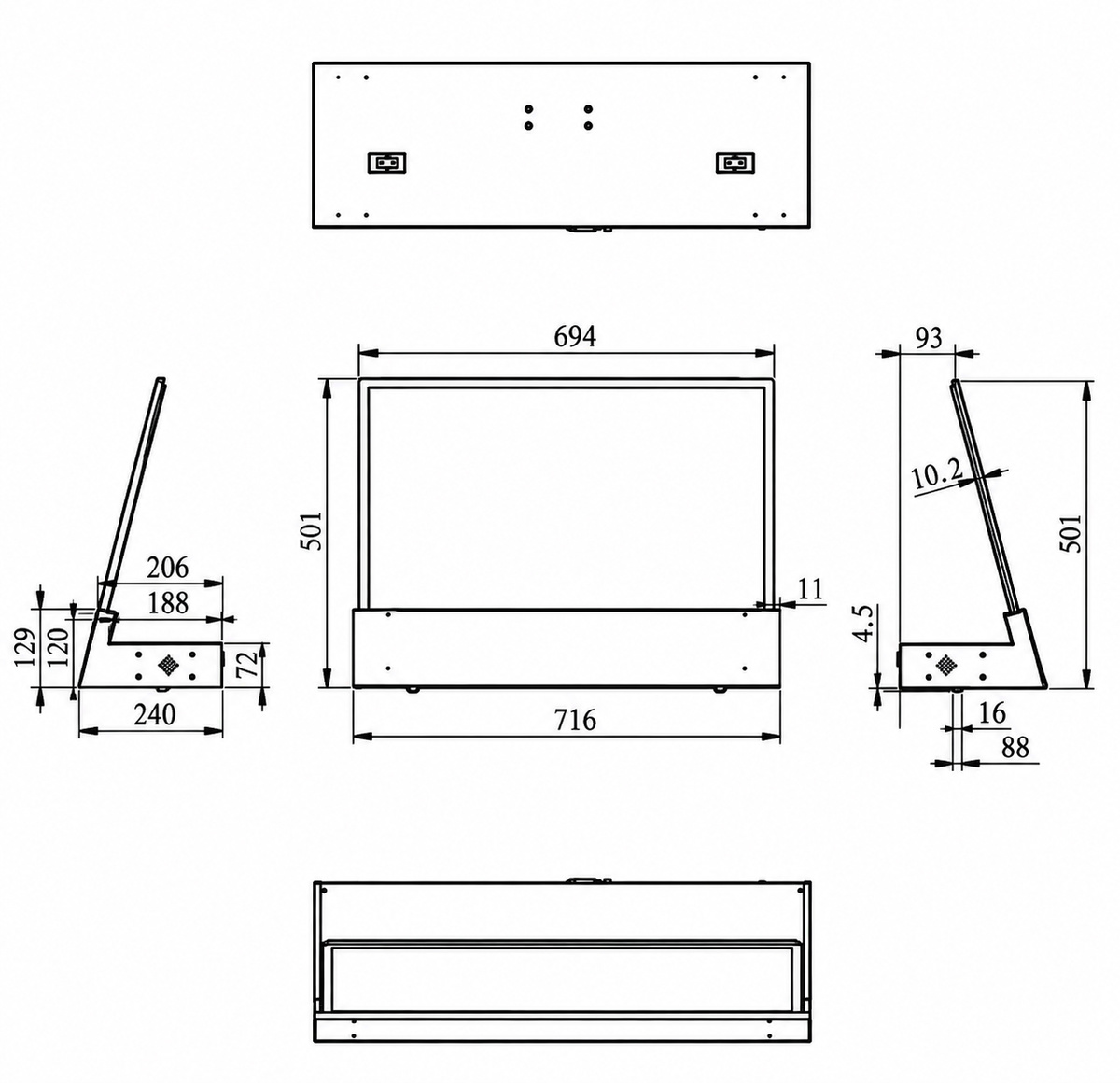
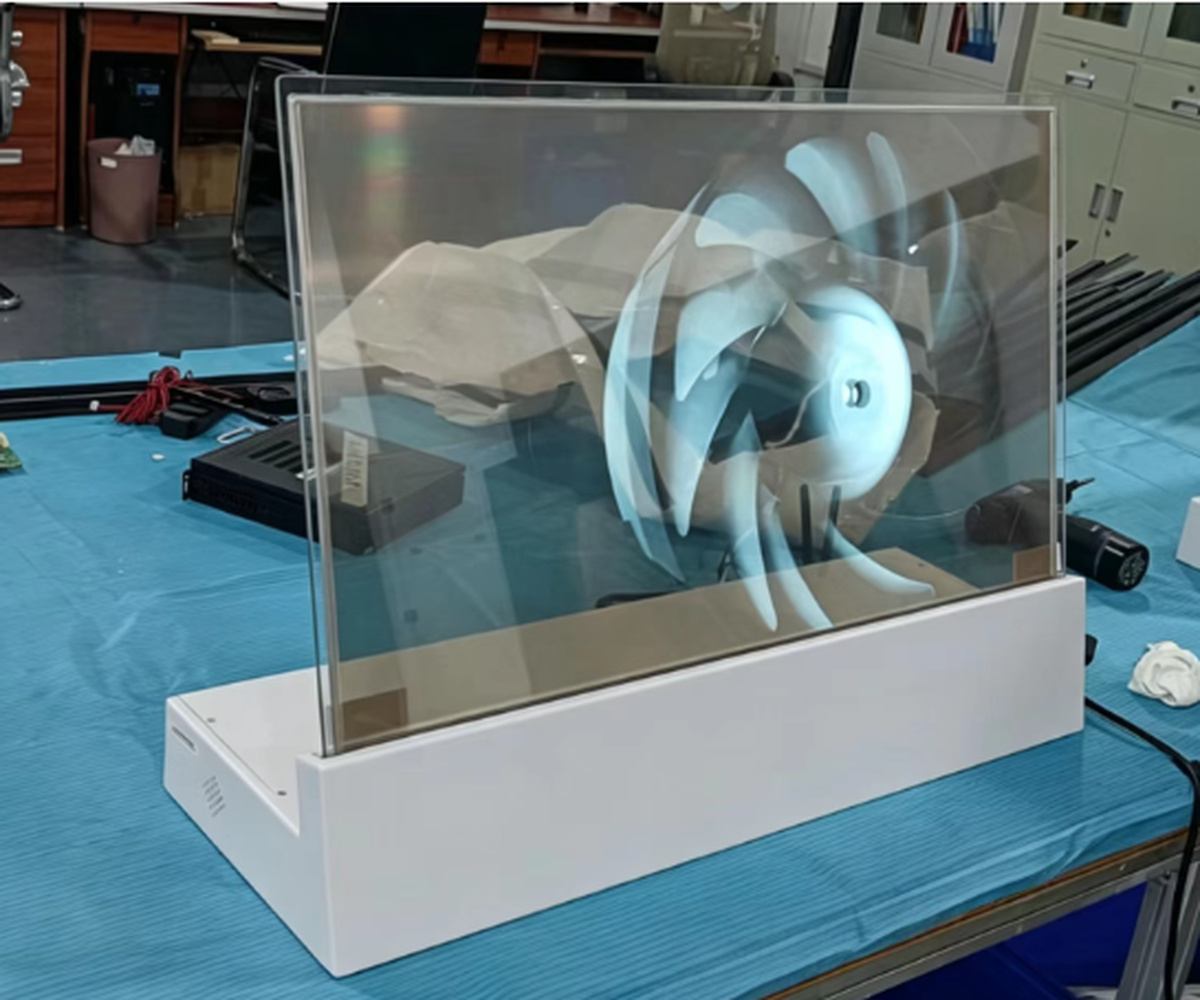
The landscape screen and white metal base create a clean tabletop profile. The lower edge of the screen meets the base, with connections and ventilation grouped along one side to help designers plan equipment orientation and cable routing.
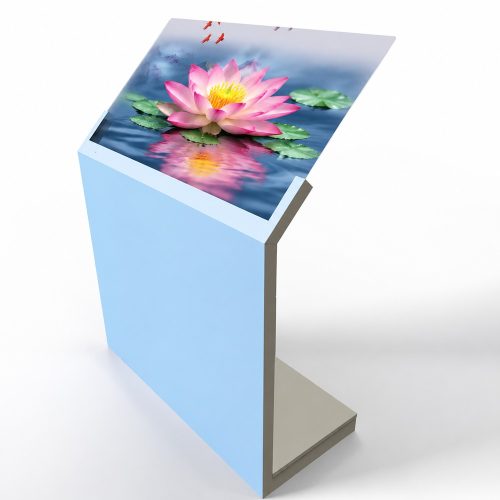
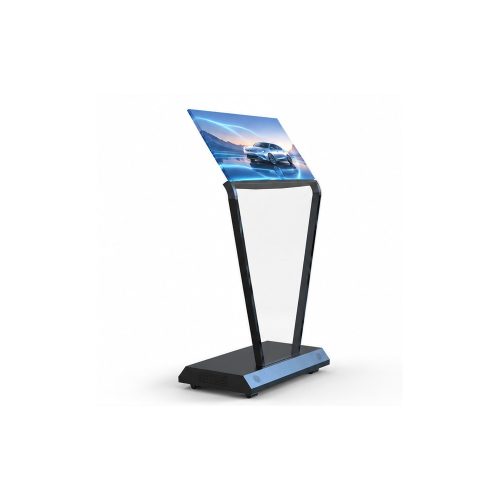
This format works on reception counters, brand experience tables, and exhibition surfaces. Screen placement should account for tabletop height and visitors’ sightlines. Leaving appropriate space behind the screen creates depth between digital visuals and physical objects. Dedicated areas for captions can help keep important product details visible.
Build a Presentation Around the Product
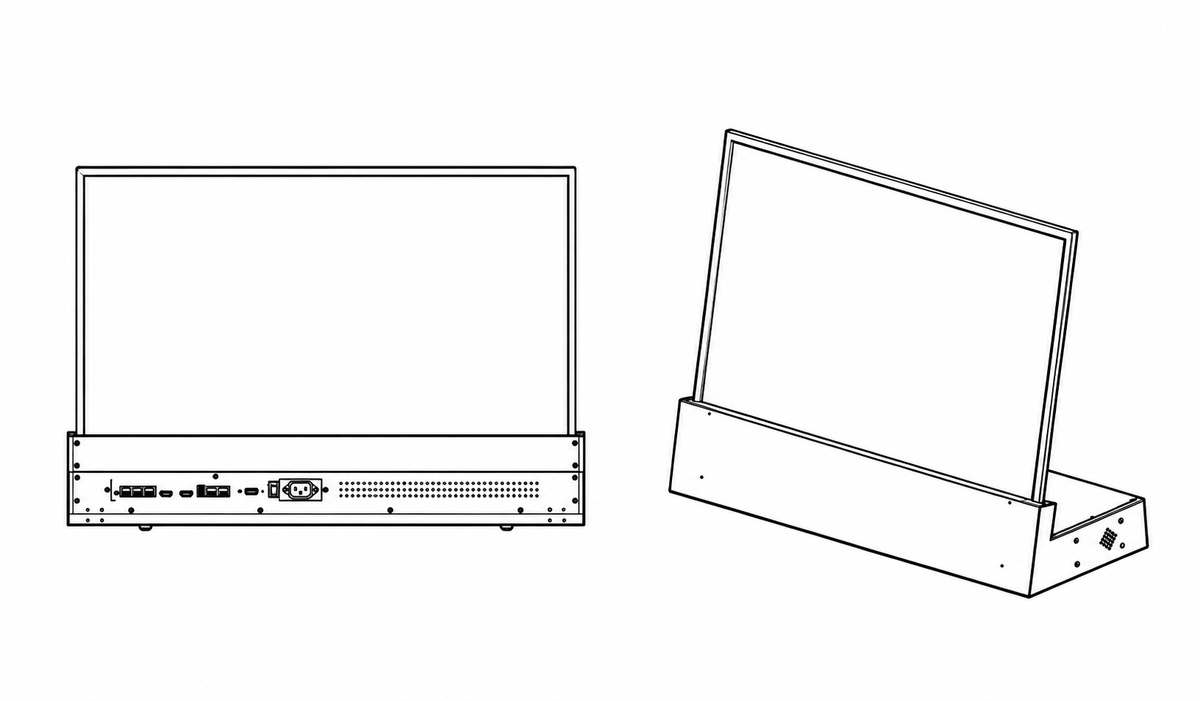
For a product launch, the presentation might begin with a short brand animation to draw attention to the table. It can then move into close-up visuals explaining materials, shapes, or structural details, followed by the product name and a brief invitation to speak with the team.
For teams planning a trade show booth transparent display, this desktop format can support a focused presentation beside a meeting area or within a sample display. Final placement should account for tabletop load capacity, equipment dimensions, power access, and visitor movement.
Create Content for a Transparent Canvas
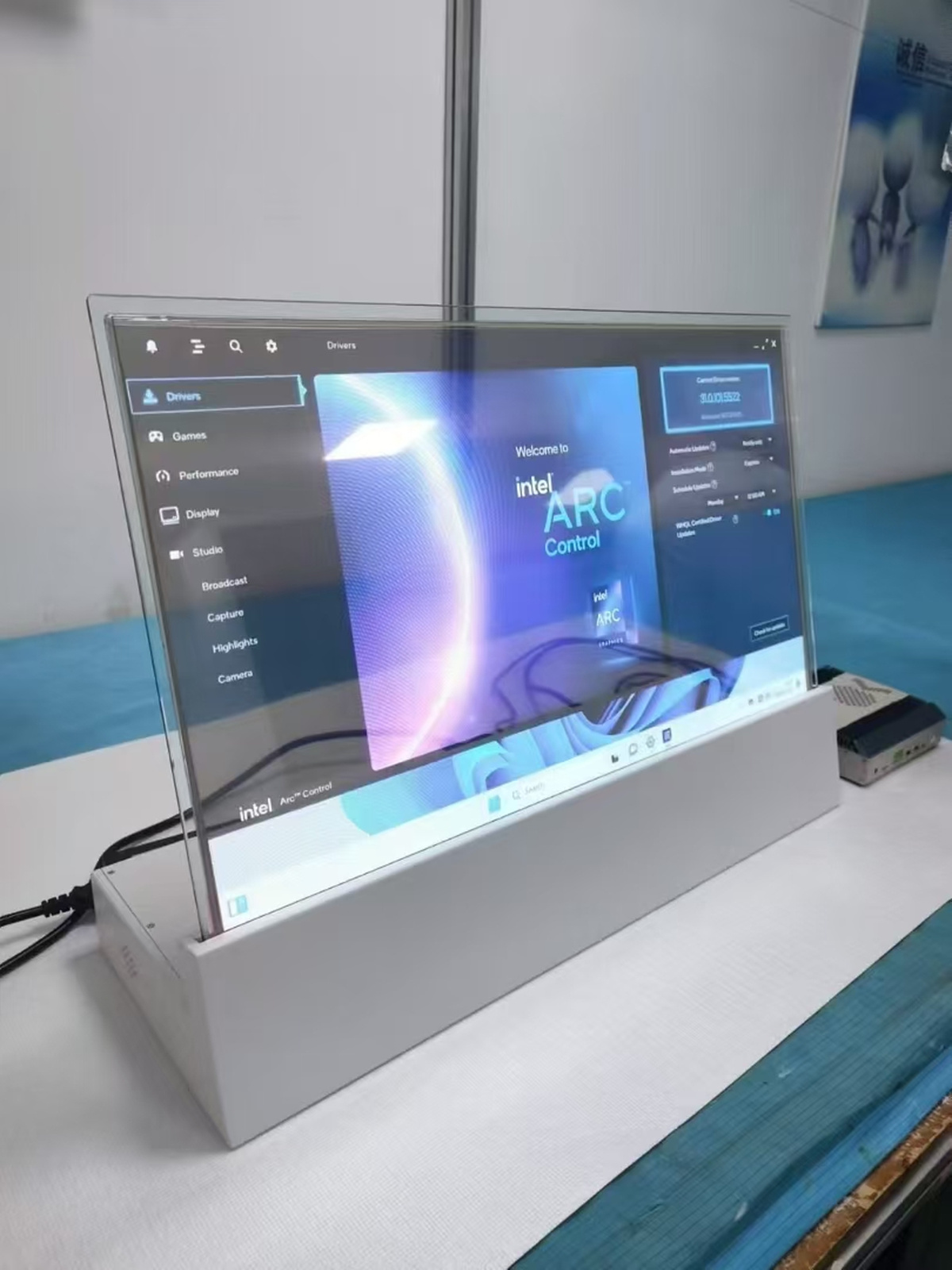
How to create content for transparent OLED is an important question to address during planning. Content needs to work with both the digital foreground and the environment behind the screen. Reusing a conventional advertisement with a full-frame background may reduce the see-through effect the installation is intended to achieve.
A more suitable approach is to emphasize the subject, limit large background areas, and leave visual space for the physical product. Outline animations can highlight a product’s shape, short captions can explain key benefits, and moving graphics can frame the exhibit. Text size, color, and placement should be tested under the intended lighting and background conditions.
If on-screen labels need to align with an object behind the display, the composition should be calibrated for the main viewing position. This is a content and installation technique; it does not imply built-in object recognition or tracking.
Match the Configuration to the Experience
The 30-inch screen features a resolution of 1366 × 768 and an active display area of approximately 664.29 × 373.48 mm. Clear visual subjects and concise messages are a practical starting point, while smaller text should be tested at the intended viewing distance.
The specification lists 10-point capacitive touch, with a non-touch option available. For visitor-led product browsing, the touch configuration can be paired with suitable interactive software. For scheduled playback, the configuration can be selected around the presentation requirements. PC and Android systems are optional, so playback methods, computing hardware, and software scope should be confirmed when requesting a quotation.
Start with your exhibition concept. Share the tabletop dimensions, the object you want to present, and the intended interaction, and we can help identify a suitable equipment configuration for your next product display.